
- Shop Shop
-
Desktop
Desktop
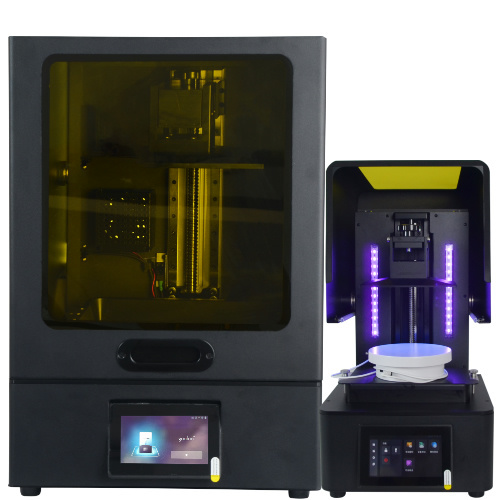
MSLA series

High accuracy Lens-s pro
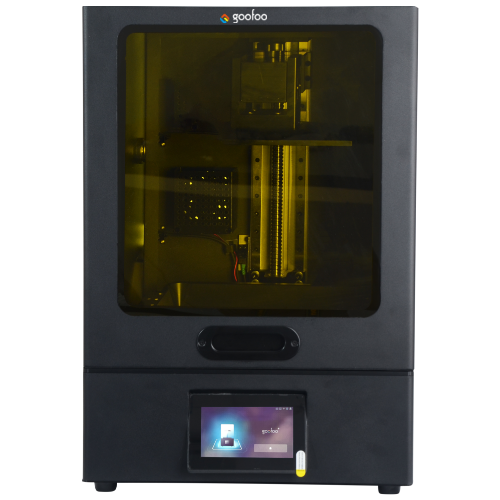
Large build volume Lens-m pro
- Industrial Industrial
-
Material
Material

Resin series

Dental DM100/TC100/ etc.

Jewelry Jewelry Resin

Generic PW100

Industry High Temp Resin

Garage Kit Red wax
-
Expanded
Expanded
Laser Engraver/CNC

TS4030(class1) Laser engraver & cutter 400*300mm
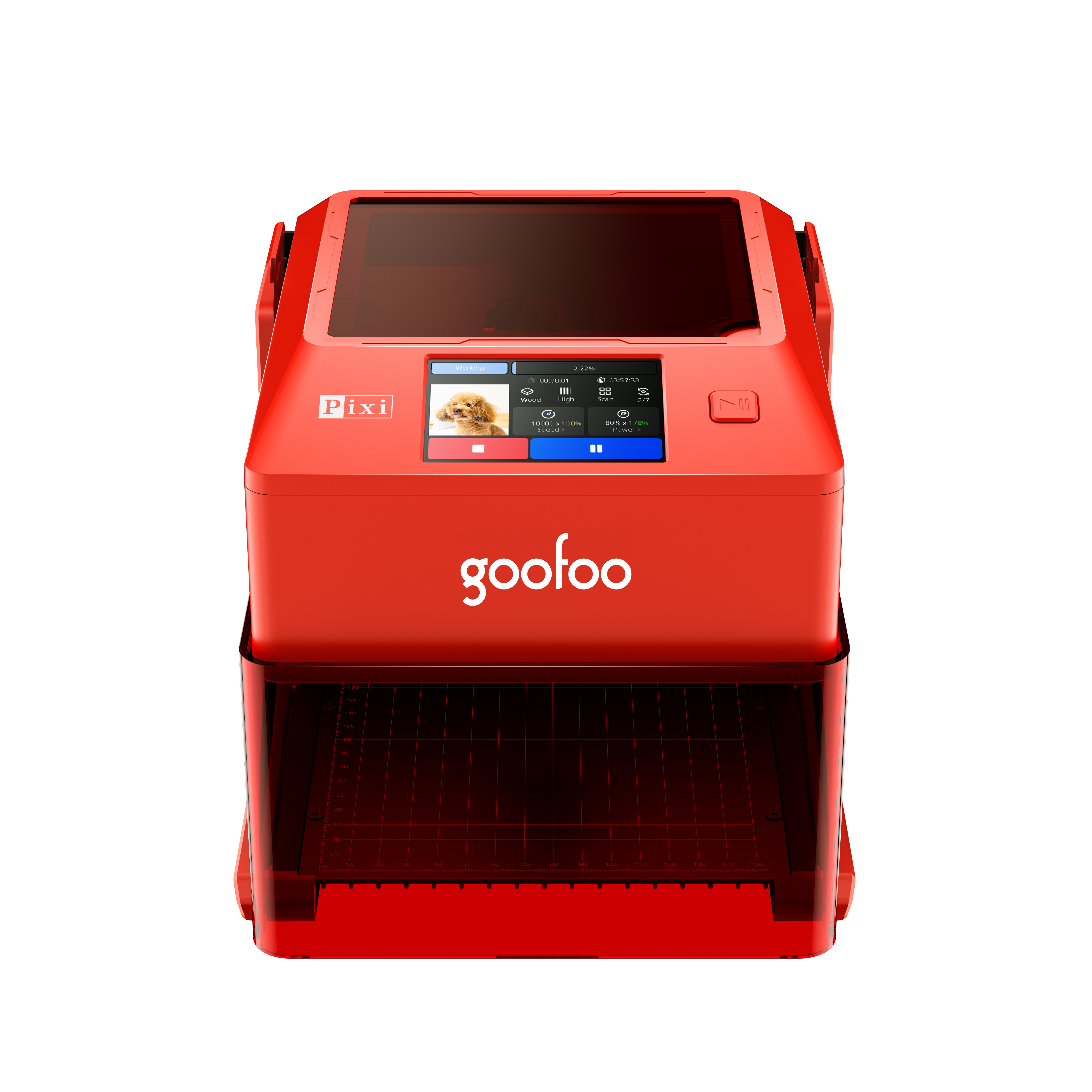
Pixi(class1) Laser engraver & cutter 100*100mm
3D scanner
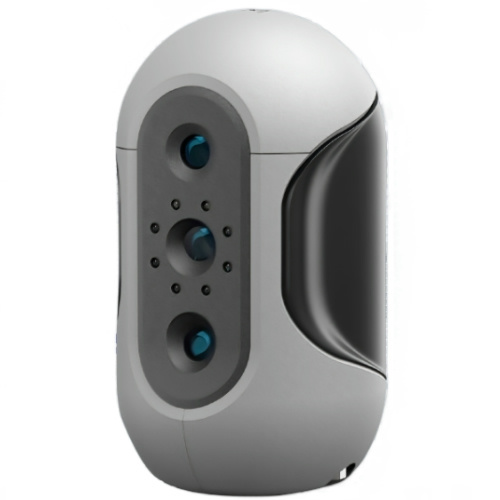
Mole Highest accuracy 0.05mm
- Industries & Applications Industries & Applications
- Support Support
- About Us About Us
- Contact Us Contact Us
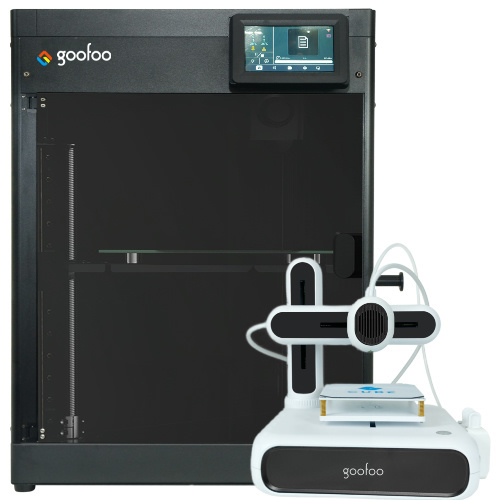


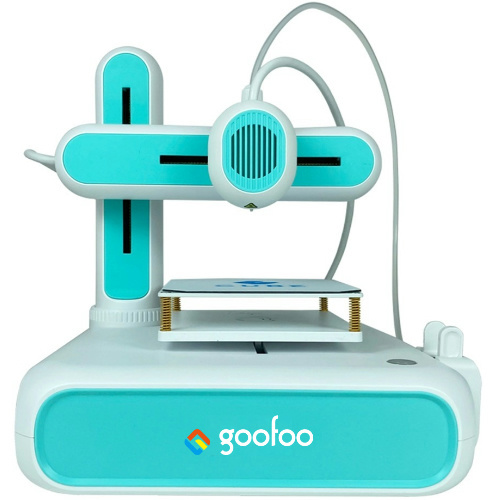
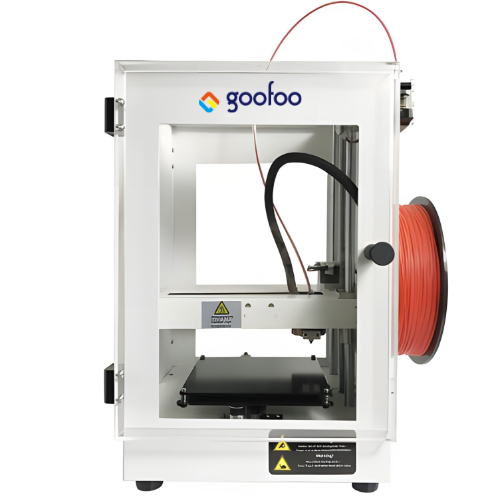
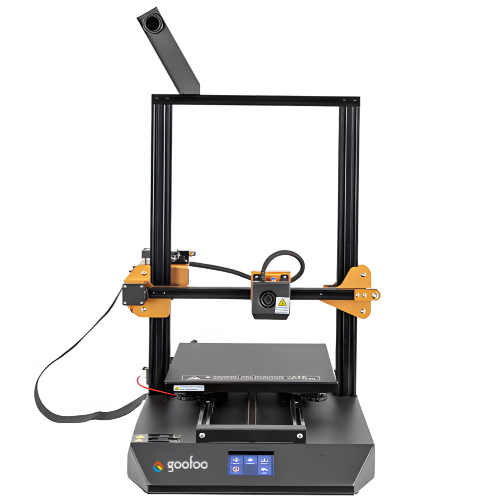
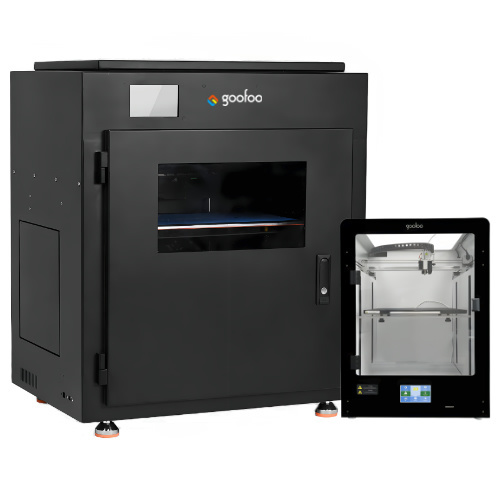
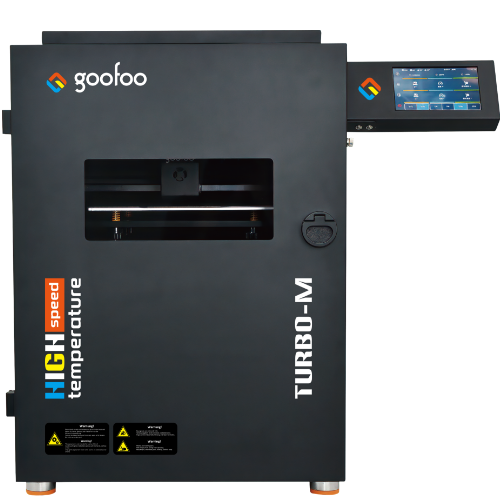
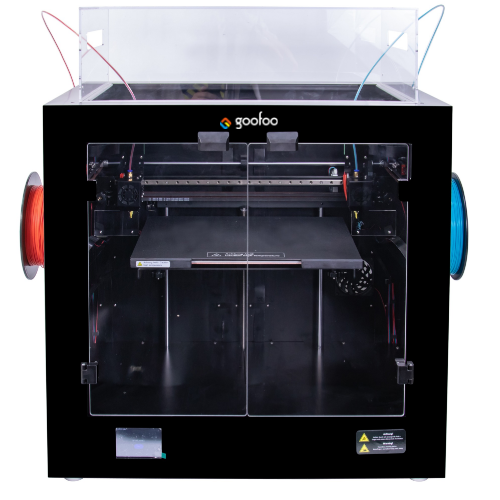
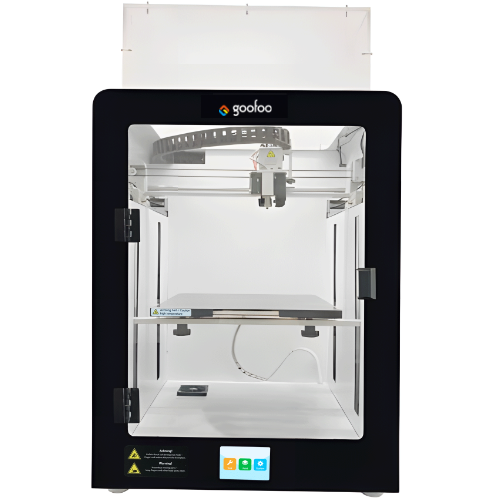
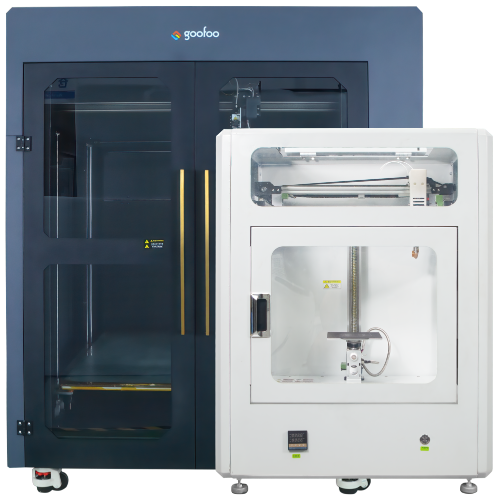

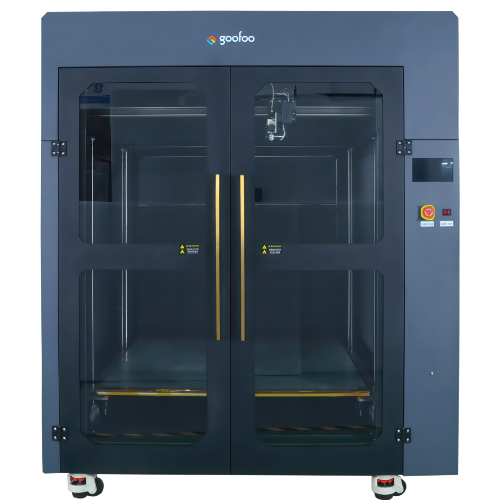
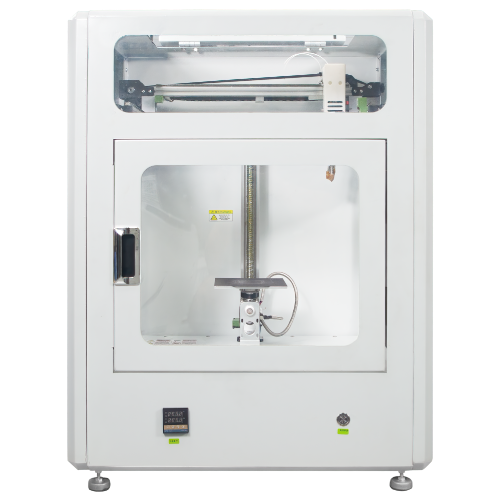
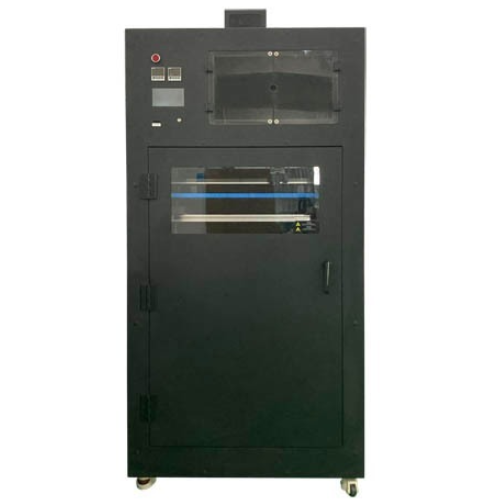
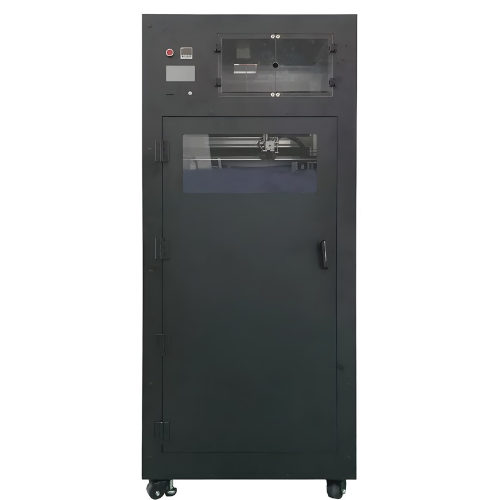
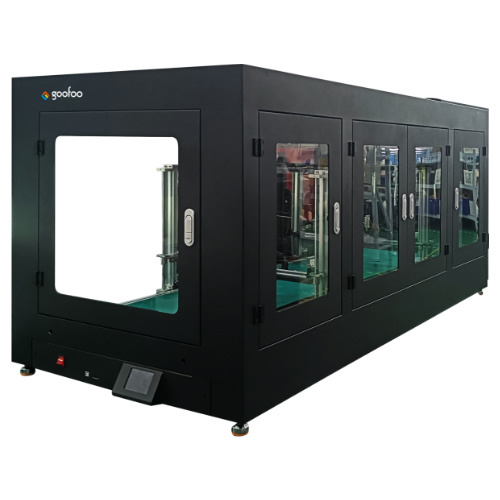
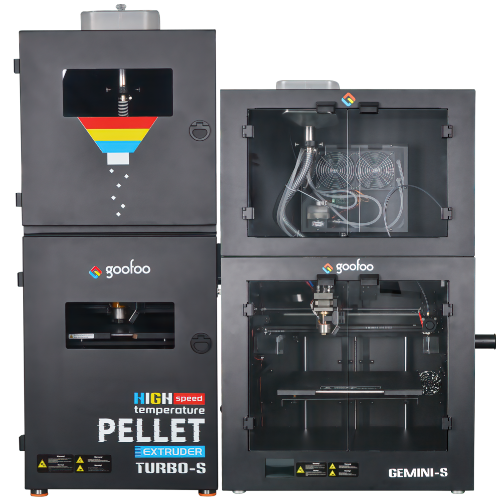

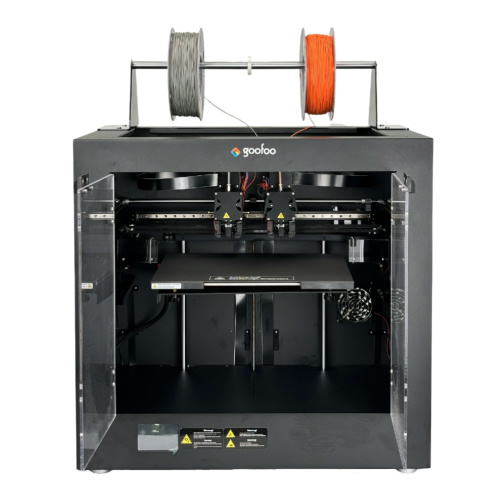













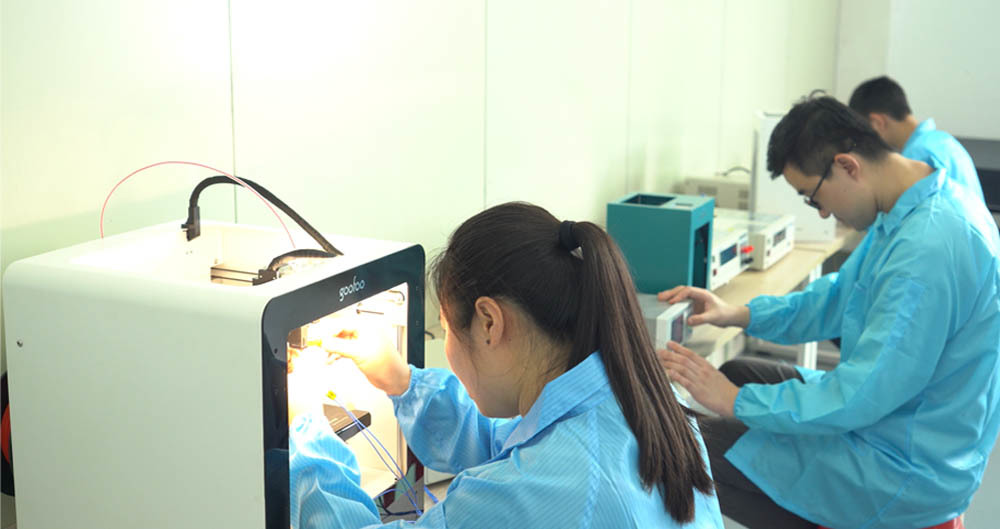




Discover the Ultimate 3D Printing Experience Right in Your Home
2025-12-14 12:10
Discover the Ultimate 3D Printing Experience Right in Your Home
Table of Contents
- Introduction to 3D Printing at Home
- What is 3D Printing?
- Benefits of Home 3D Printing
- Choosing the Right 3D Printer for Your Needs
- Essential Tools and Materials for 3D Printing
- Step-by-Step Guide to 3D Printing
- Troubleshooting Common Issues in 3D Printing
- Creative Applications of 3D Printing
- The Future of 3D Printing Technology
- Conclusion
- FAQs about Home 3D Printing
Introduction to 3D Printing at Home
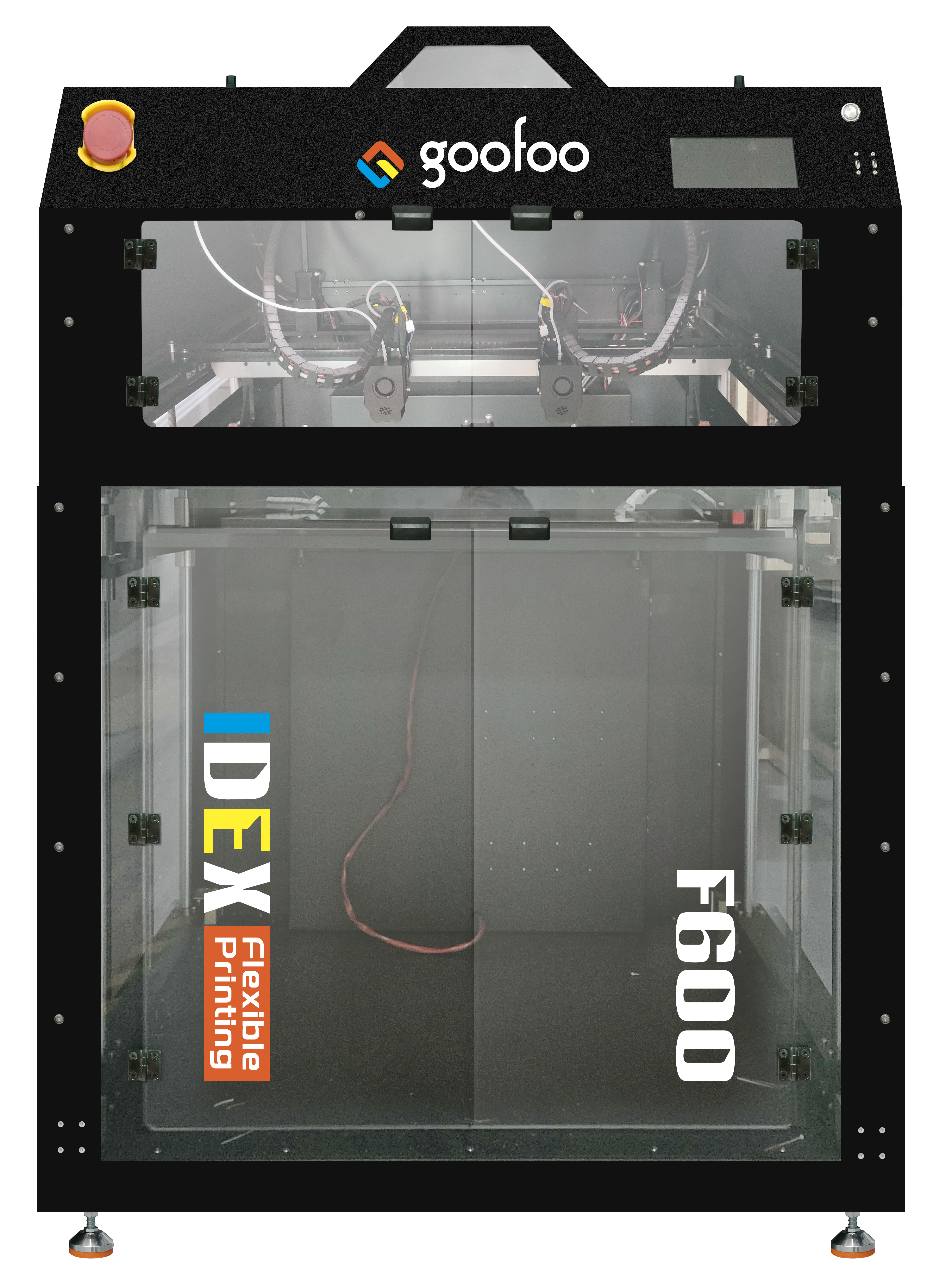
3D printing has revolutionized the way we create and design objects, making it possible for anyone to turn their ideas into reality. With advancements in technology and accessibility, having a **3D printer at home** is no longer a dream reserved for large corporations or tech enthusiasts. Whether you're looking to create customized items, prototypes, or innovative designs, this guide will provide you with everything you need to embark on your **3D printing adventure**.
What is 3D Printing?
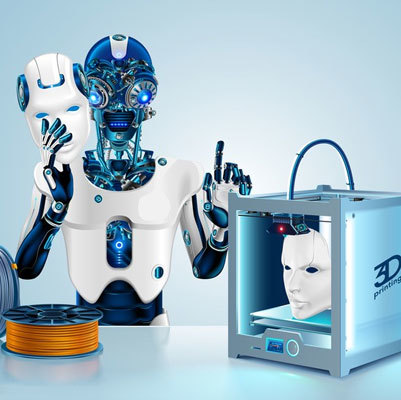
3D printing, also known as additive manufacturing, involves creating a physical object from a digital design by layering materials. This process starts with a 3D model, which can be designed using specialized software or downloaded from various online repositories. The printer then deposits material layer by layer until the final object is complete. This technology is employed across diverse industries, from healthcare to automotive, and is increasingly becoming a staple in home workshops.
Benefits of Home 3D Printing
The appeal of home 3D printing lies in its numerous advantages, including:
1. **Cost-Effectiveness**: Once you invest in a 3D printer, the cost of producing items is significantly lower compared to traditional manufacturing methods.
2. **Customization**: Create bespoke items tailored to your specific requirements, whether it’s unique gifts or personalized home decor.
3. **Learning Opportunity**: Engaging in 3D printing enhances your understanding of design and engineering principles.
4. **Rapid Prototyping**: Quickly bring ideas to life and iterate designs without the long lead times associated with traditional manufacturing.
5. **Sustainability**: Reduce waste by producing only what you need, and use eco-friendly materials where available.
Choosing the Right 3D Printer for Your Needs
Selecting the perfect 3D printer involves several considerations that align with your specific needs and budget.
Types of 3D Printers
There are several types of 3D printers available, each with its unique technology and advantages:
- **Fused Deposition Modeling (FDM)**: The most common type for home use, FDM printers extrude melted filament to create objects layer by layer.
- **Stereolithography (SLA)**: This method uses a laser to solidify resin in layers, resulting in high-resolution prints. SLA printers are ideal for intricate designs.
- **Digital Light Processing (DLP)**: Similar to SLA, DLP projects light to cure resin, offering speed advantages over traditional SLA.
- **Selective Laser Sintering (SLS)**: Although more expensive, SLS printers are ideal for creating durable parts from powdered materials.
Understanding the different printer types helps you make an informed decision based on your requirements.
Budgeting for a 3D Printer
Your budget will significantly influence your choice of a 3D printer. Consider the following:
- **Entry-Level Printers**: Ideal for beginners, these machines typically range from $200 to $500.
- **Mid-Range Printers**: Offering better quality and features, expect to spend between $500 and $1,500.
- **Professional Printers**: For advanced users or businesses, these typically start around $1,500 and can go up significantly based on capabilities.
Always consider the long-term costs, including materials and maintenance.
Essential Tools and Materials for 3D Printing
Investing in essential tools and materials enhances your 3D printing experience.
Understanding 3D Printing Filaments
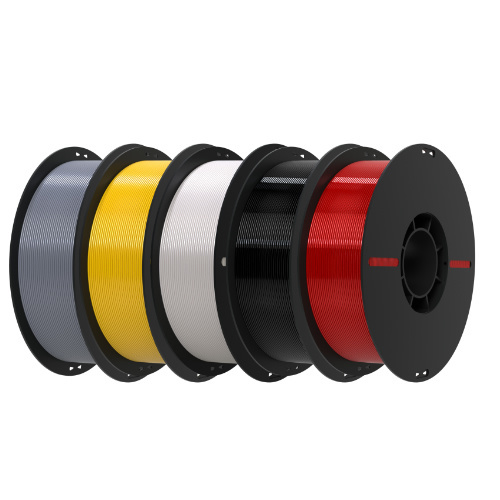
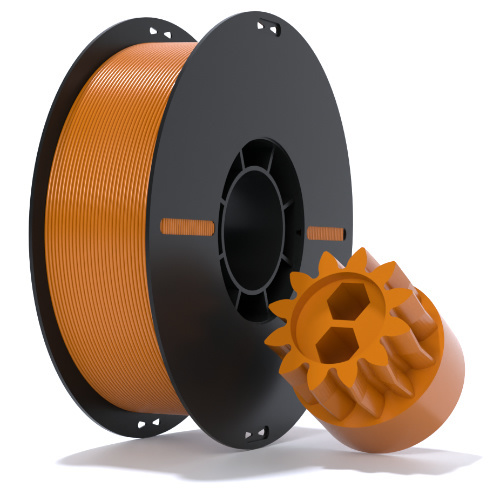
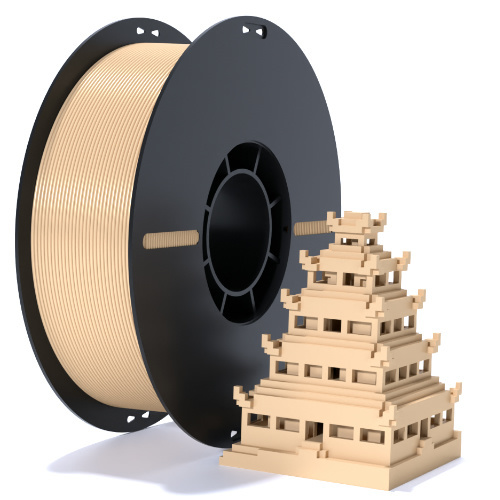
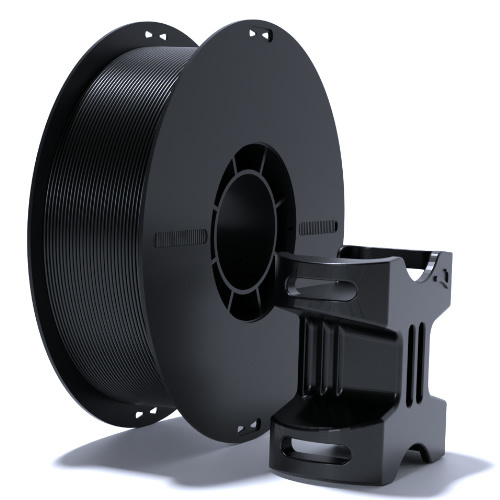
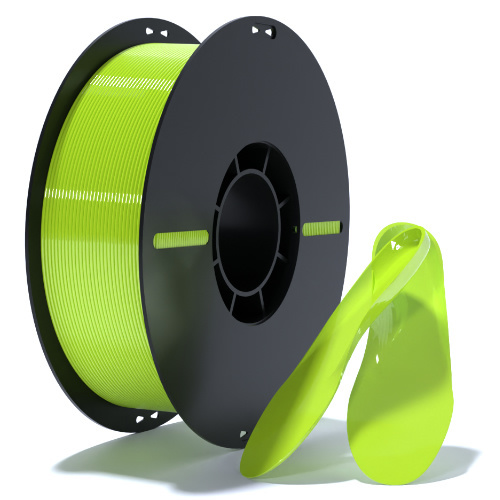
Filament is the material used in FDM printers. The most common types include:
- **PLA (Polylactic Acid)**: Biodegradable and easy to use, making it a great choice for beginners.
- **ABS (Acrylonitrile Butadiene Styrene)**: Known for its strength and durability, but requires a heated bed to print effectively.
- **PETG (Polyethylene Terephthalate Glycol)**: Offers a balance between ease of use and strength, making it suitable for various applications.
Understanding filament properties helps you choose the right material for your projects.
Software for 3D Printing
Designing your 3D models necessitates using specialized software. Popular options include:
- **Tinkercad**: A user-friendly, web-based tool perfect for beginners.
- **Fusion 360**: A comprehensive tool for more advanced designs and engineering applications.
- **Blender**: Ideal for artists and designers looking to create detailed and complex models.
Additionally, slicing software like **Cura** or **PrusaSlicer** converts your 3D model into a format your printer can understand.
Step-by-Step Guide to 3D Printing
Embarking on your 3D printing journey involves several steps:
1. **Design or Download a 3D Model**: Use design software or browse online repositories like Thingiverse or MyMiniFactory for ready-made models.
2. **Slice the Model**: Import your 3D model into slicing software to prepare it for printing, adjusting settings such as layer height and infill density.
3. **Prepare the Printer**: Load the filament, calibrate the printer, and ensure the print bed is leveled.
4. **Start the Print**: Initiate the printing process and monitor the progress, ensuring everything runs smoothly.
5. **Post-Processing**: Once the print is complete, remove supports, sand rough edges, and apply finishing touches like paint or varnish.
Following these steps allows for a successful printing experience.
Troubleshooting Common Issues in 3D Printing
While 3D printing is exciting, it can come with its challenges. Here are common issues and their solutions:
- **Print Not Sticking to the Bed**: Ensure proper bed leveling and use adhesives like glue stick or blue tape.
- **Stringing**: Adjust retraction settings in your slicing software to minimize this issue.
- **Layer Misalignment**: Check for loose belts and ensure the printer is properly calibrated.
Addressing these issues promptly helps maintain a seamless printing experience.
Creative Applications of 3D Printing
The possibilities with 3D printing are virtually limitless. Here are some innovative applications:
- **Home Decor**: Create custom vases, wall art, and furniture components tailored to your style.
- **Prototyping**: Rapidly prototype new product ideas and test functionality before mass production.
- **Educational Tools**: Design educational models to aid in teaching complex concepts, such as anatomy or architecture.
Exploring these applications can lead to exciting new projects.
The Future of 3D Printing Technology
As technology continues to advance, the future of 3D printing looks promising. Key trends to watch include:
- **Material Innovation**: New materials such as bioprinting and metal 3D printing are set to expand the applications of this technology.
- **Increased Accessibility**: As prices decrease and technology evolves, more households will embrace 3D printing.
- **Sustainability**: Innovations in eco-friendly materials and processes will make 3D printing a greener option.
Staying informed about these trends can help you leverage new opportunities in your 3D printing journey.
Conclusion
Home 3D printing offers an exciting gateway to creativity, innovation, and personal expression. By understanding the technology, selecting the right equipment, and exploring diverse applications, you can unlock the ultimate 3D printing experience right in your own home. Dive into this captivating world and watch as your ideas take shape, transforming from digital designs to tangible creations.
FAQs about Home 3D Printing
1. What is the best 3D printer for beginners?
For beginners, the **Creality Ender 3** or **Anycubic i3 Mega** are popular options due to their user-friendliness and affordability.
2. How much does it cost to start 3D printing at home?
The initial investment can range from $200 to $1,500 depending on the printer and materials chosen. Additional costs for software and upgrades may also apply.
3. Can I use my 3D printer for commercial purposes?
Yes, many individuals use their 3D printers to create and sell products. However, ensure that you comply with local regulations and licensing requirements.
4. How long does it take to print a 3D object?
Print times vary based on the object size and printer settings, ranging from a few hours to several days for larger or more complex models.
5. Can I print with different materials on the same printer?
Most printers are designed for specific types of filament. However, some advanced models can accommodate multiple materials if equipped with the right extruders.
By addressing these questions, we hope to empower you on your journey toward mastering home 3D printing.
3d printer for home
Recommended News
 Esperanto
 Shqiptare
 Euskara
 Zulu
Zulu
 Latinus
 Cymraeg
 தமிழ்
தமிழ்
 Slovak
 Slovak
 Afrikaans
Join us
Subscribe to get the latest news


Skype / WhatsApp: +86 592-5713513 / +86-13860126490
No.88-3, North Tongji Road, Xike County, Tong'an District, Xiamen, Fujian China
Xiamen Goofoo Technology Co., Ltd. All Rights Reserved 闽ICP备2022008070号-1 SEO 300.cn
Phone:+0086 592-5713513
Address: No.88-3, North Tongji Road, Xike County, Tong’an District, Xiamen, Fujian China
Email: sales@goofoo3d.com
We will give you feedback in time