
- Shop Shop
-
Desktop
Desktop
FDM / FGF

High speed GP1

colorful GP4/GP4-C
Kids Cube/3D Pen
High speed&temp Turbo-m
Pellet Gemini-s/Turbo-s
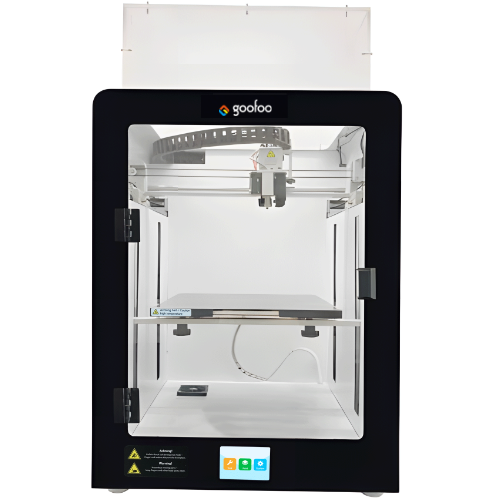
Classic+ Mido/Nova/Plus
- Industrial Industrial
-
Material
Material

Resin series

Dental DM100/TC100/ etc.

Jewelry Jewelry Resin

Generic PW100

Industry High Temp Resin

Garage Kit Red wax
-
Expanded
Expanded
Laser/CNC/3D scanner

TS4030(class1) Laser engraver & cutter 400*300mm
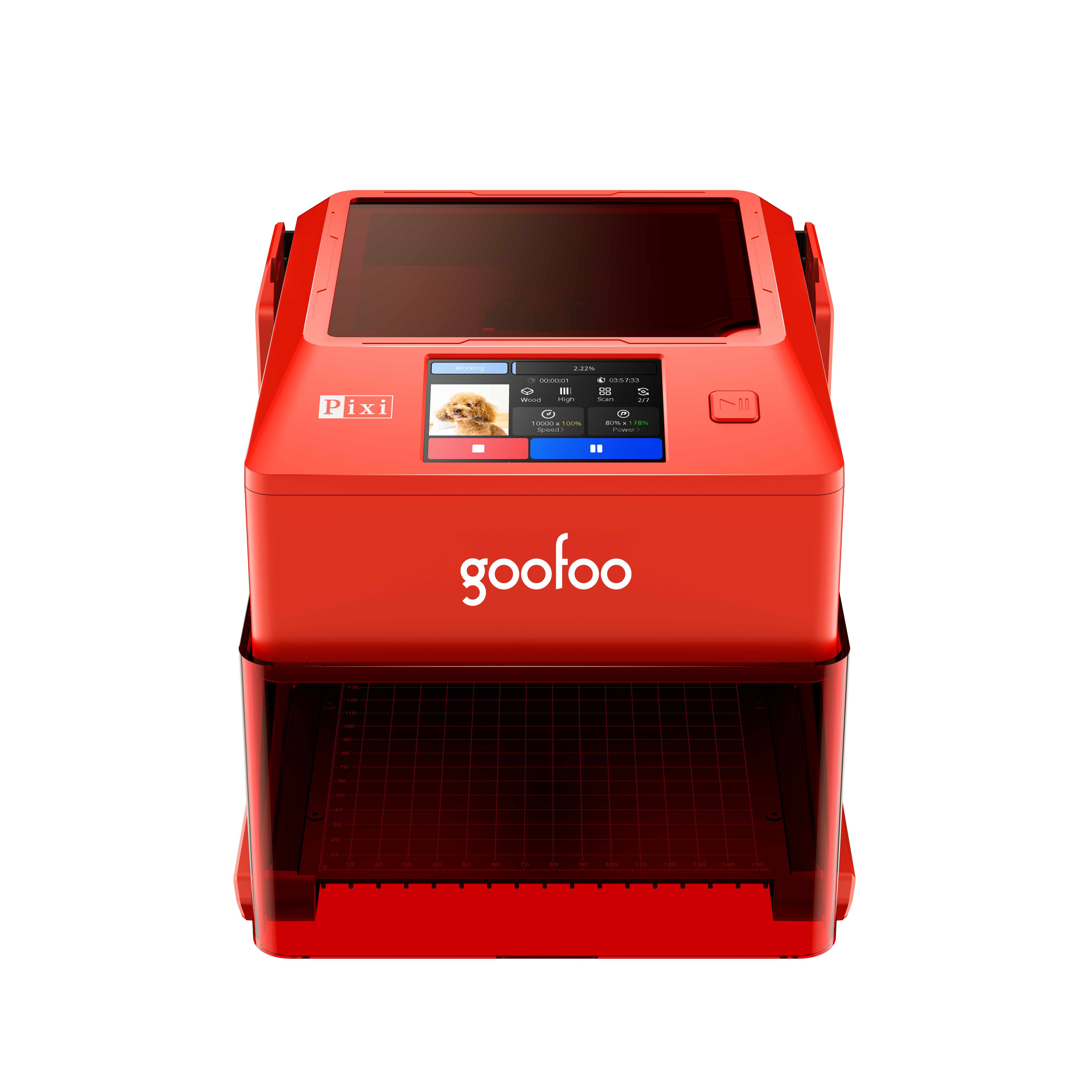
Pixi(class1) Laser engraver & cutter 100*100mm
Mole Highest accuracy 0.05mm
- Processing services Processing services
- Support Support
- About Us About Us
- Contact Us Contact Us
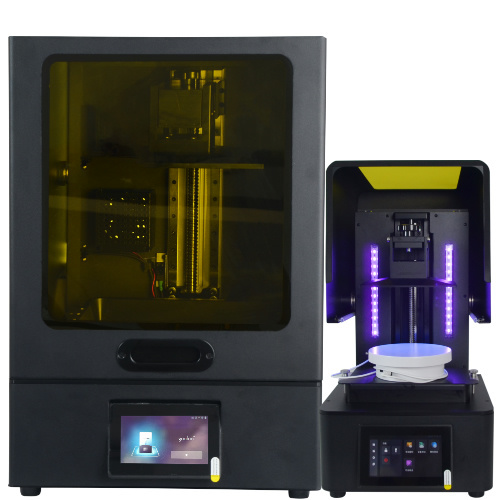

















3D Printer Service in 2026: Repair, Maintenance, and Troubleshooting Guide
2026-11-16 07:29
📋 Article Summary
A professional 3D printer service includes inspection, calibration, repair, firmware updates, and preventive maintenance. In practice, most print failures are caused by poor bed adhesion, clogged nozzles, loose belts, or outdated firmware. This guide helps users decide when to DIY and when to call an expert.
What Is 3D Printer Service and Why It Matters in 2026
3D printer service is a set of maintenance, repair, calibration, and support actions that keep additive manufacturing equipment running accurately and safely. In 2026, as more schools, workshops, and small manufacturers rely on desktop FDM and resin printers, service is no longer optional. Regular service reduces downtime, improves print quality, and extends the life of the machine.
Core Definition
Professional service typically includes mechanical inspection, axis calibration, nozzle replacement, bed leveling, belt tension adjustment, firmware updates, and performance testing. From field experience, printers that are serviced every 3 to 6 months show fewer layer-shifting issues and more consistent dimensional accuracy.
Who Needs 3D Printer Service?
Schools, makerspaces, product designers, and small manufacturing teams need structured service plans. A single failed print can waste hours of machine time and expensive material. Industry consensus is that preventive maintenance is more cost-effective than emergency repair.
Common 3D Printer Problems Covered by Professional Service
Most service tickets begin with visible print defects. Technicians diagnose whether the issue is mechanical, thermal, electrical, or related to slicing settings.
Layer Shifting and Bed Adhesion Issues
Layer shifting often happens when belts are loose, stepper motors overheat, or the printer frame is slightly misaligned. Bed adhesion problems may be caused by an uneven bed, dirty surface, incorrect nozzle height, or wrong first-layer temperature. Practical testing shows that cleaning the bed and re-leveling the nozzle fixes about 35% of adhesion complaints.
Nozzle Clogs and Extrusion Errors
Clogs can occur from contaminated filament, low nozzle temperature, or a partially worn nozzle. Professional service includes cold pulls, atomic pulls, nozzle inspection, and extruder gear cleaning. If the nozzle is damaged beyond cleaning, replacement is usually recommended.
Why Is My 3D Printer Not Extruding Plastic?
The most common causes are a clogged nozzle, a slipped extruder gear, or insufficient filament flow. In practice, technicians usually check the extruder path first before replacing expensive parts.
How to Choose the Right 3D Printer Service Provider
Choosing a service provider should be based on expertise, transparency, and compatibility with your printer model.
Certifications, OEM Parts, and Technical Expertise
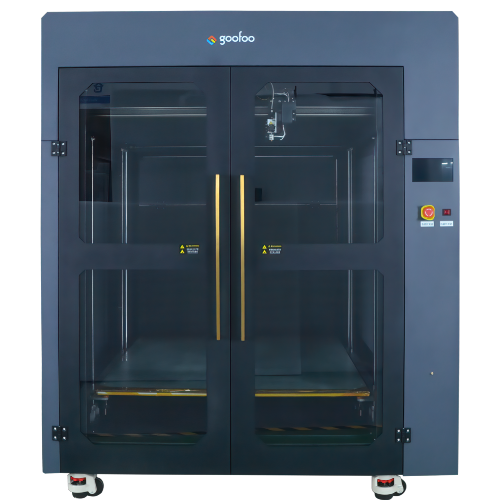
Ask whether the provider uses original manufacturer parts, has experience with your printer brand, and can explain the repair process. For example, Goofoo3d supports users with troubleshooting guidance, spare parts, and maintenance recommendations for its 3D printer ecosystem.
Response Time, Cost Transparency, and Warranty
A reliable provider should give an estimated response time, clarify diagnostic fees, and explain whether repairs are covered by warranty. Hidden charges are a major trust risk, especially for schools and small businesses.

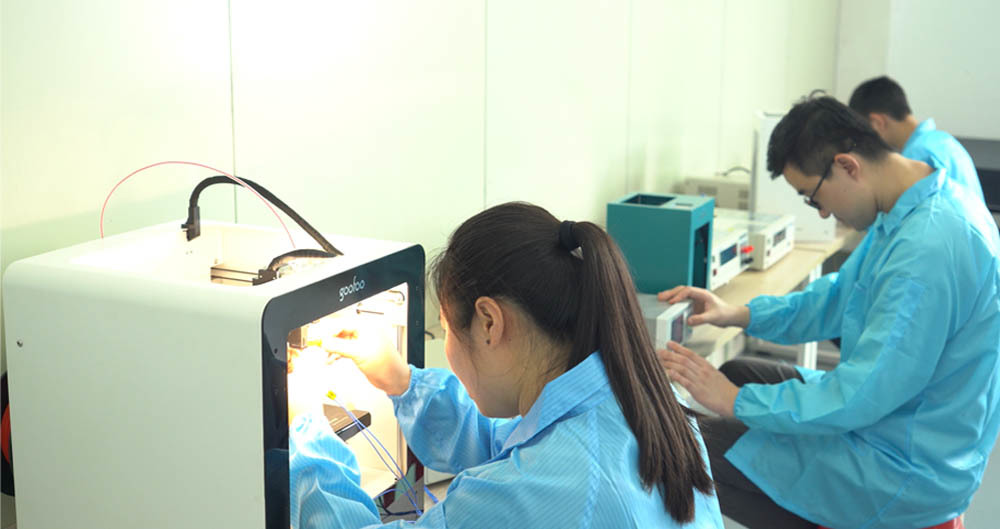
Image Source: unsplash
Step-by-Step Workflow of a Professional 3D Printer Service Visit
A structured service visit prevents repeated problems. In practice, most professional technicians follow this workflow:
- Collect the error history, print samples, and printer model information.
- Inspect the frame, belts, rails, extruder, bed, and electrical connections.
- Clean and calibrate the bed, nozzle height, and motion axes.
- Update firmware and test basic movement, heating, and extrusion.
- Run a test print and compare dimensions with expected results.
- Provide a service report with recommendations for future maintenance.
2026 industry observations indicate that printers receiving quarterly test-print inspections have 40% fewer unplanned failures than machines left unserviced for more than 12 months.
DIY Maintenance vs Professional 3D Printer Service
Not every problem requires a technician. Simple cleaning and bed leveling can be done by users. However, complex mechanical issues may require professional tools and experience.
| Comparison Factor | DIY Maintenance | Professional Service |
|---|---|---|
| Cost | Low, mainly consumables | Higher, but includes expertise |
| Best for | Cleaning, bed leveling, small clogs | Mechanical repair, calibration, warranty issues |
| Risk | May misdiagnose or damage parts | Lower risk, but slower and more expensive |
| Time required | 15 to 60 minutes | Same day to several days |
Cost Expectations for 3D Printer Service in 2026
Service costs vary by printer size, brand, region, and problem severity.
Factors That Influence Pricing
Common pricing factors include diagnostic fees, travel costs, replacement parts, labor time, and whether the printer is under warranty. A simple nozzle replacement is much cheaper than a heated bed or motherboard repair.
Preventive Service ROI
For businesses, preventive service saves money by reducing wasted filament and failed print jobs. In case examples, a quarterly calibration plan improved first-print success rates from around 60% to over 90% within two months.
How Goofoo Supports Customers with Reliable 3D Printer Service
Goofoo focuses on making 3D printing accessible through reliable hardware, guidance, and support. For users, good service means not just fixing a printer, but preventing the next failure.
Remote Diagnostics and Support Options
Many issues can be diagnosed remotely through photos, video calls, or print sample analysis. This is especially useful for schools and makerspaces where multiple printers are used daily.
Spare Parts, Firmware Updates, and User Training
Long-term reliability depends on access to spare parts and clear maintenance guidance. Users should keep track of firmware versions, nozzle wear, and bed condition. Practical training helps reduce avoidable repairs.
常见问题
Q: How often should a 3D printer be serviced?
A: Most desktop 3D printers should receive basic maintenance every 1 to 3 months, depending on usage. Heavy users may need weekly cleaning, while occasional users can service their printers every 3 to 6 months.
Q: Is professional 3D printer service worth it?
A: Yes, for businesses, schools, or users who rely on consistent prints. Professional service prevents repeated failures, improves print quality, and can extend the printer's lifespan.
Q: What is the most common 3D printer repair?
A: The most common repairs are nozzle replacement, bed leveling, belt tension adjustment, and extruder cleaning. These issues usually cause layer shifting, poor adhesion, or under-extrusion.
Q: Can I service my 3D printer myself?
A: Yes, for simple tasks such as cleaning the bed, removing dust, replacing nozzles, or leveling the bed. Complex electrical or mechanical repairs are better handled by professionals.
This article was generated by AI and is for reference only.
Last
Prev
Recommended News
 Esperanto
 Shqiptare
 Euskara
 Zulu
 Latinus
 Cymraeg
 தமிழ்
 Slovak
 Slovak
 Afrikaans
Join us
Subscribe to get the latest news


Skype / WhatsApp: +86 592-5713513 / +86-13860126490
No.88-3, North Tongji Road, Xike County, Tong'an District, Xiamen, Fujian China
Xiamen Goofoo Technology Co., Ltd. All Rights Reserved 闽ICP备2022008070号-1 SEO 300.cn
Phone:+0086 592-5713513
Address: No.88-3, North Tongji Road, Xike County, Tong’an District, Xiamen, Fujian China
Email: sales@goofoo3d.com
We will give you feedback in time