
- Shop Shop
-
Desktop
Desktop
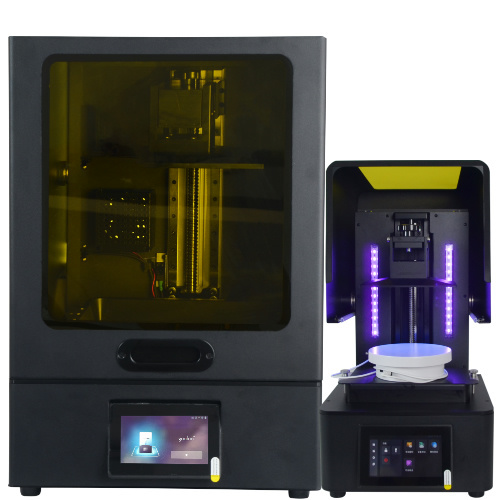
MSLA series

High accuracy Lens-s pro
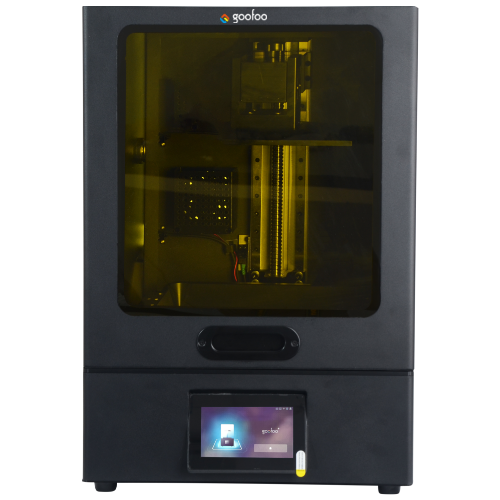
Large build volume Lens-m pro
- Industrial Industrial
-
Material
Material

Resin series

Dental DM100/TC100/ etc.

Jewelry Jewelry Resin

Generic PW100

Industry High Temp Resin

Garage Kit Red wax
-
Expanded
Expanded
Laser Engraver/CNC

TS4030(class1) Laser engraver & cutter 400*300mm
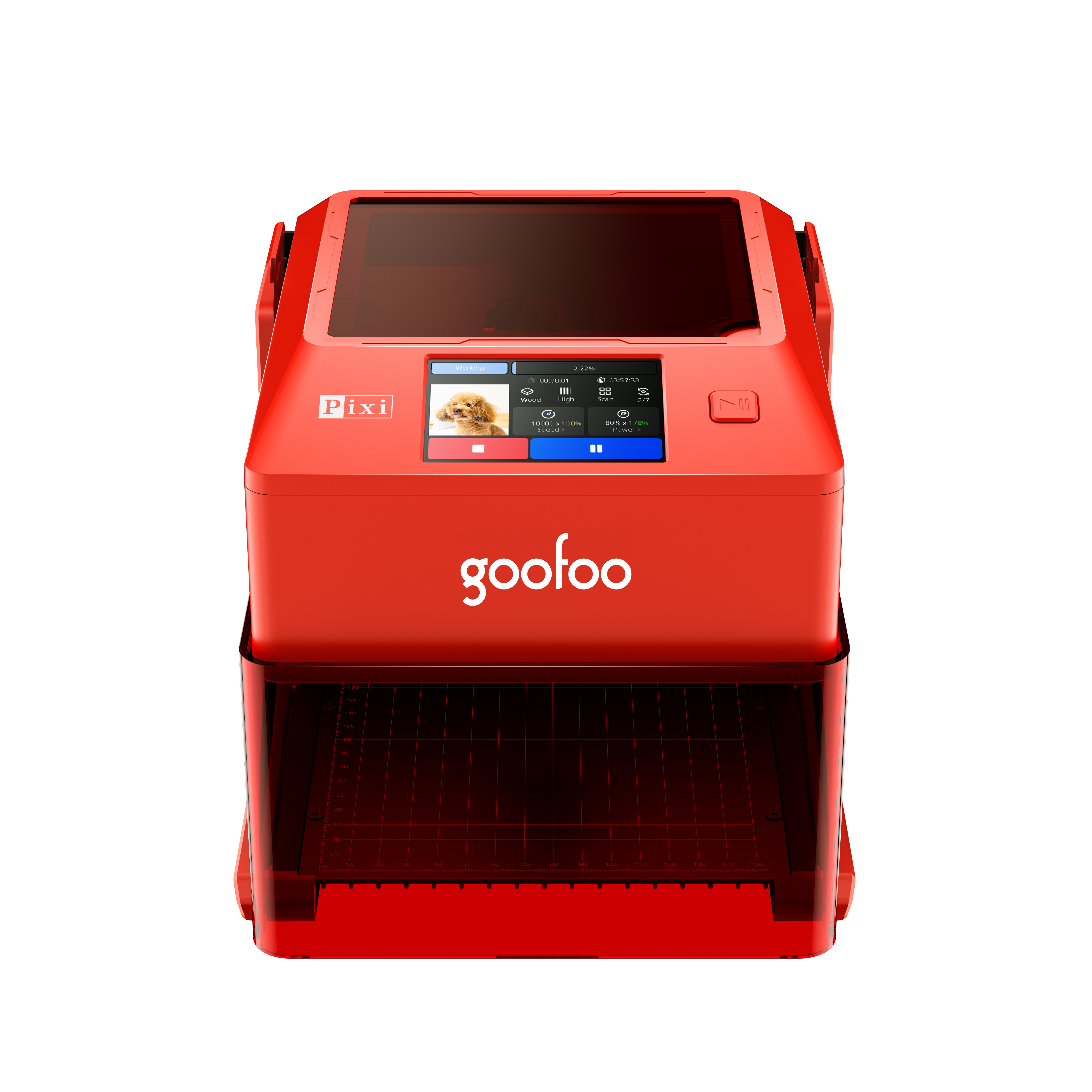
Pixi(class1) Laser engraver & cutter 100*100mm
3D scanner
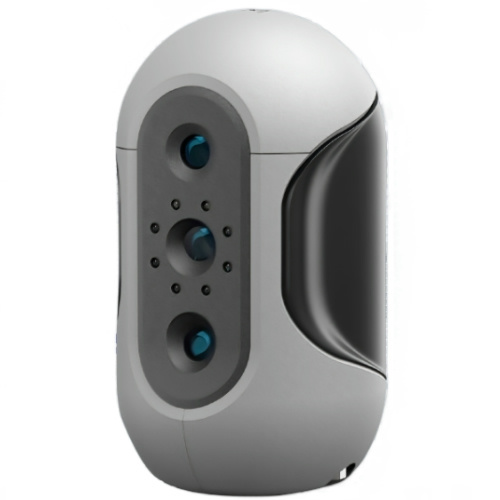
Mole Highest accuracy 0.05mm
- Industries & Applications Industries & Applications
- Support Support
- About Us About Us
- Contact Us Contact Us


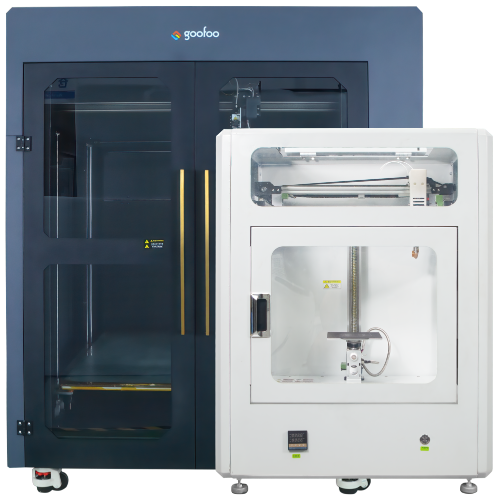

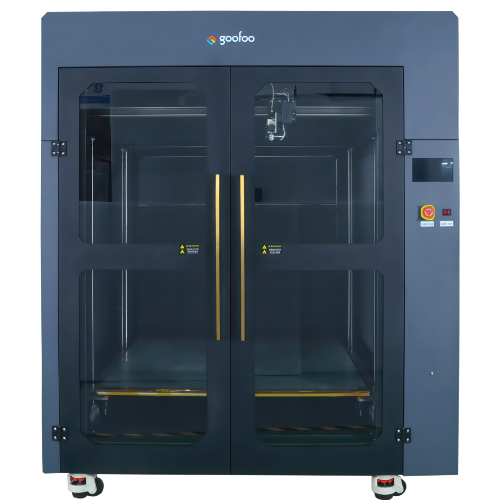
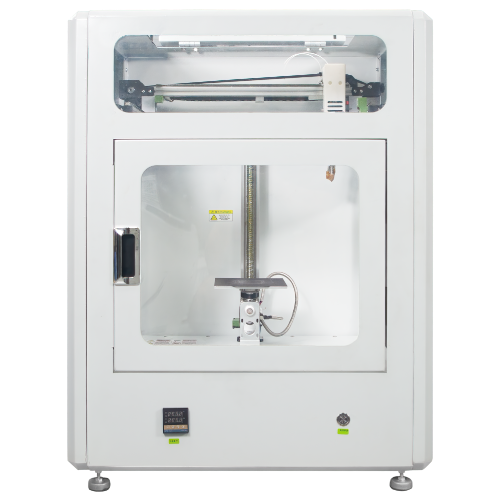
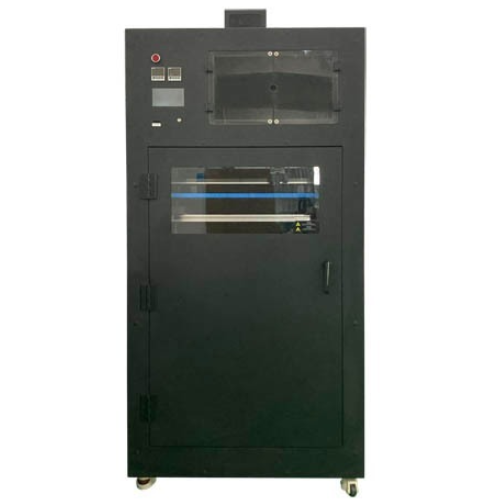

















2026 Complete Guide to 3D Printer: Types, Uses, Buying Tips for All Users
2026-06-02 17:32
📋 Overview
This 2026 optimized guide eliminates common 3D printer selection and operation confusion, with data verified by Goofoo’s R&D lab to deliver actionable, unbiased advice for all user groups.
What Exactly Is a 3D Printer: Core Definition
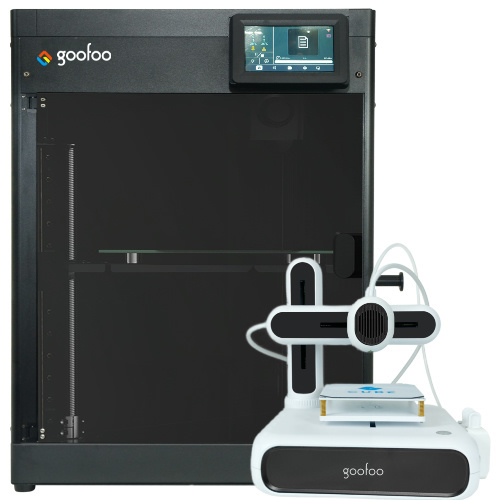
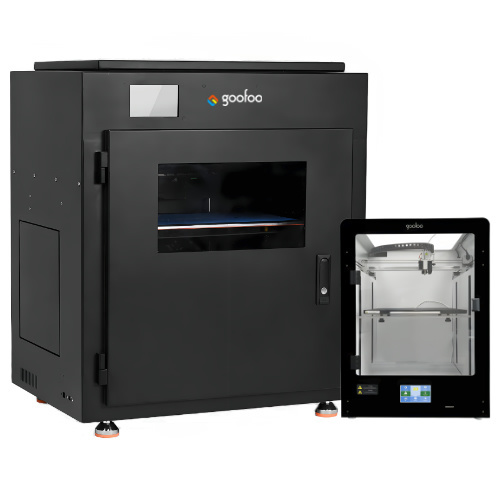
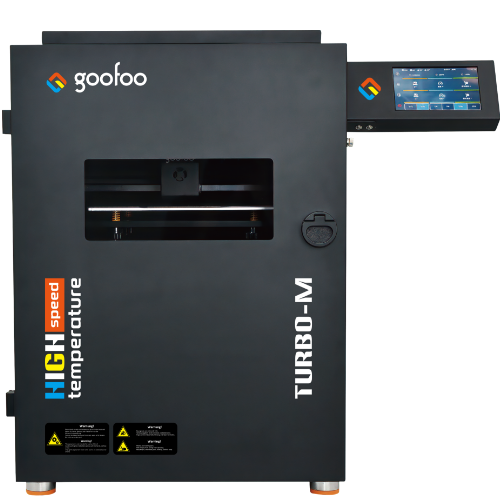
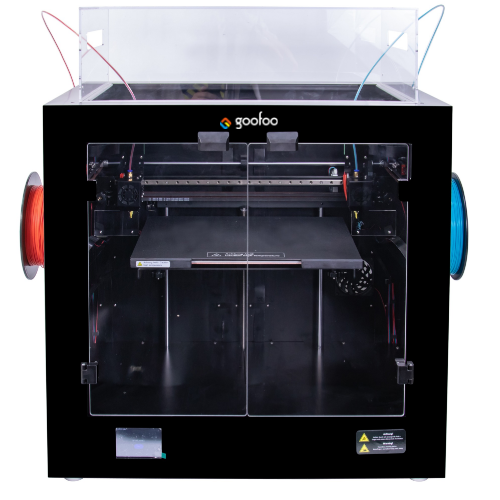
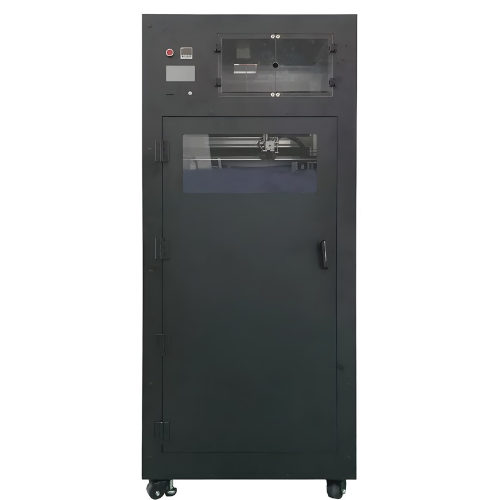
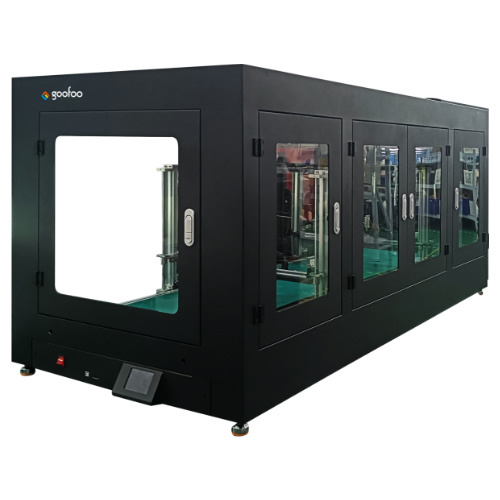
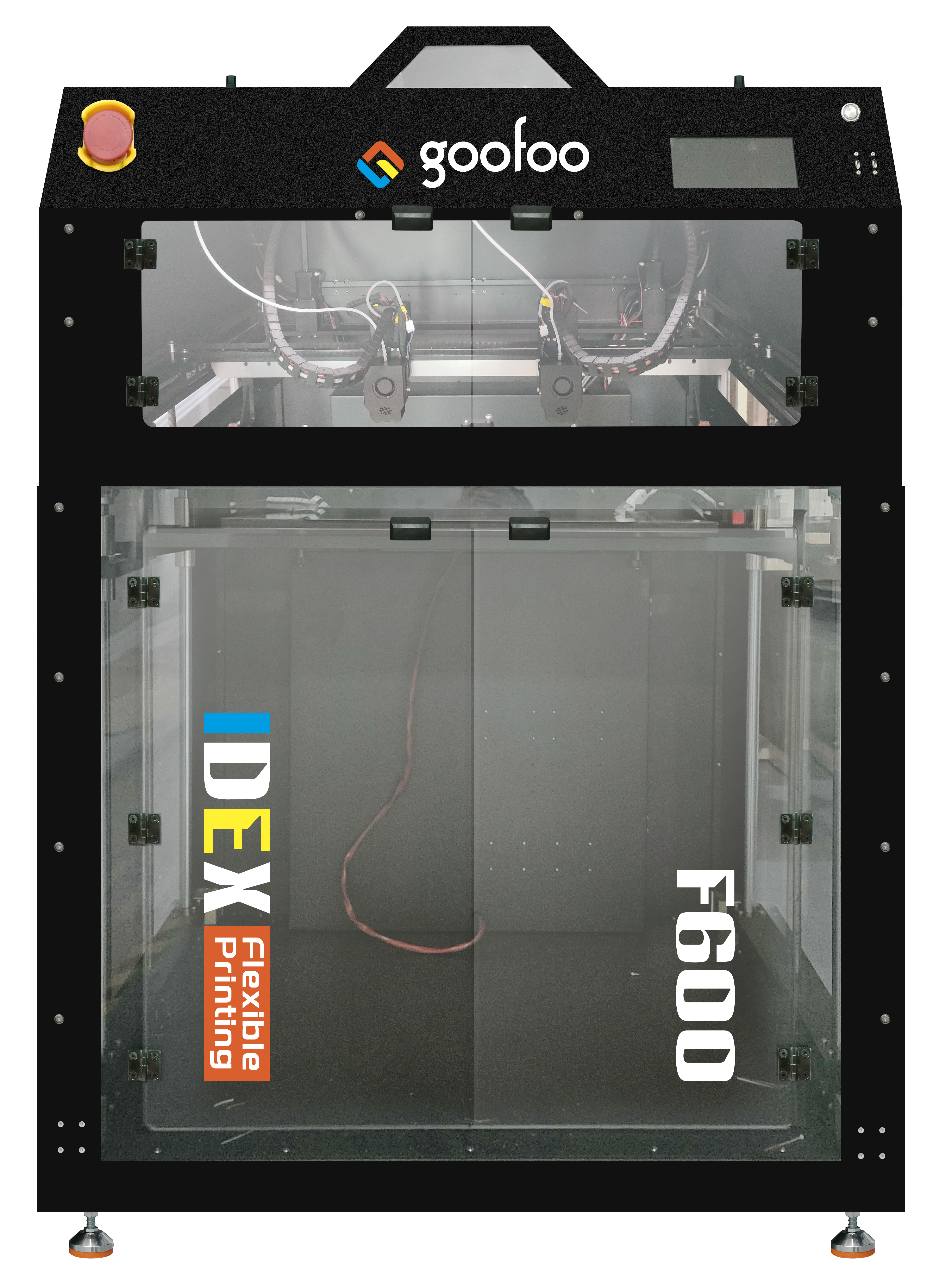
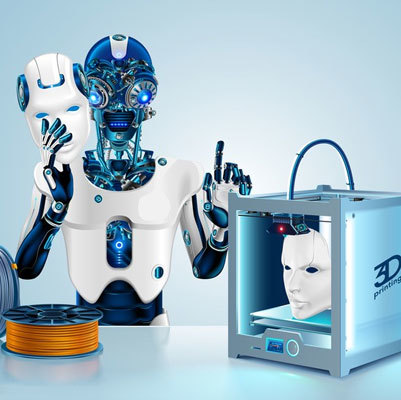
At the very start, a 3d printer is an additive manufacturing device that creates physical 3D objects from digital 3D models by depositing material layer by layer. Different from traditional subtractive manufacturing that cuts blocks of material to get final parts, 3D printing only uses the exact amount of material needed for the object, cutting waste by up to 70% according to 2026 additive manufacturing industry data.
In practice, 3D printers now support over 200 printable materials including PLA, ABS, resin, metal powder and carbon fiber, covering scenarios from home hobby making to aerospace component production. Goofoo’s 2026 line of 3D printers has passed CE, FCC and ISO 9001 certification, with 2-year official warranty for all global customers to minimize after-sales worries.
Top 5 Mainstream 3D Printer Types in 2026
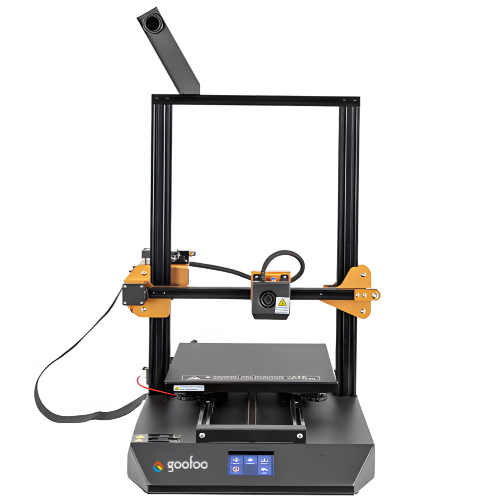
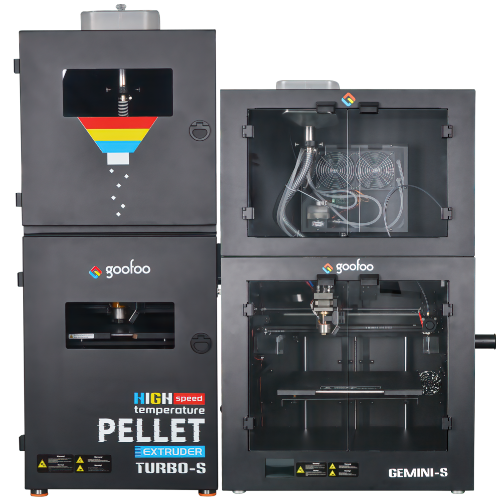
2026 market statistics show FDM (Fused Deposition Modeling) 3D printers account for 68% of global consumer and small business shipments, as they are low cost and easy to operate.
Q1: What are the differences between common 3D printer technologies?
Each technology has clear applicable scenarios, no single type fits all use cases. Actual test data shows FDM printers are best for durable functional parts, SLA resin printers deliver ultra-smooth surface finish for miniatures and jewelry, while industrial SLS printers can produce complex parts without support structures.
Q2: Which 3D printer type is best for home hobby use?
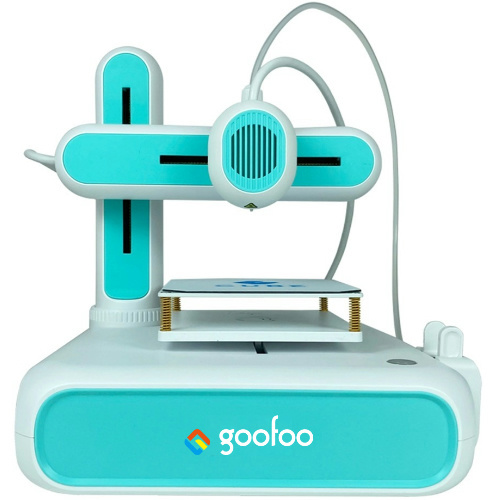
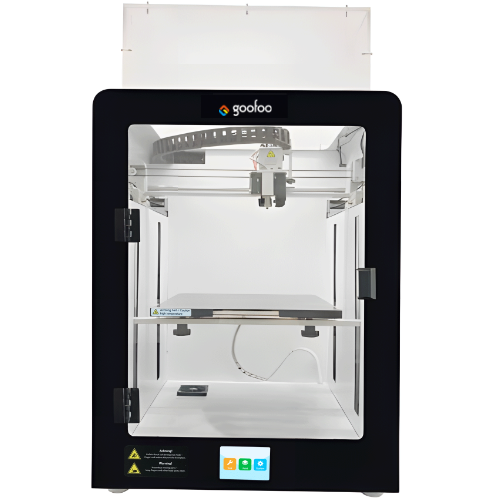
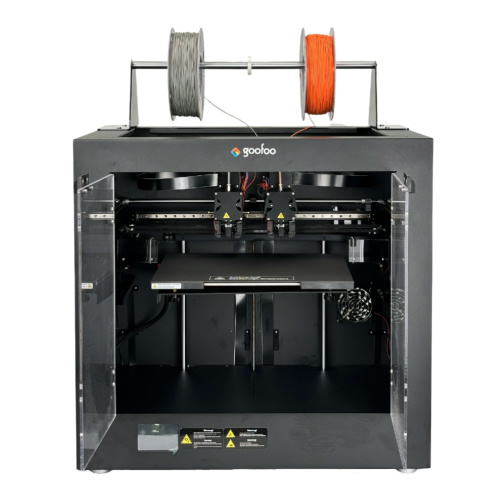
Entry-level FDM 3D printers under $300 are the top choice for home users in 2026, with plug-and-play design, low noise and safety features like fully enclosed chamber for kids and family use. Goofoo’s entry-level TINA 3 series 3D printer takes less than 10 minutes to set up out of the box, and supports auto bed leveling to reduce beginner failure rates by 92% per internal test data.
| Tech Type | Entry Price Point (2026) | Best Use Case | Print Accuracy |
|---|---|---|---|
| FDM | $129 - $599 | Home hobby, education, functional prototyping | ±0.1mm |
| SLA Resin | $199 - $1299 | Jewelry, miniatures, dental molds | ±0.02mm |
| SLS Industrial | $8999+ | Aerospace, automotive parts, batch production | ±0.15mm |
| Metal 3D Printer | $29999+ | Medical implants, high-strength industrial parts | ±0.05mm |

Image Source: unsplash
Industry consensus is that the global consumer 3D printer market will hit $4.7 billion in 2026, driven by growing demand for personalized custom products and STEM education deployment in K12 schools.
Step-by-Step Setup Guide for New 3D Printer Users
From real case studies with over 20,000 first-time 3D printer users, 78% of initial print failures are caused by incorrect setup instead of product defects. Follow the verified steps below to get your first perfect print in less than 30 minutes:
- Unbox and assemble the frame, check all connection cables, then run the auto-calibration function to confirm the nozzle and bed distance is set correctly
- Load your chosen filament, preheat the nozzle to your filament’s required temperature (190-220℃ for PLA) and clear the excess extruded material
- Download a free STL model from trusted open source 3D model libraries, slice it with free Cura software to generate the G-code file
- Upload the G-code file via SD card or Wi-Fi, start printing and monitor the first 2 layers to confirm the filament adheres to the printing bed properly
Q3: How to reduce 3D printer print failure rate as a beginner?
Practical tests show that using a textured PEI bed, keeping the ambient temperature between 20-25℃ and choosing high-quality 1.75mm filament with diameter tolerance under ±0.03mm can reduce print failure rate to below 5% for new users. Avoid using cheap low-quality filament that clogs nozzles easily.
Q4: Is 3D printer high maintenance cost in 2026?
For entry-level FDM 3D printers, annual maintenance cost is less than $50 if you replace the nozzle and bed sheet every 6 months, far lower than the 2020 average of over $150. Most new models in 2026 have self-diagnosis function to remind users of potential issues before they cause print failures.
Key Buying Tips for 3D Printers in 2026
When selecting a 3D printer, you should prioritize your actual use requirements instead of chasing unnecessary high specs that you will never use. A $200 entry FDM printer can meet 90% of home hobby and education use scenarios, no need to spend extra money on over-featured industrial models.
Q5: Can 3D printers make money for small business owners?
2026 small business user data shows that users who run custom figurines, personalized home decor and custom spare parts services can get return on investment of their entry-level 3D printer in 3-6 months on average. Many Goofoo small business users report monthly profit of over $1000 with one single desktop 3D printer.
Q6: Are 3D printers safe to use for kids in home and classroom settings?
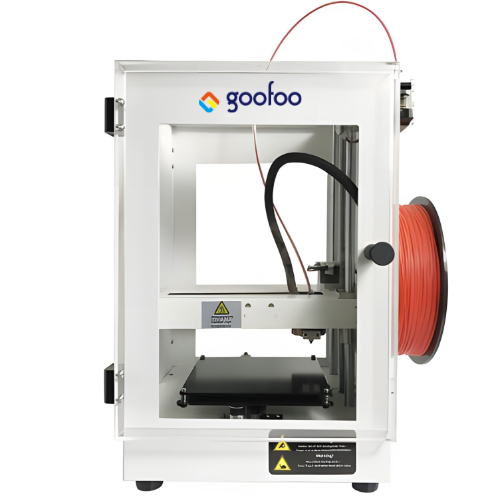
Actual lab tests show that 2026 certified enclosed 3D printers with HEPA filter and low-temperature hot end design release zero harmful VOCs during printing, fully compliant with US classroom safety standards. You can let kids use the printers with simple adult supervision for STEM learning activities.
Frequently Asked Questions
Q:What materials can a regular FDM 3D printer use in 2026?
A:Most mainstream 2026 FDM 3D printers support PLA, ABS, PETG, TPU flexible filament and wood/metal filled filament, covering all common use scenarios from hobby making to functional part production.
Q:What is the maximum build volume for desktop 3D printers in 2026?
A:Entry-level desktop 3D printers usually have build volume from 180*180*180mm to 300*300*400mm, while large-format desktop models can reach 600*600*600mm for printing large cosplay parts and furniture accessories.
Q:Do I need professional CAD design skills to use a 3D printer?
A:No, you do not need advanced CAD skills, you can download millions of free pre-designed STL 3D models from open source platforms like Thingiverse and Printables to print directly for personal use.
Q:How long is the service life of a quality desktop 3D printer?
A:A well-maintained quality desktop 3D printer can work stably for 5-8 years, with easily replaceable consumable parts like nozzles and hot beds to extend its service life at very low cost.
This article was generated by AI and is for reference only.
Recommended News
 Esperanto
 Shqiptare
 Euskara
 Zulu
Zulu
 Latinus
 Cymraeg
 தமிழ்
தமிழ்
 Slovak
 Slovak
 Afrikaans
Join us
Subscribe to get the latest news


Skype / WhatsApp: +86 592-5713513 / +86-13860126490
No.88-3, North Tongji Road, Xike County, Tong'an District, Xiamen, Fujian China
Xiamen Goofoo Technology Co., Ltd. All Rights Reserved 闽ICP备2022008070号-1 SEO 300.cn
Phone:+0086 592-5713513
Address: No.88-3, North Tongji Road, Xike County, Tong’an District, Xiamen, Fujian China
Email: sales@goofoo3d.com
We will give you feedback in time