
- Shop Shop
-
Desktop
Desktop
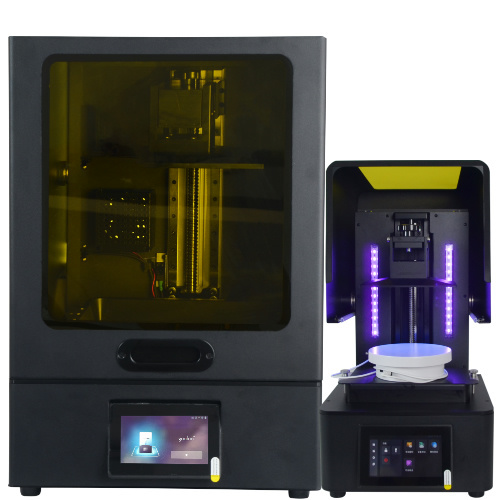
MSLA series
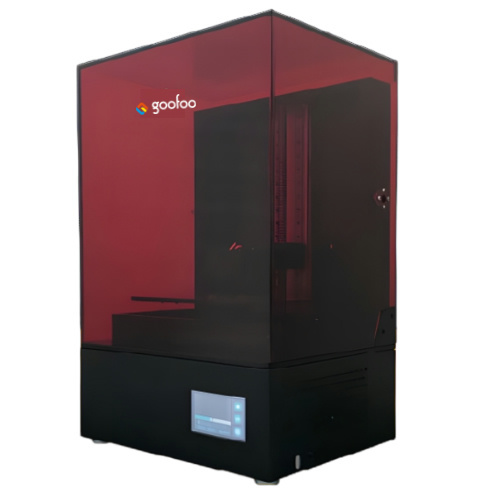
High accuracy Lens-s pro
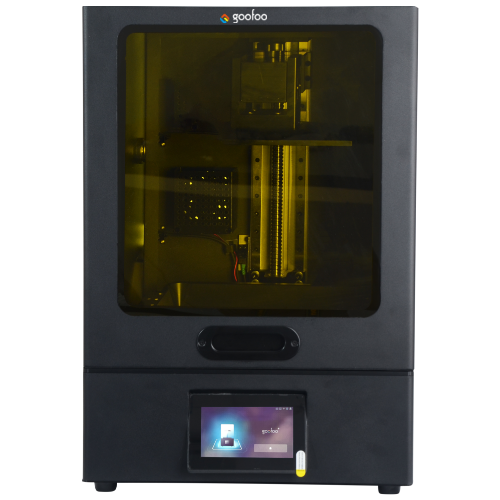
Large build volume Lens-m pro
- Industrial Industrial
-
Material
Material

Resin series

Dental DM100/TC100/ etc.

Jewelry Jewelry Resin

Generic PW100

Industry High Temp Resin

Garage Kit Red wax
-
Expanded
Expanded
Laser Engraver/CNC
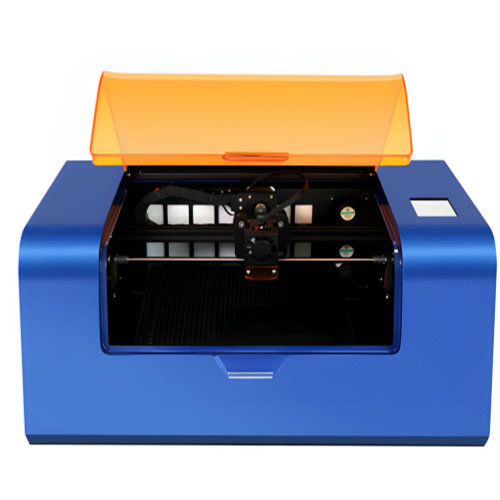
TS3(class1) Laser engraver & cutter 200*300mm
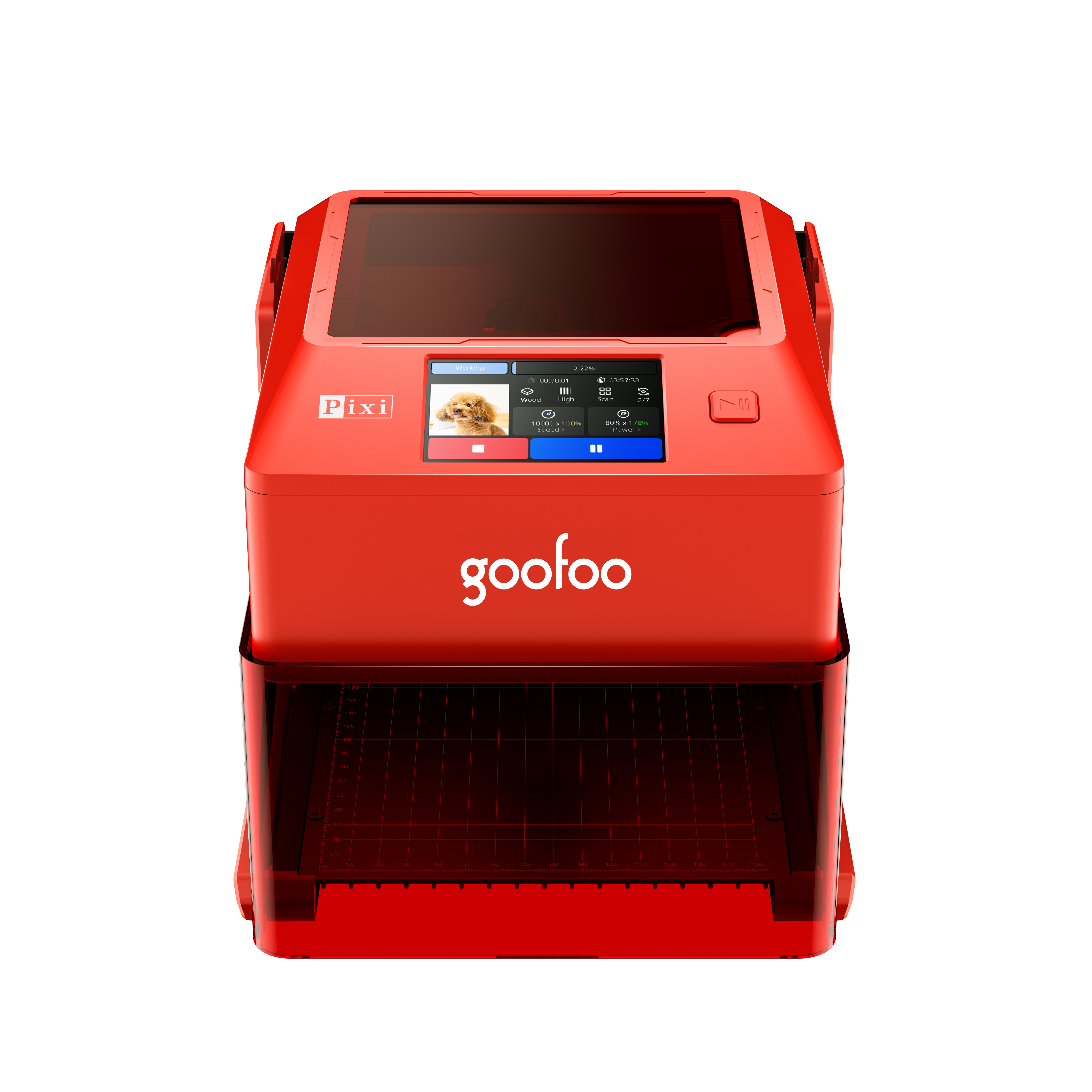
Pixi(class1) Laser engraver & cutter 100*100mm
3D scanner
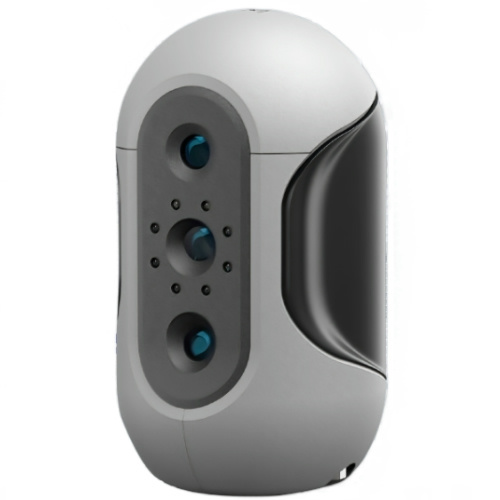
Mole Highest accuracy 0.05mm
- Industries & Applications Industries & Applications
- Support Support
- About Us About Us
- Contact Us Contact Us
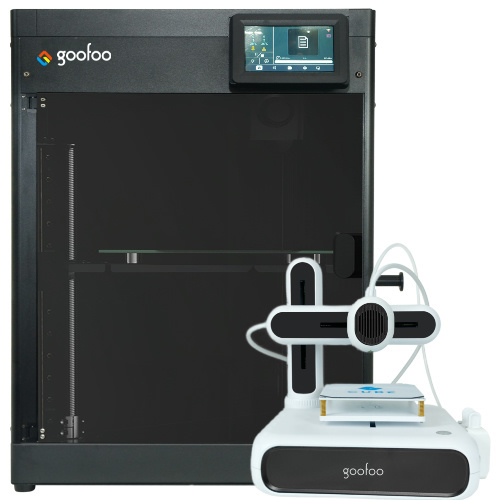


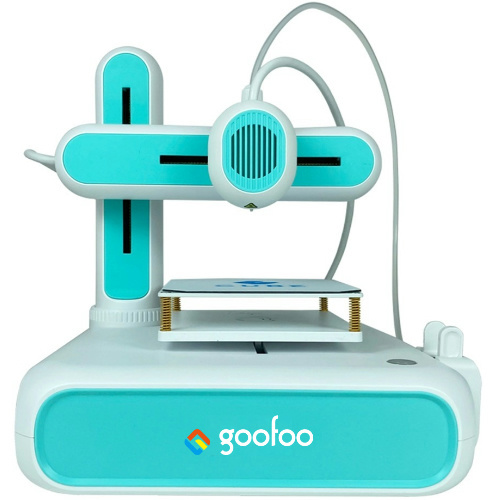
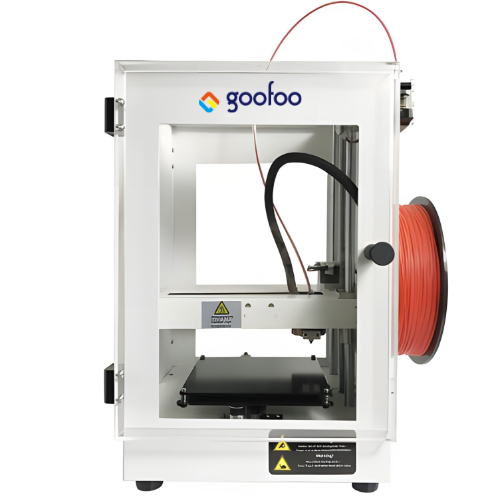
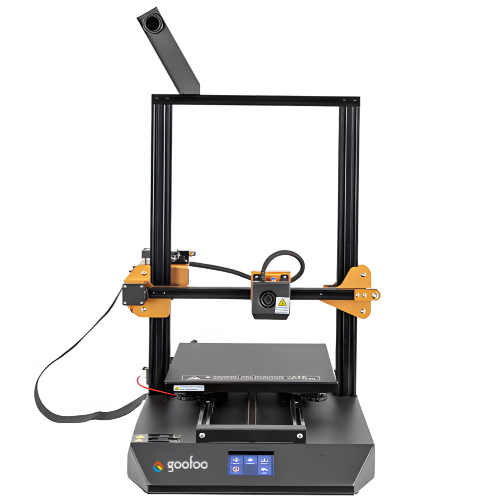
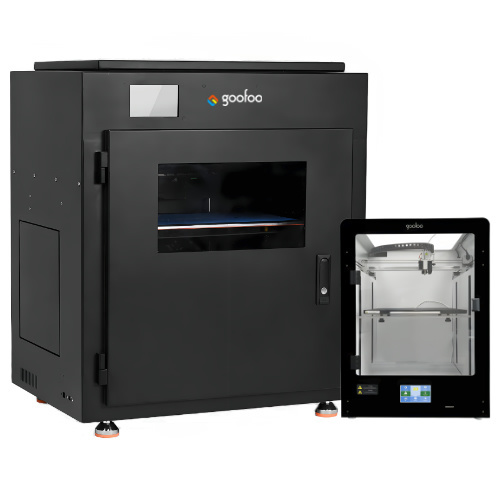
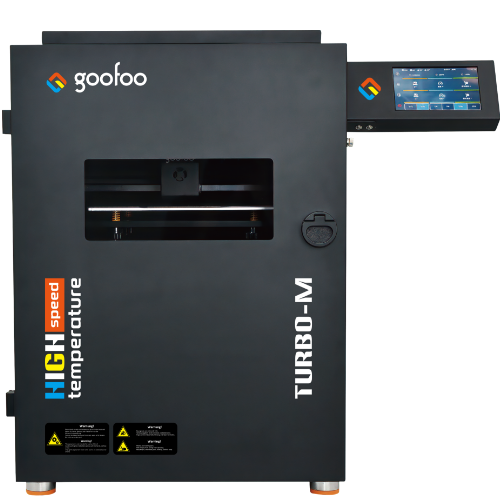
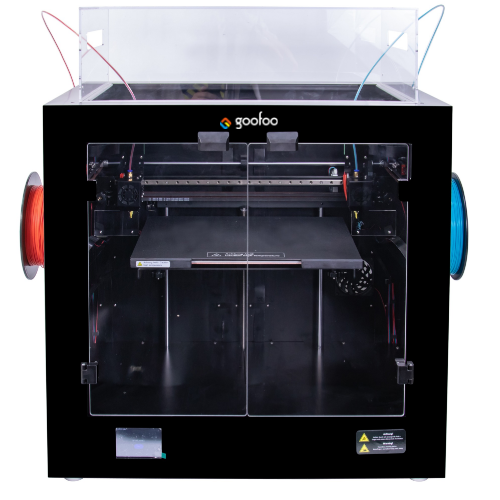
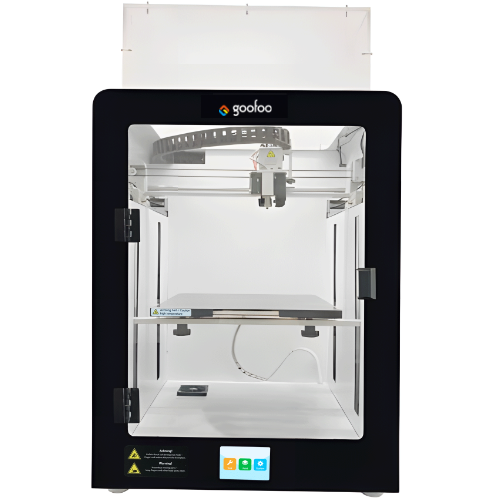
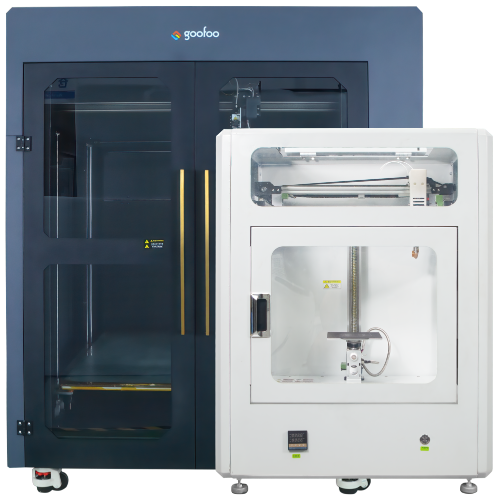
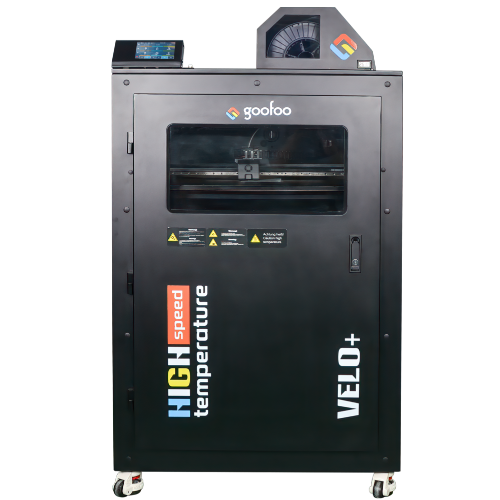
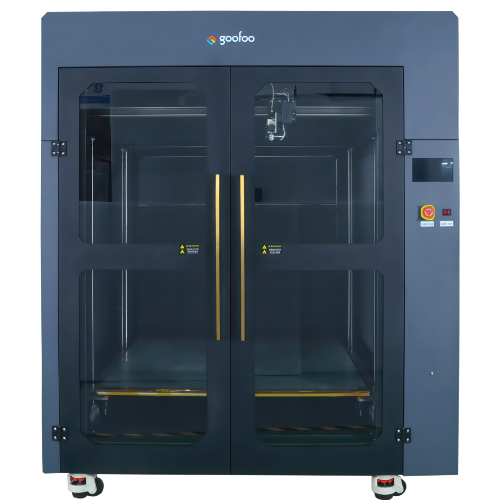
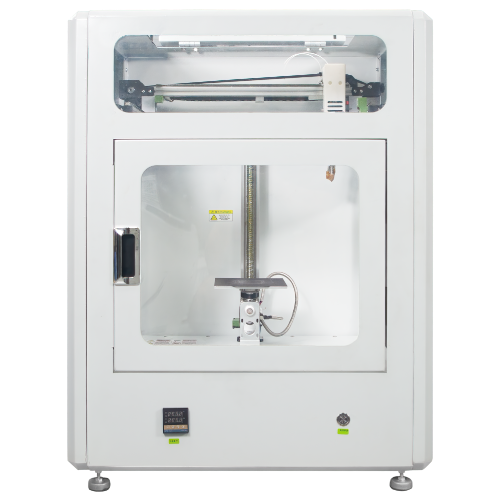
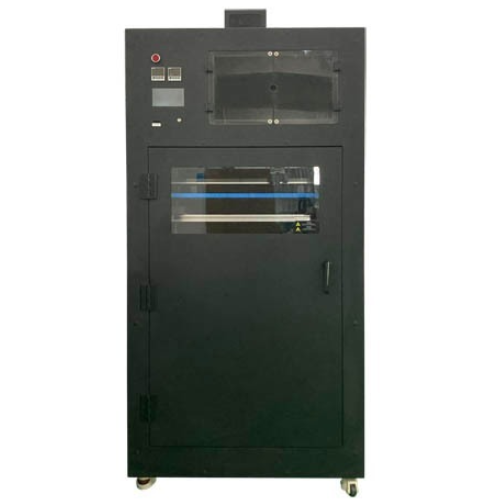
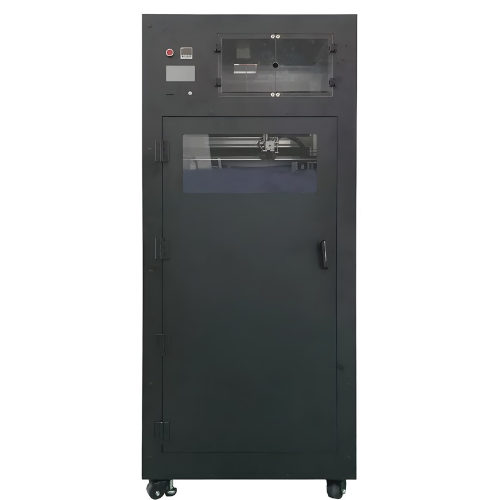
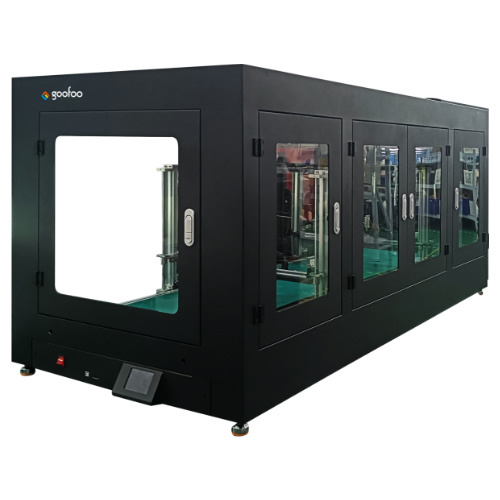
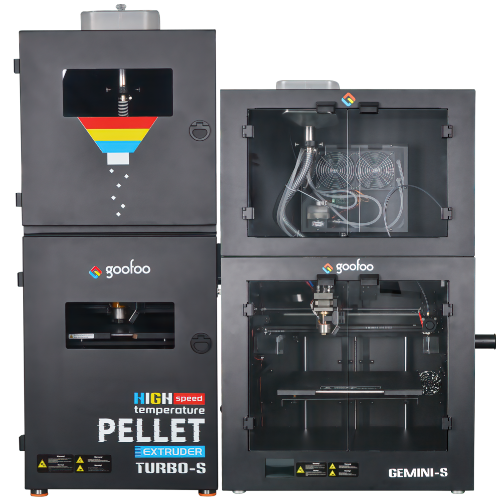
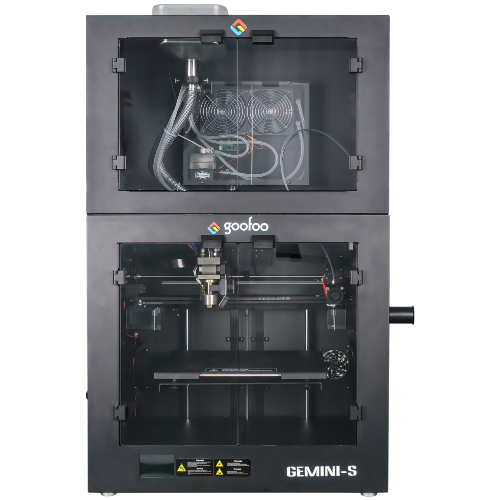
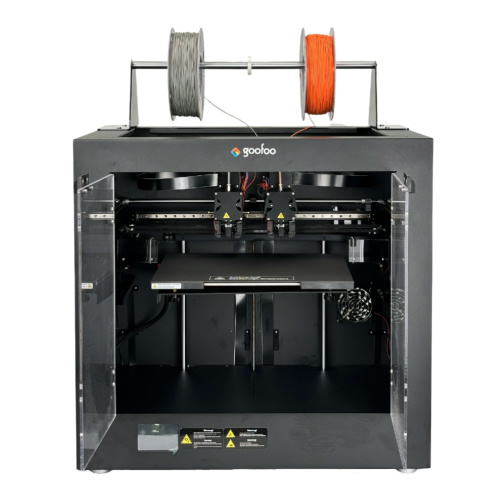













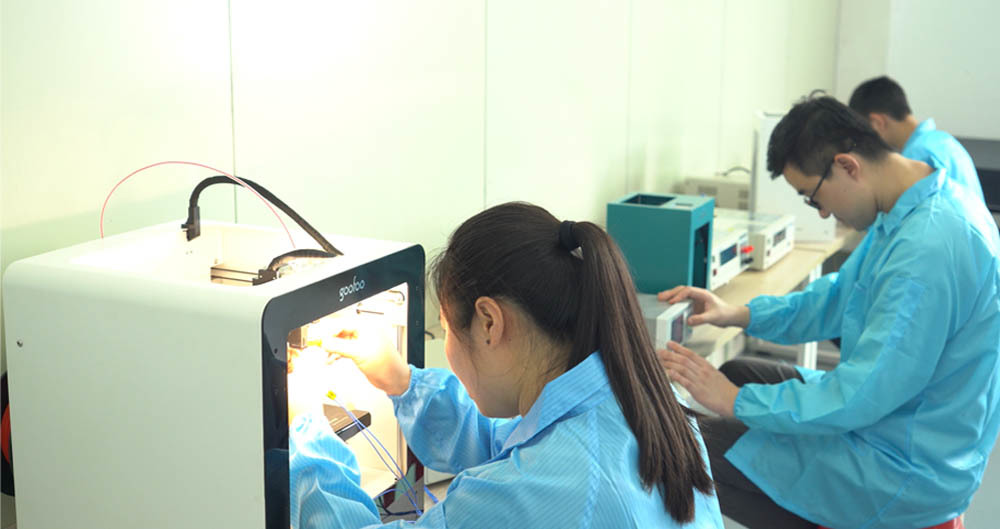




Unleash Your Creativity with the Ultimate Ender 3D Printer: A Comprehensive Guide to 3D Printing Mastery
2024-12-30 21:00
Unleash Your Creativity with the Ultimate Ender 3D Printer
Table of Contents
- 1. Introduction to 3D Printing and the Ender Series
- 2. Why Choose the Ender 3D Printer?
- 3. Getting Started with Your Ender 3D Printer
- 4. 3D Printing Basics: From Design to Execution
- 5. Advanced Techniques for Experienced Users
- 6. Common Issues and Troubleshooting
- 7. Creative Project Ideas to Inspire You
- 8. Conclusion: Unleashing Your Creativity
- 9. FAQs about the Ender 3D Printer
1. Introduction to 3D Printing and the Ender Series
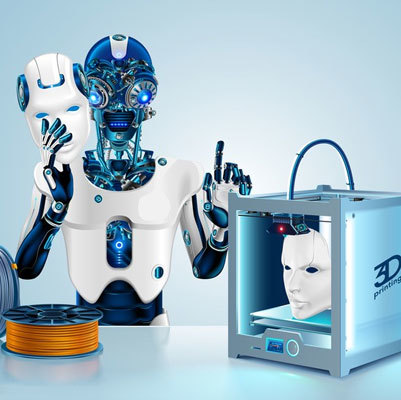
3D printing has transformed the way we create and innovate, offering unparalleled opportunities for designers, engineers, and hobbyists alike. The **Ender 3D Printer**, renowned for its affordability, versatility, and user-friendliness, stands out in this dynamic field. With a strong community and an array of upgrade options, the Ender series empowers users to explore their creativity at every level.
2. Why Choose the Ender 3D Printer?
When selecting a 3D printer, various factors come into play. The Ender series presents a compelling mix of features that cater to both beginners and seasoned professionals.
2.1 Affordability Without Compromising Quality
The Ender 3D Printer is one of the most **cost-effective options** on the market. It offers high-quality prints at a fraction of the cost compared to other printers. This affordability makes it ideal for those who want to dip their toes into 3D printing without breaking the bank.
2.2 Strong Community Support
One of the standout features of the Ender series is its **robust online community**. Users can easily find tutorials, troubleshooting guides, and forums full of tips and tricks. This sense of community fosters a supportive environment for beginners and experts alike, enhancing the overall 3D printing experience.
2.3 Upgrade Options for Enhanced Performance
The Ender 3D Printer boasts a myriad of **upgrade options**. From improving the print bed and nozzle to incorporating advanced features like auto-bed leveling, users can customize their printers to match their specific needs. This adaptability extends the printer's lifespan and enhances print quality over time.
3. Getting Started with Your Ender 3D Printer
Embarking on your 3D printing journey requires understanding the essential steps to get your Ender printer up and running.
3.1 Unboxing and Assembly
Once you receive your Ender 3D Printer, the first step is unboxing and assembly. Follow the manufacturer's instructions meticulously to ensure proper setup. The assembly process typically takes about 1-2 hours, and having a second pair of hands can make it easier.
3.2 Software Setup: Choosing the Right Slicing Software
To bring your 3D designs to life, you will need slicing software, which converts 3D models into instructions your printer can understand. Popular options include **Cura** and **PrusaSlicer**. These programs allow you to customize settings such as layer height, infill density, and print speed for optimal results.
3.3 Filament Selection: Types and Tips
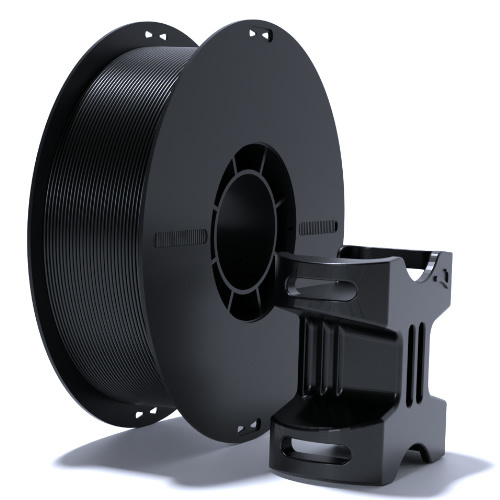
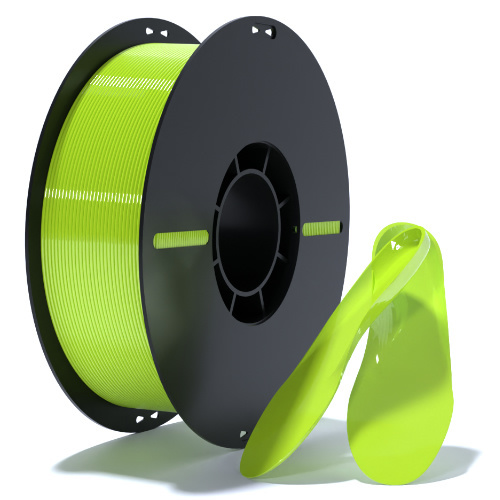
Selecting the right filament is crucial for your printing success. The most common filament types are **PLA**, **ABS**, and **PETG**. Each material has its own characteristics and ideal applications. For beginners, PLA is recommended due to its ease of use and minimal warping.
4. 3D Printing Basics: From Design to Execution
Understanding the printing process from design to execution is key to unlocking your creative potential.
4.1 Designing Your 3D Models
Whether designing from scratch or modifying existing models, software such as **TinkerCAD** or **Fusion 360** can aid in the design process. Take time to familiarize yourself with the software tools to create intricate and functional designs.
4.2 Slicing Your Models for Printing
After designing, the next step is to slice your models. During this process, you can adjust settings such as layer height and infill percentage based on the model's complexity and functional requirements. Slicing is crucial for translating your design into printable instructions.
4.3 Calibrating Your Printer for Precision
Calibration is essential for achieving high-quality prints. Regularly check bed leveling and nozzle height. A well-calibrated printer ensures better adhesion and reduces the likelihood of common issues such as warping or misalignment.
5. Advanced Techniques for Experienced Users
For those who are ready to take their 3D printing skills to the next level, several advanced techniques can enhance your creative projects.
5.1 Multi-Material Printing: Tips and Tricks
Multi-material printing adds a new dimension to your projects. By using a dual-extruder setup or specialized filaments, you can create complex designs with varying colors and textures. Understanding how to manage and optimize these materials is key to achieving stunning results.
5.2 Post-Processing Your Prints: Sanding, Painting, and More
Post-processing can significantly enhance the appearance of your prints. Techniques such as sanding, painting, or applying clear coats can give your models a professional finish. Experiment with different methods to find what works best for your specific projects.
6. Common Issues and Troubleshooting
Every 3D printer user encounters challenges. Knowing how to troubleshoot common issues can save time and frustration.
**Common Problems:**
- **Stringing**: Caused by excessive filament oozing from the nozzle. Adjust retraction settings in your slicing software.
- **Layer Separation**: Often due to poor bed adhesion. Ensure your print bed is clean and properly leveled.
- **Under-extrusion**: Resulting in gaps in prints. Check your filament diameter and ensure your nozzle is clear.
7. Creative Project Ideas to Inspire You
With the Ender 3D Printer, the possibilities are vast. Here are some project ideas to get your creativity flowing:
- **Custom Phone Cases**: Design protective and stylish cases that reflect your personality.
- **Home Decor Items**: Create unique vases, wall art, or decorative shelves that add flair to your space.
- **Toys and Games**: Design and print custom toys or board game pieces for family fun.
- **Organizers**: Create personalized drawer organizers or desk accessories to keep your space tidy.
- **Replacement Parts**: Print out spare parts for household items or electronics, reducing waste and saving money.
8. Conclusion: Unleashing Your Creativity
The **Ender 3D Printer** is more than just a machine; it's a gateway to creativity and innovation. From its affordability to its adaptability, this printer serves as an excellent tool for both beginners and seasoned users looking to explore the world of 3D printing. By following the steps outlined in this guide, you'll be well on your way to creating stunning projects that showcase your imagination. Embrace the journey, and let the Ender 3D Printer help you turn your ideas into reality.
9. FAQs about the Ender 3D Printer
**Q1: What is the best filament for beginners using the Ender 3?**
A1: PLA is recommended for beginners due to its ease of use, low warping, and minimal odors.
**Q2: How often should I calibrate my Ender 3?**
A2: It's advisable to check calibration before every print session, especially after moving the printer or changing the filament.
**Q3: Can I print multiple colors with the Ender 3?**
A3: Yes, you can use a dual-extruder setup or manually change filament during the print for multicolor projects.
**Q4: What software do I need to use with the Ender 3?**
A4: You need slicing software, such as Cura or PrusaSlicer, to convert 3D models into printer instructions.
**Q5: How can I improve print quality on my Ender 3?**
A5: Ensure proper calibration, use high-quality filament, and experiment with slicing settings to enhance print quality.
By implementing the tips and insights shared in this article, you can maximize your experience with the Ender 3D Printer and unlock your creative potential.
ender 3d printer
Recommended News
 Esperanto
 Shqiptare
 Euskara
 Zulu
Zulu
 Latinus
 Cymraeg
 தமிழ்
தமிழ்
 Slovak
 Slovak
 Afrikaans
Join us
Subscribe to get the latest news


Skype / WhatsApp: +86 592-5713513 / +86-13860126490
No.88-3, North Tongji Road, Xike County, Tong'an District, Xiamen, Fujian China
Xiamen Goofoo Technology Co., Ltd. All Rights Reserved 闽ICP备2022008070号-1 SEO 300.cn
Phone:+0086 592-5713513
Address: No.88-3, North Tongji Road, Xike County, Tong’an District, Xiamen, Fujian China
Email: sales@goofoo3d.com
We will give you feedback in time