
- Shop Shop
-
Desktop
Desktop
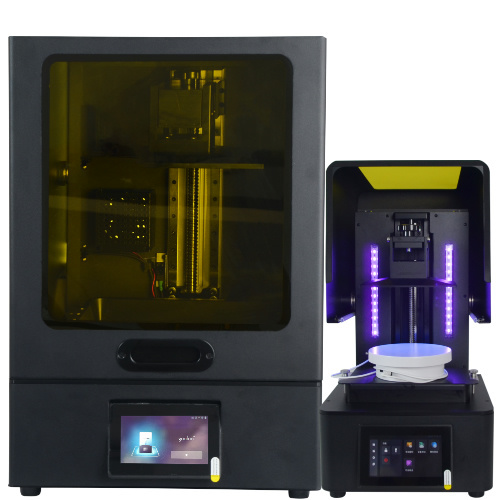
MSLA series
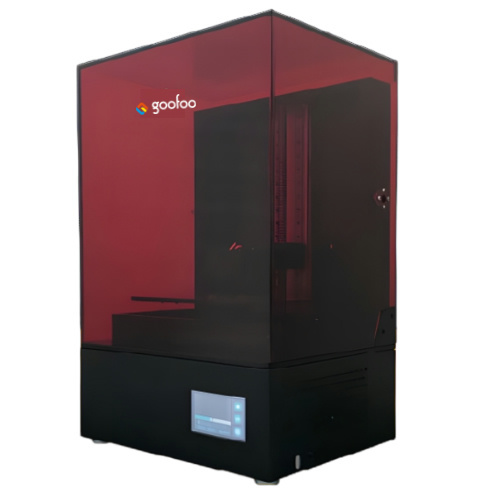
High accuracy Lens-s pro
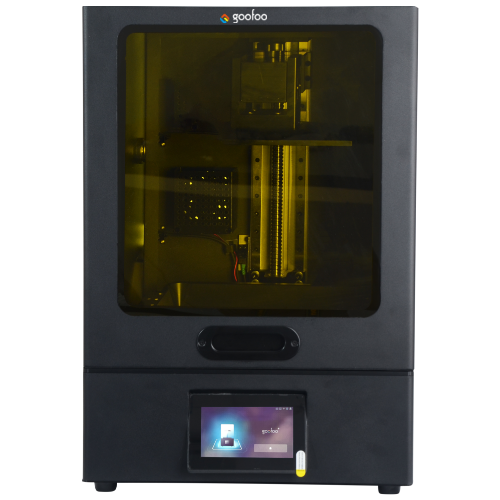
Large build volume Lens-m pro
- Industrial Industrial
-
Material
Material

Resin series

Dental DM100/TC100/ etc.

Jewelry Jewelry Resin

Generic PW100

Industry High Temp Resin

Garage Kit Red wax
-
Expanded
Expanded
Laser Engraver/CNC
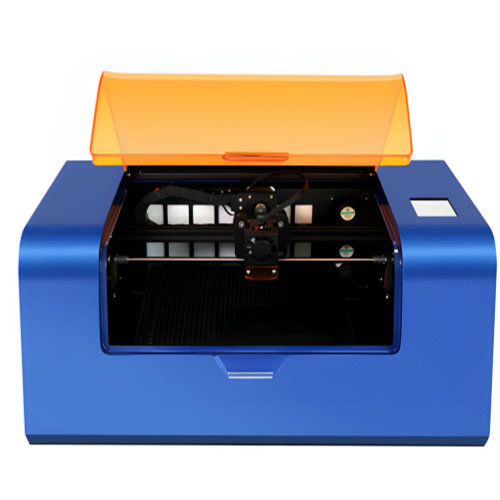
TS3(class1) Laser engraver & cutter 200*300mm
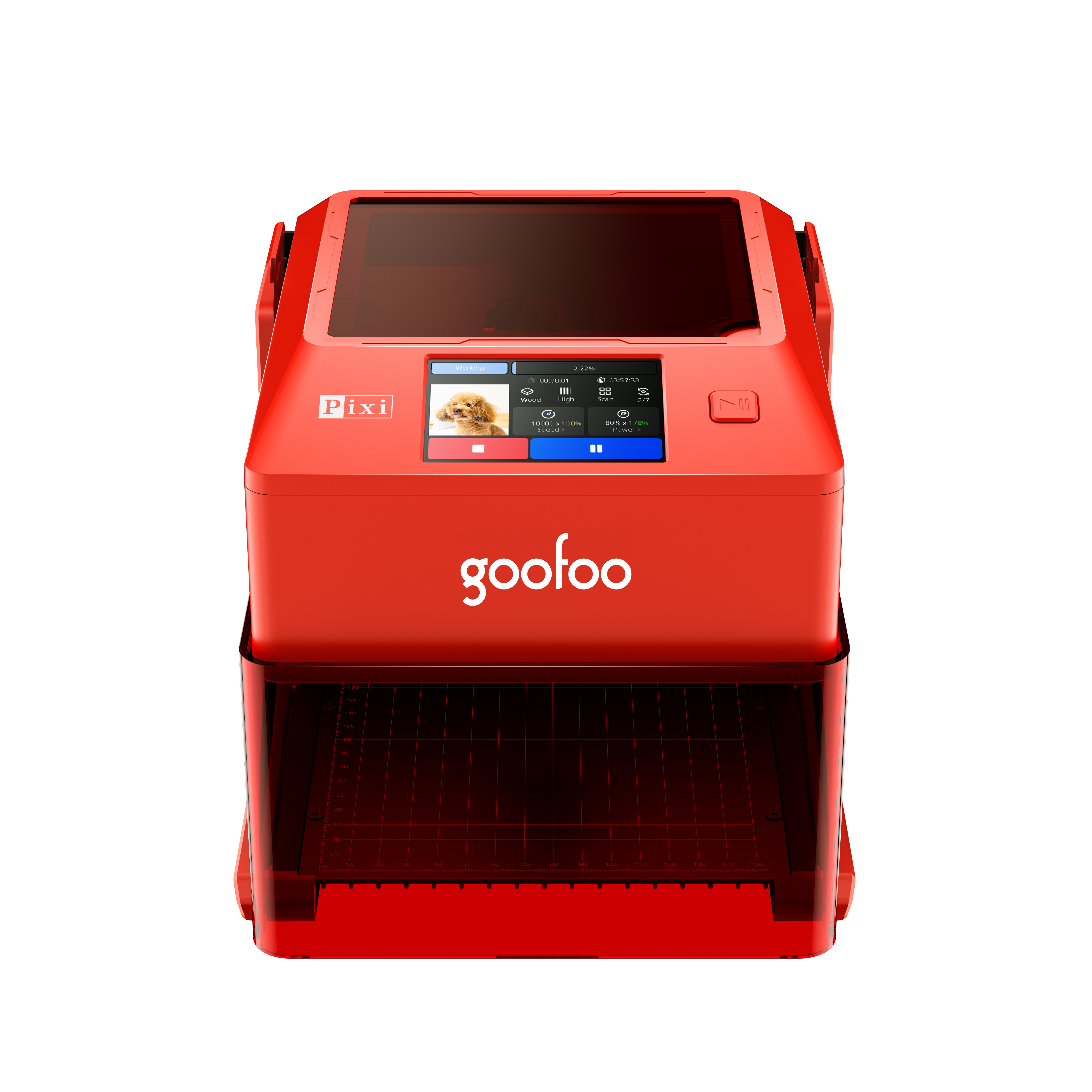
Pixi(class1) Laser engraver & cutter 100*100mm
3D scanner
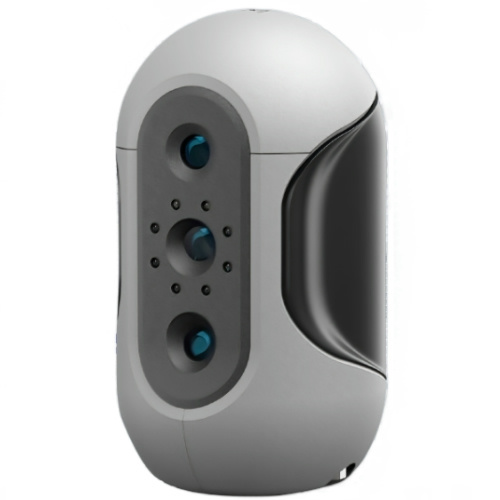
Mole Highest accuracy 0.05mm
- Industries & Applications Industries & Applications
- Support Support
- About Us About Us
- Contact Us Contact Us
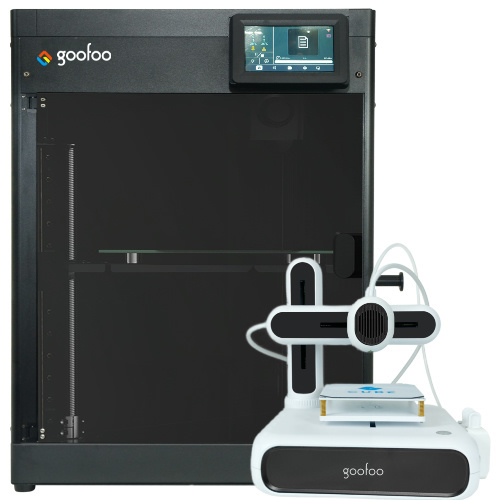


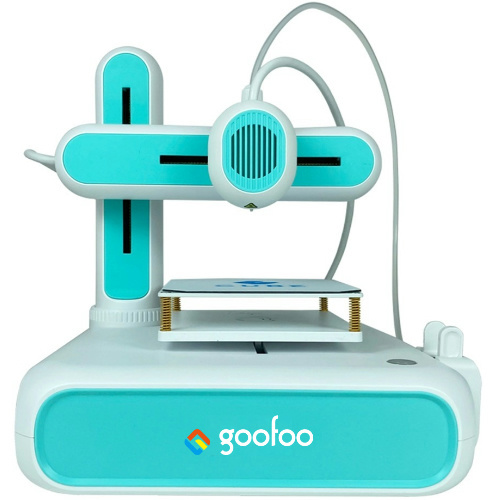
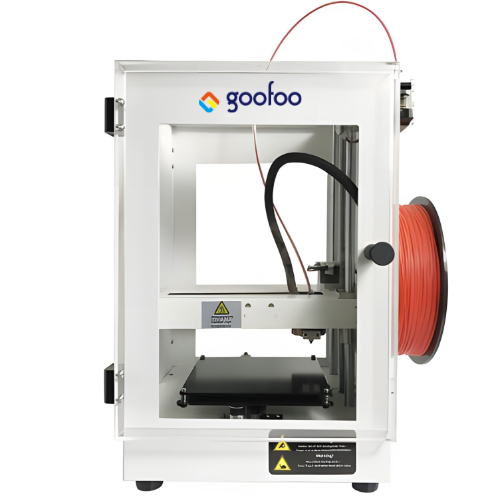
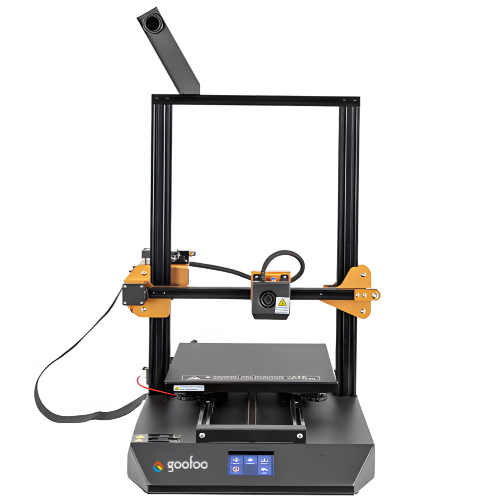
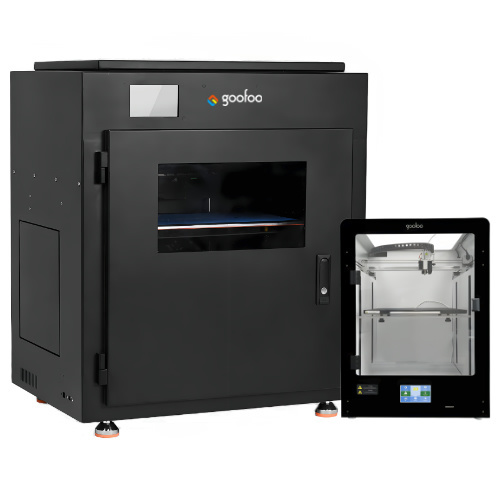
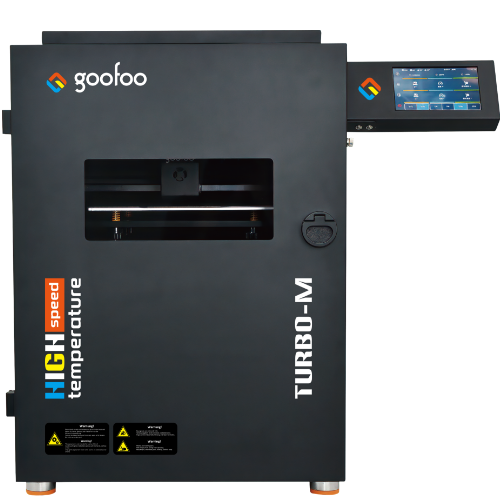
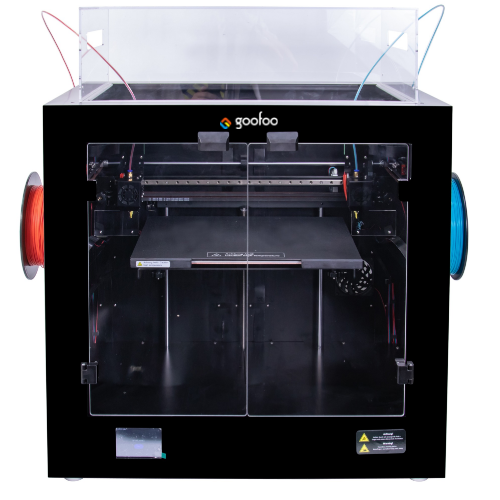
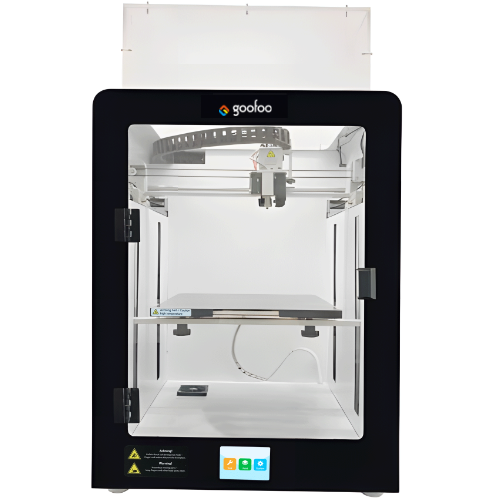
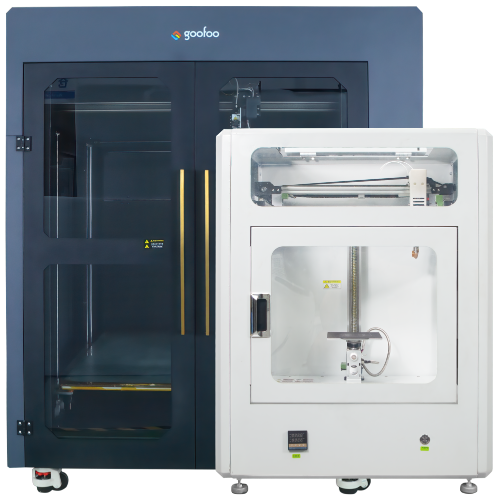
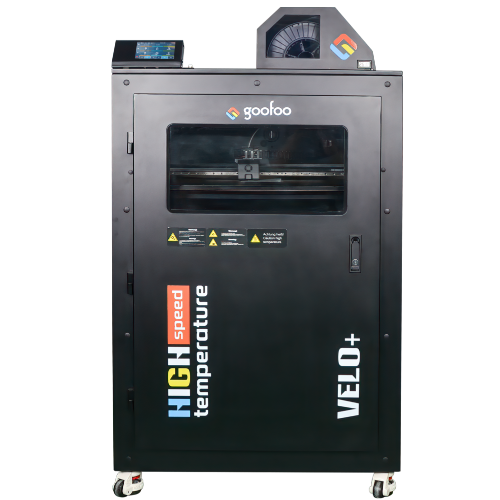
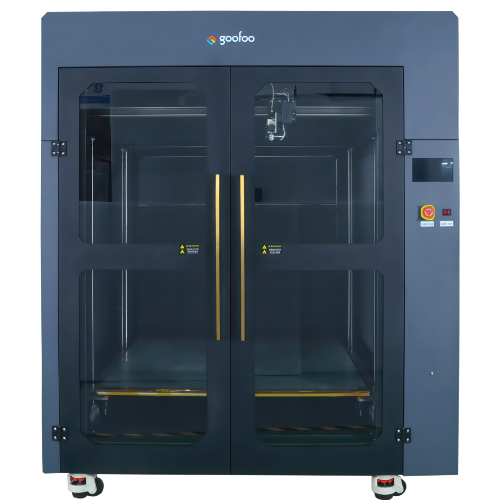
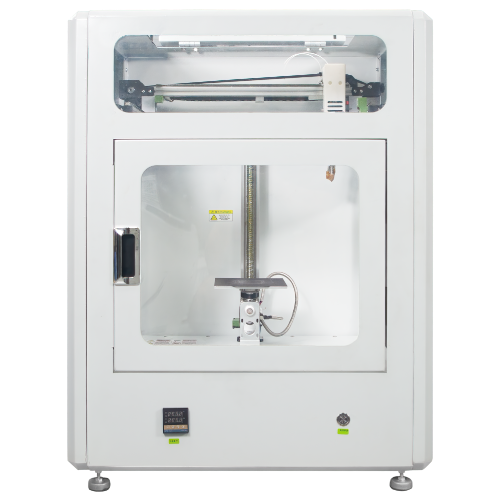
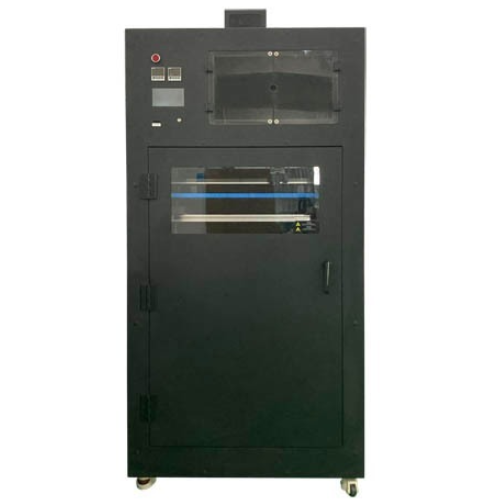
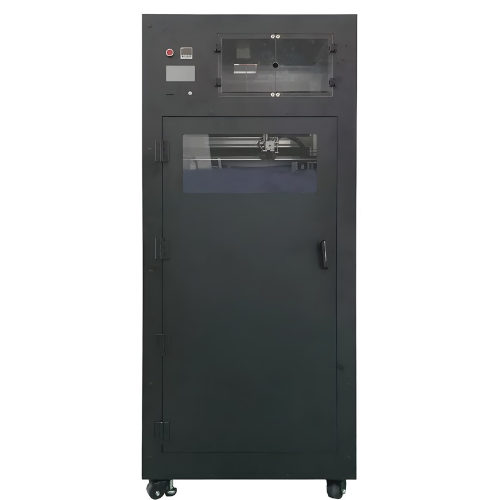
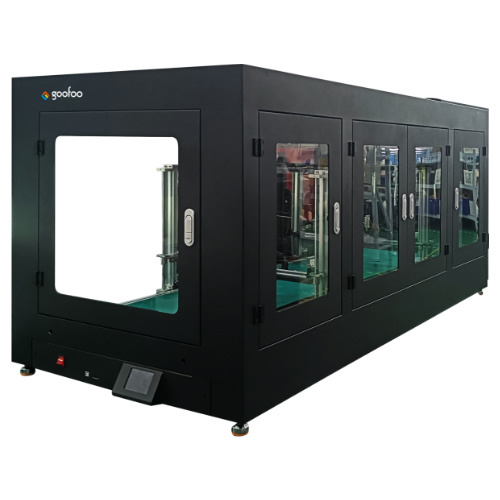
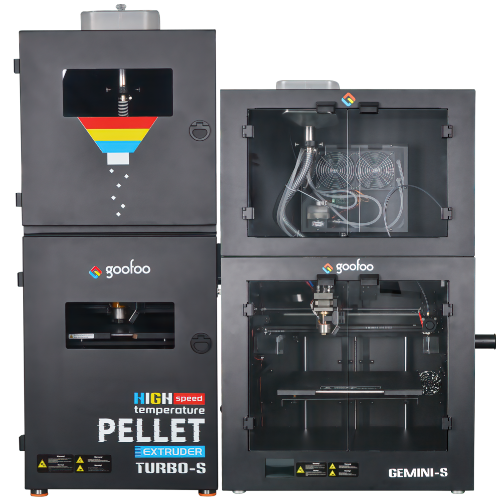
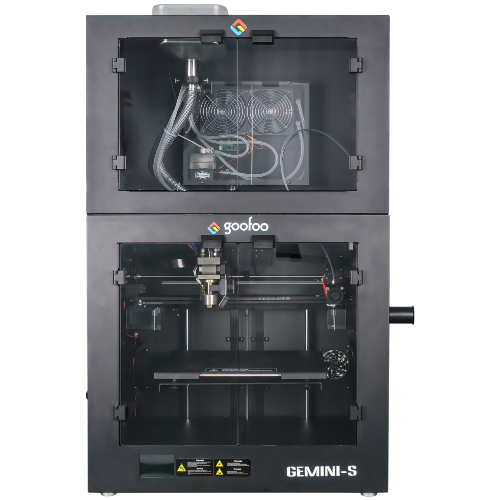
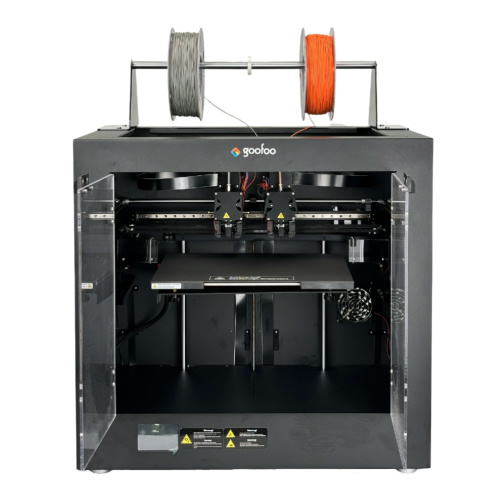
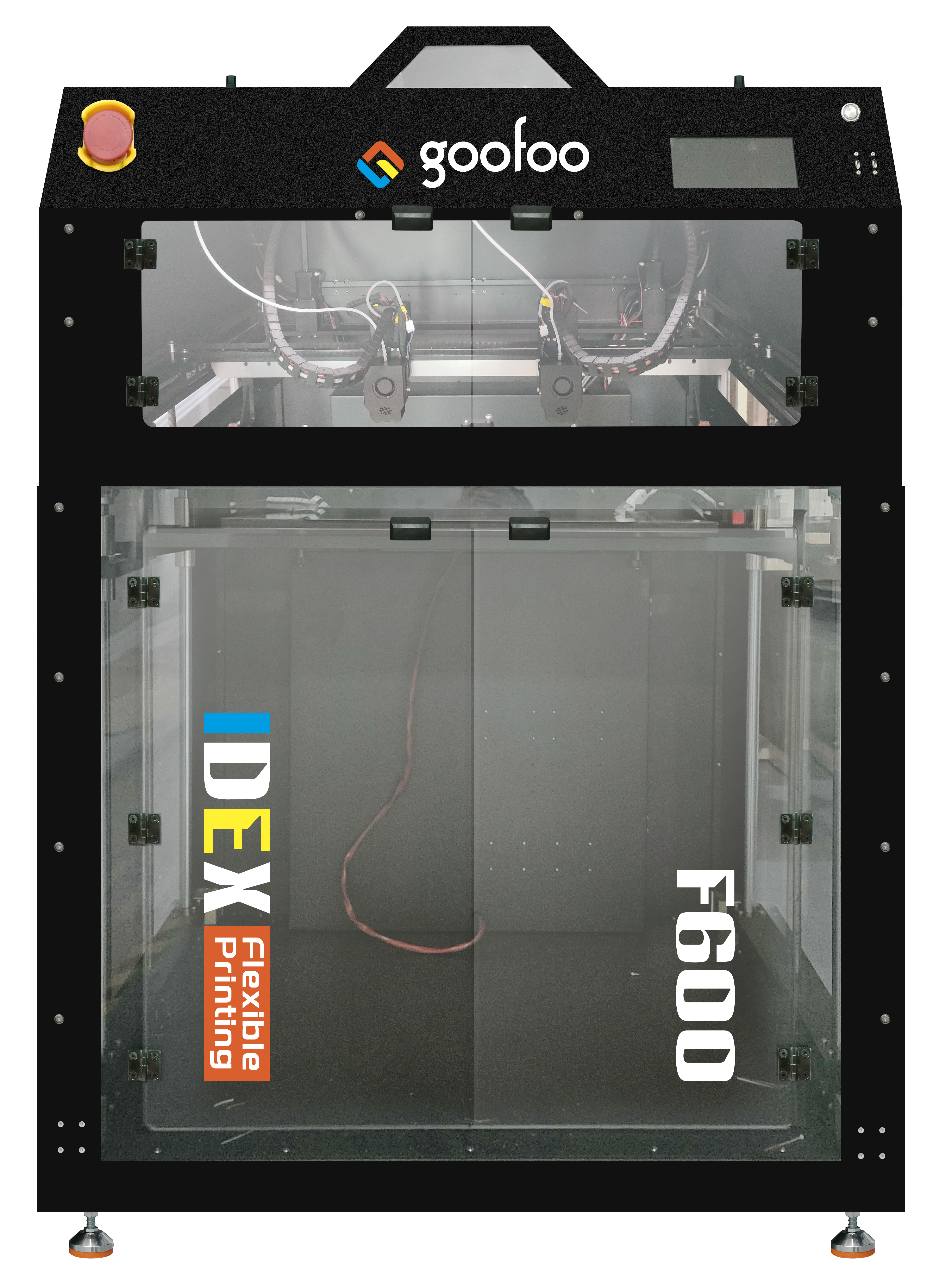













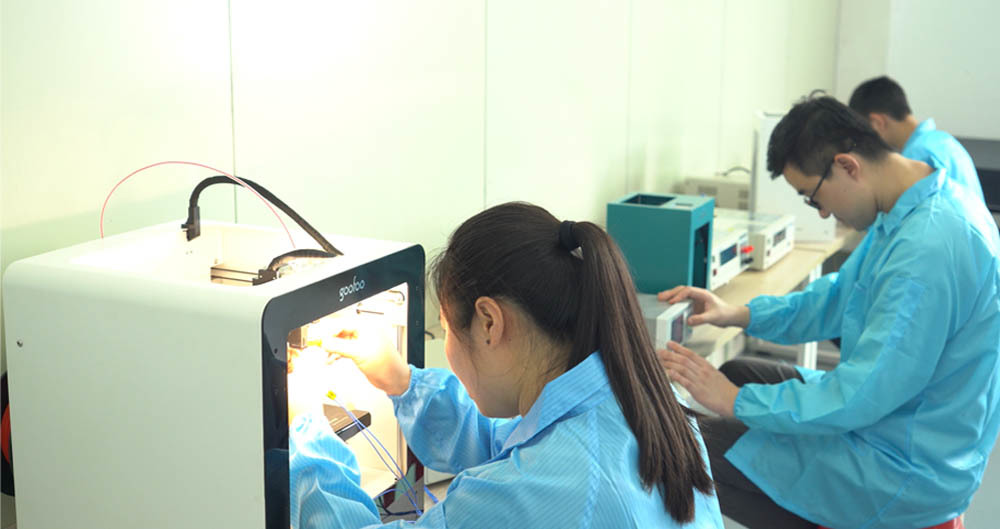




Transform Your Ideas into Reality with Ender 3D Printing Power
2025-11-28 11:30
Transform Your Ideas into Reality with Ender 3D Printing Power
The Revolution of 3D Printing Technology
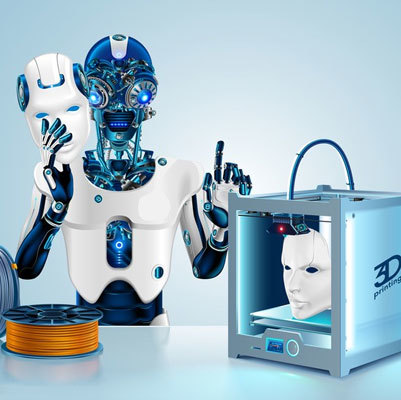
3D printing technology has transformed the landscape of manufacturing, prototyping, and artistic expression. It allows individuals and businesses to create complex designs and structures that were once unimaginable. As a leading player in this field, the Ender 3 offers an accessible gateway into the world of 3D printing, catering to both beginners and experienced users alike.
An Overview of the Ender 3 3D Printer
The Ender 3 is renowned for its affordability, reliability, and user-friendly features. It stands out in the crowded market of 3D printers, providing exceptional value without compromising on quality. With its open-source design, the Ender 3 allows for extensive customization and upgrades, making it a favorite among hobbyists and professionals.
Key Features of the Ender 3
- High Precision Printing: The Ender 3 boasts an impressive layer resolution of 0.1mm, enabling the creation of intricate designs with unmatched detail.
- Build Volume: With a build volume of 220 x 220 x 250 mm, users can produce a wide range of objects, from small prototypes to larger models.
- Easy Assembly: The Ender 3 comes partially assembled, allowing users to start their printing journey quickly and hassle-free.
- Sturdy Frame: Constructed with a robust aluminum frame, the Ender 3 ensures stability during printing, minimizing vibrations that can affect print quality.
- Open-Source Compatibility: Users can easily modify and upgrade their printers, encouraging innovation and customization.
Getting Started with the Ender 3
If you're ready to dive into 3D printing with the Ender 3, follow these essential steps to kickstart your journey.
1. Setting Up Your Ender 3
Begin by assembling your Ender 3 according to the provided instructions. Ensure that all components are correctly installed and secured. Once assembled, connect the printer to a power source and turn it on.
2. Leveling the Print Bed
Proper bed leveling is crucial for successful prints. Use a piece of paper to gauge the distance between the nozzle and the bed, adjusting the screws as needed until you achieve the right height. This step will significantly reduce the likelihood of print failures.
3. Selecting the Right Filament
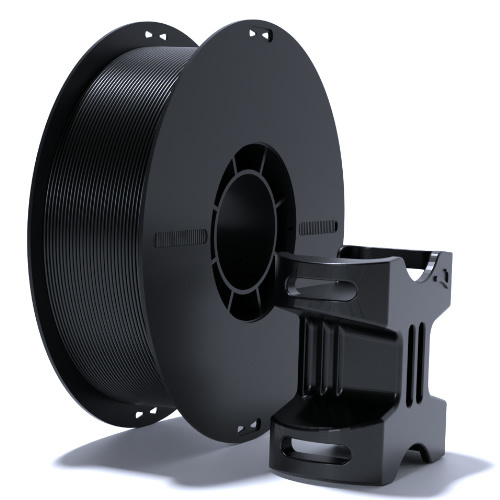
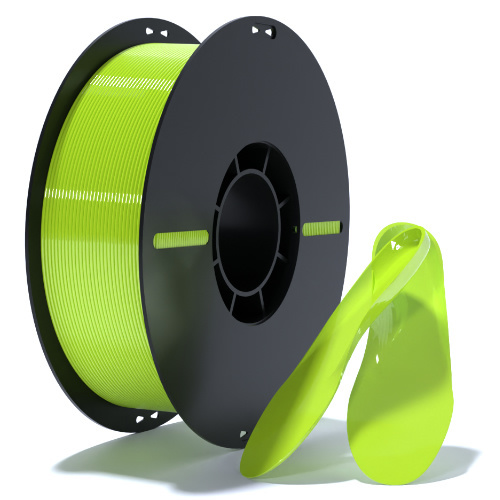
The Ender 3 is compatible with various filament types, including PLA, ABS, and PETG. For beginners, PLA is recommended due to its ease of use and minimal odor. Experiment with different materials as you become more comfortable with the printer.
Tips for Successful 3D Printing
To maximize your experience with the Ender 3, consider the following tips:
1. Monitor Temperature Settings
Each filament type has a specific temperature range for optimal printing. Always refer to the manufacturer's guidelines to ensure you’re using the correct temperature settings.
2. Use a Quality Slicing Software
Slicing software prepares your 3D models for printing by converting them into a format the printer can understand. Programs like Cura and PrusaSlicer are popular choices that offer a range of settings for tuning your prints.
3. Experiment with Print Speed
Finding the right print speed is essential for achieving high-quality prints. Slower speeds often yield better results, especially for intricate designs. Start slow and gradually increase the speed as you gain experience.
4. Regular Maintenance and Upkeep
Keep your Ender 3 in top shape by performing regular maintenance. Clean the nozzle, check for loose connections, and ensure the print bed is in good condition. Regular upkeep will prolong the lifespan of your 3D printer.
Common Applications of 3D Printing with Ender 3
The Ender 3 enables users to explore a wide array of applications:
1. Prototyping and Product Development
Businesses utilize 3D printing for rapid prototyping, allowing them to create functional models quickly. This accelerates the product development cycle and helps in refining designs before mass production.
2. Artistic Creations
Artists and designers harness the power of 3D printing to bring their visions to life. The Ender 3 can produce unique sculptures, jewelry, and decorative items, enhancing artistic expression.
3. Educational Tools and Resources
In educational settings, 3D printing serves as a valuable tool for teaching concepts in STEM fields. Educators can create models of complex structures, making learning more engaging and interactive.
4. Custom Parts and Accessories
Individuals can design and print custom parts for various applications, from home repairs to DIY projects. The versatility of the Ender 3 allows for endless possibilities.
Exploring Advanced Techniques with Ender 3
As you become more proficient with your Ender 3, consider exploring advanced techniques to enhance your 3D printing skills.
1. Dual Extrusion Printing
With upgrades, the Ender 3 can support dual extrusion, allowing users to print with two different materials simultaneously. This opens up new possibilities for complex designs and color combinations.
2. Multi-Material Printing
Experiment with printing objects that incorporate multiple materials for enhanced functionality, such as flexible supports or composite materials for strength.
3. Post-Processing Techniques
Improve the finish of your printed objects with post-processing methods like sanding, painting, or applying acetone vapor smoothing for ABS prints, resulting in professional-quality finishes.
Resources for 3D Printing Enthusiasts
To further enhance your 3D printing journey, numerous resources are available:
1. Online Communities and Forums
Engage with other enthusiasts in online communities such as Reddit, Facebook groups, or specialized forums. Sharing experiences and tips can help you overcome challenges and inspire new projects.
2. Educational Videos and Tutorials
Platforms like YouTube offer countless tutorials covering various aspects of 3D printing, from beginner tips to advanced techniques. Visual learning can often clarify complex topics.
3. Design Software
Familiarize yourself with software like Fusion 360, Tinkercad, or Blender for creating your 3D models. Each program comes with unique features catering to different skill levels.
Frequently Asked Questions (FAQs)
1. What is the maximum print size of the Ender 3?
The Ender 3 has a build volume of 220 x 220 x 250 mm, allowing for substantial object creation without compromising detail.
2. Can I upgrade my Ender 3?
Yes, the Ender 3 is highly customizable. Users can upgrade components like the extruder, print bed, and even add dual extrusion capabilities.
3. What materials can I use with the Ender 3?
The Ender 3 is compatible with a wide range of materials, including PLA, ABS, PETG, and TPU, each suited for different applications.
4. How do I troubleshoot common printing issues?
Common issues include poor adhesion, stringing, and layer misalignment. Checking bed leveling, temperature settings, and ensuring a clean nozzle can resolve most problems.
5. Is 3D printing safe for home use?
Yes, 3D printing is generally safe for home use. However, it’s important to ensure proper ventilation and follow safety guidelines, particularly when using materials that emit fumes.
Conclusion
The Ender 3 3D printer is a powerful tool for transforming ideas into physical creations. Its blend of affordability, precision, and versatility makes it an excellent choice for both hobbyists and professionals. By understanding its features and capabilities, and leveraging tips and resources, users can unlock the full potential of 3D printing. Whether you're prototyping, creating art, or developing educational tools, the Ender 3 empowers you to innovate and bring your visions to life.
ender 3d printer
Recommended News
 Esperanto
 Shqiptare
 Euskara
 Zulu
Zulu
 Latinus
 Cymraeg
 தமிழ்
தமிழ்
 Slovak
 Slovak
 Afrikaans
Join us
Subscribe to get the latest news


Skype / WhatsApp: +86 592-5713513 / +86-13860126490
No.88-3, North Tongji Road, Xike County, Tong'an District, Xiamen, Fujian China
Xiamen Goofoo Technology Co., Ltd. All Rights Reserved 闽ICP备2022008070号-1 SEO 300.cn
Phone:+0086 592-5713513
Address: No.88-3, North Tongji Road, Xike County, Tong’an District, Xiamen, Fujian China
Email: sales@goofoo3d.com
We will give you feedback in time