
- Shop Shop
-
Desktop
Desktop
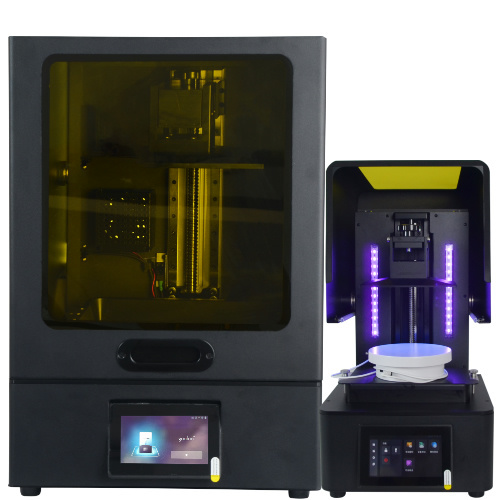
MSLA series
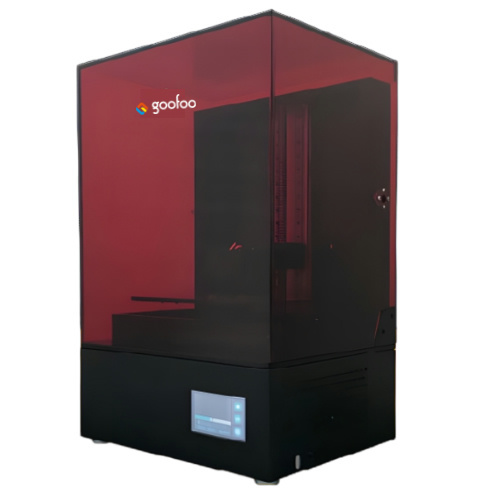
High accuracy Lens-s pro
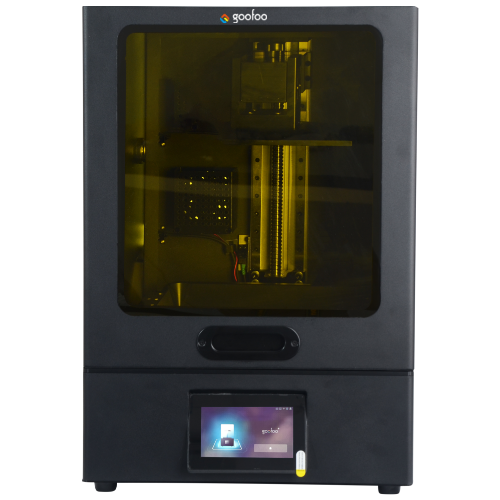
Large build volume Lens-m pro
- Industrial Industrial
-
Material
Material

Resin series

Dental DM100/TC100/ etc.

Jewelry Jewelry Resin

Generic PW100

Industry High Temp Resin

Garage Kit Red wax
-
Expanded
Expanded
Laser Engraver/CNC
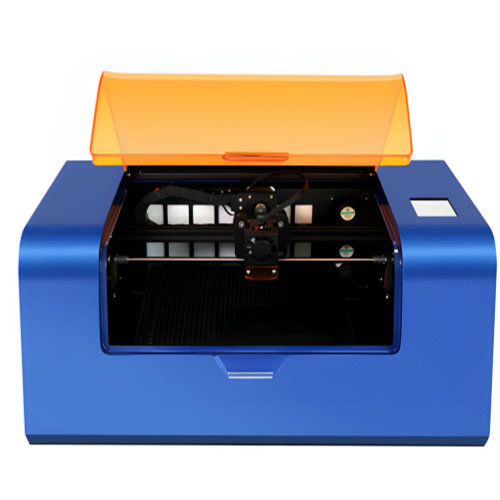
TS3(class1) Laser engraver & cutter 200*300mm
Pixi(class1) Laser engraver & cutter 100*100mm
3D scanner
Mole Highest accuracy 0.05mm
- Industries & Applications Industries & Applications
- Support Support
- About Us About Us
- Contact Us Contact Us
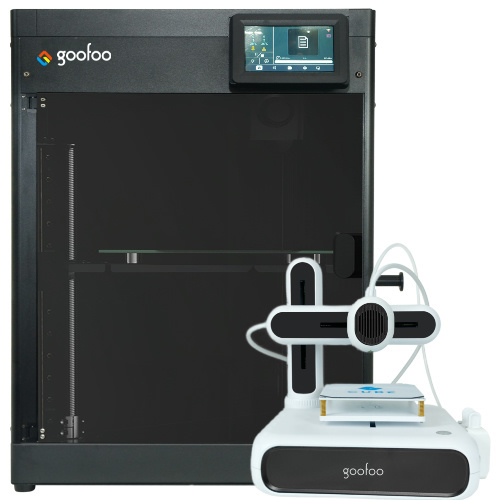


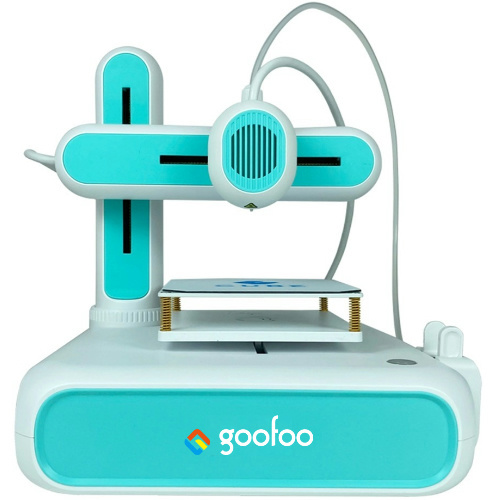
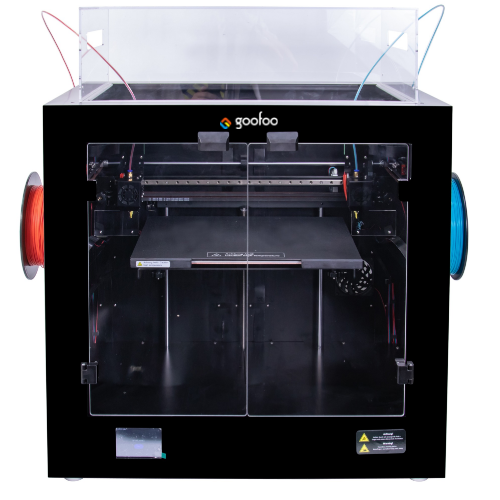
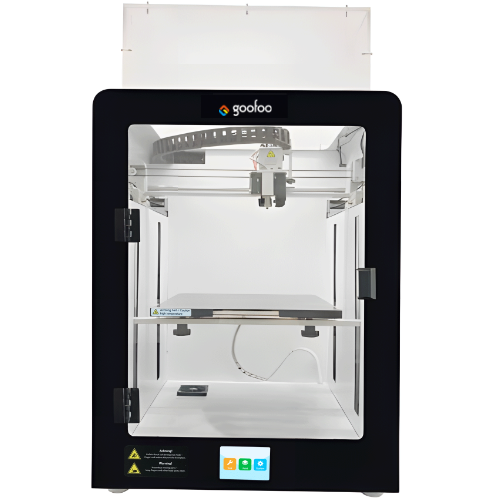
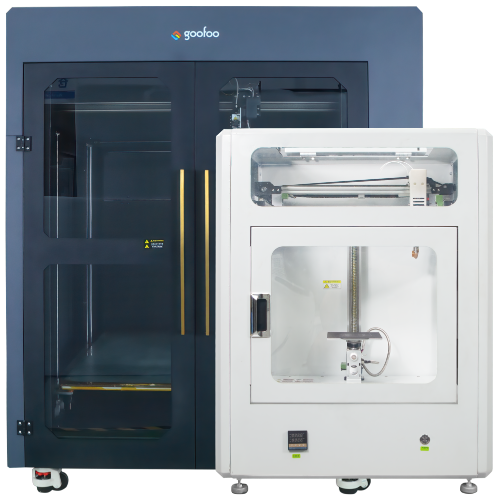
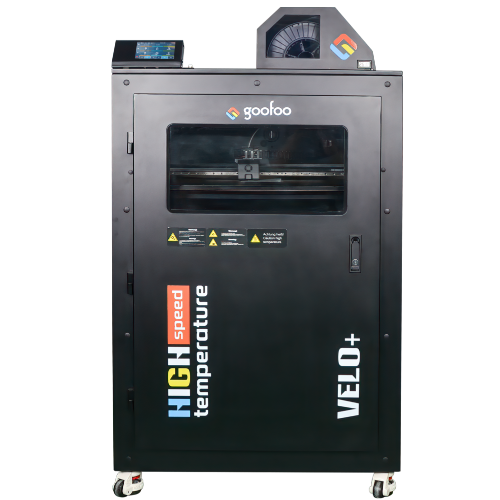
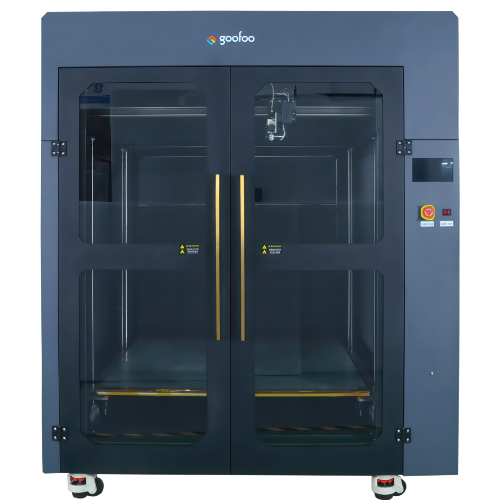
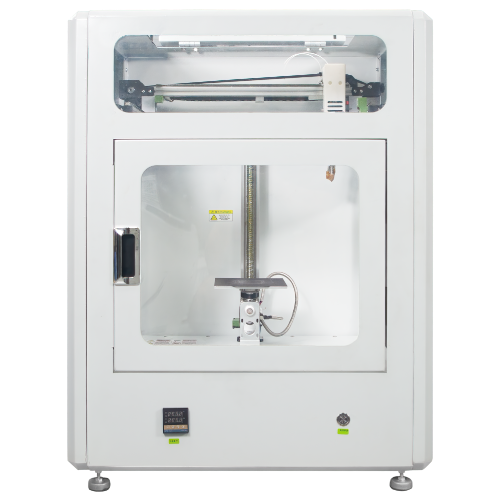
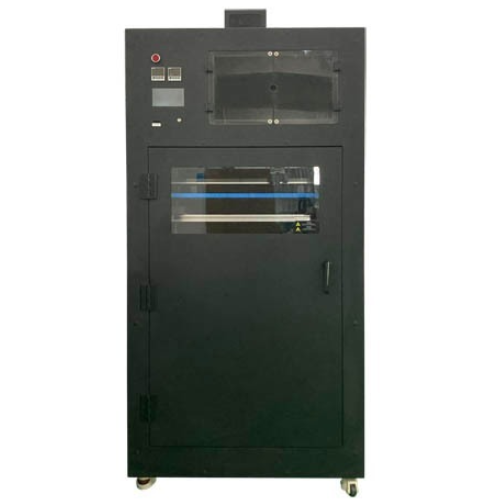
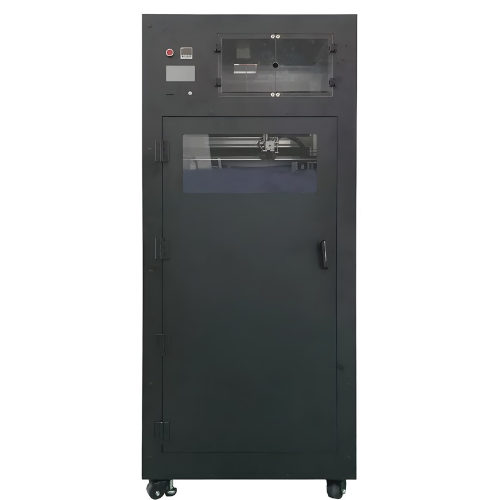
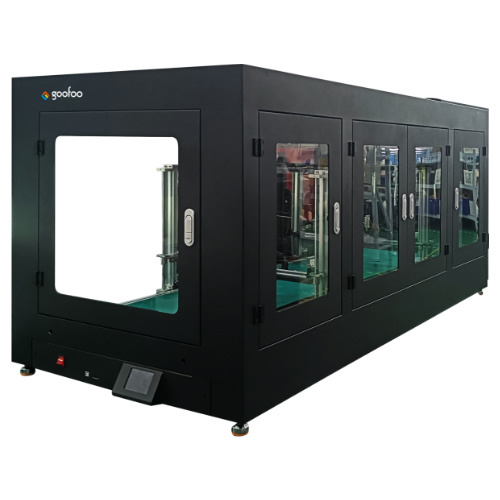
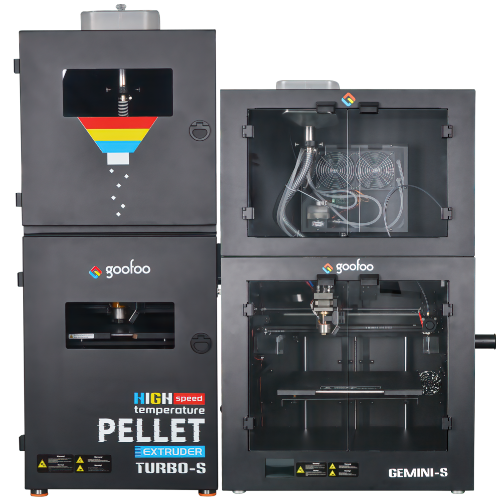
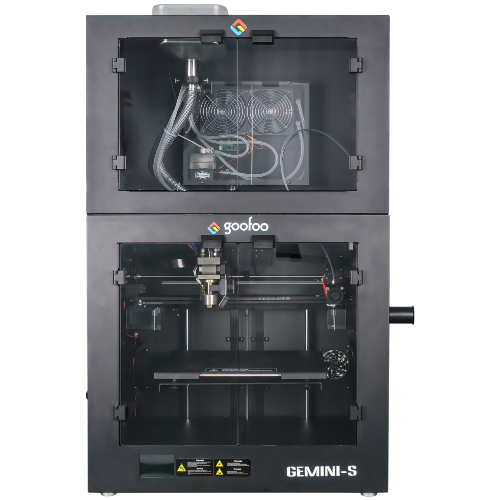
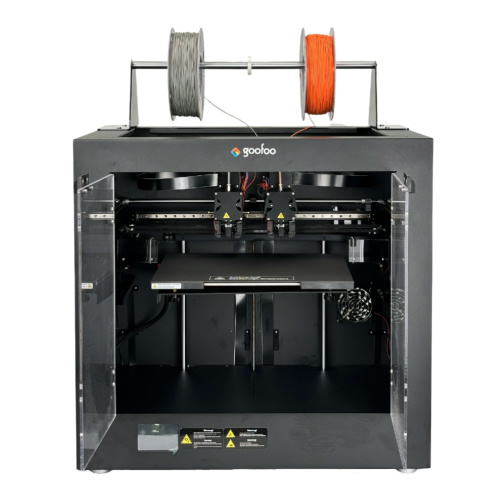









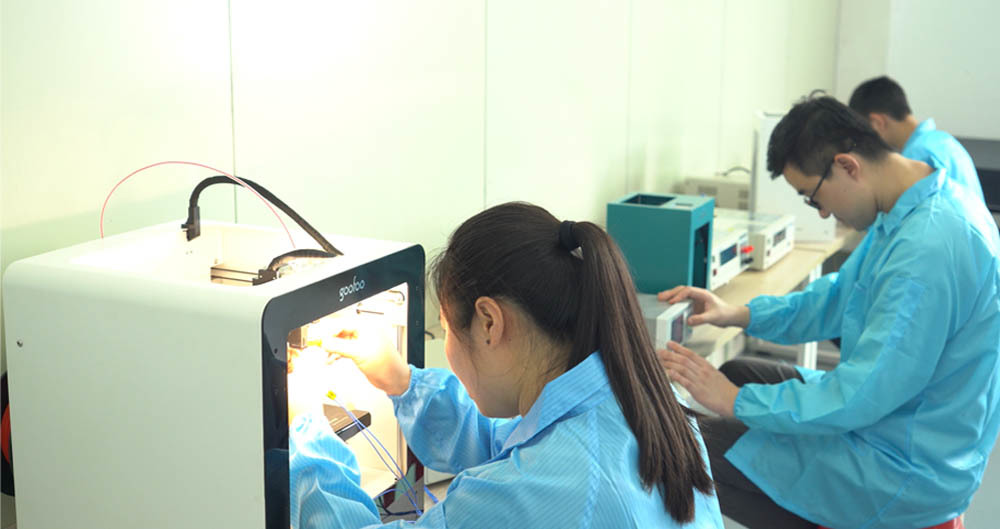



Exploring the World of FDM 3D Printing: Essential Tips and Tricks for Beginners
2024-10-08 09:00
Exploring the World of FDM 3D Printing: Essential Tips and Tricks for Beginners
Table of Contents
- 1. Introduction to FDM 3D Printing
- 2. What is FDM 3D Printing?
- 3. Benefits of FDM 3D Printing
- 4. Getting Started with FDM 3D Printing
- 5. Understanding Filament Types
- 6. The FDM Printing Process
- 7. Common Issues and Troubleshooting
- 8. Advanced Tips for Better Prints
- 9. Conclusion
- 10. Frequently Asked Questions
1. Introduction to FDM 3D Printing
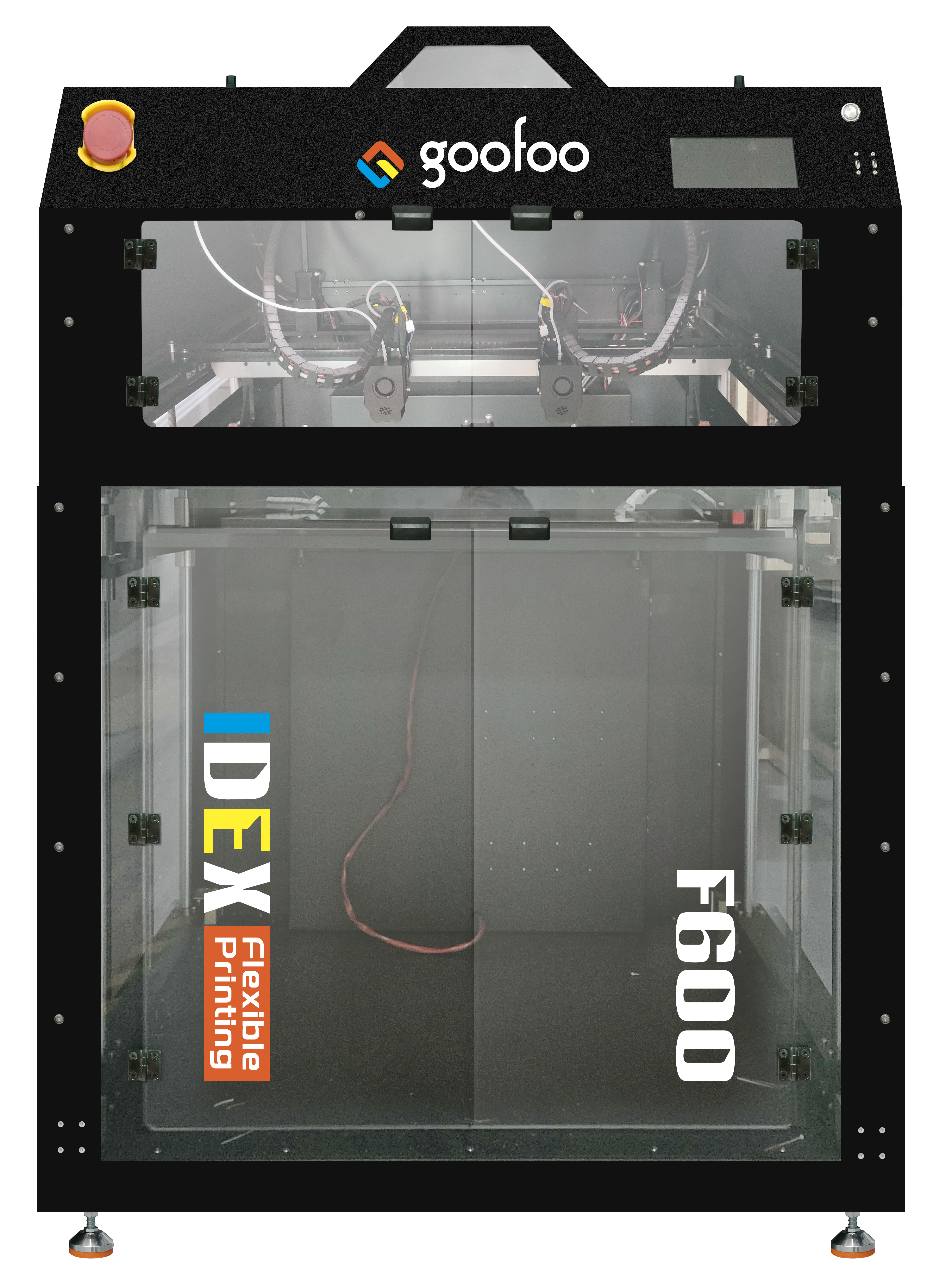
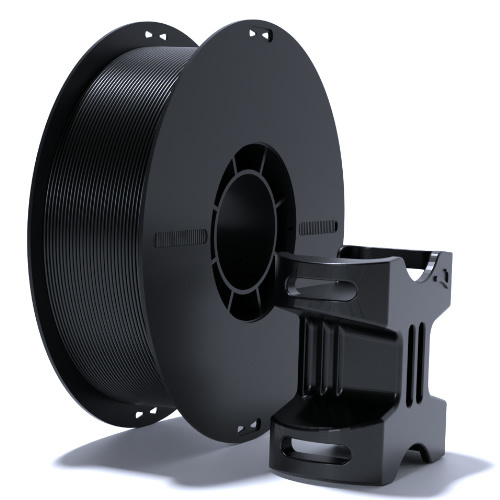
Fused Deposition Modeling (FDM) 3D printing has revolutionized the way we create objects, transforming ideas into tangible products with remarkable ease and speed. This technology uses a layer-by-layer approach, where thermoplastic filaments are heated and extruded to build three-dimensional structures. For beginners, diving into FDM 3D printing can seem daunting, but with the right guidance and resources, anyone can become proficient in this innovative craft.
2. What is FDM 3D Printing?
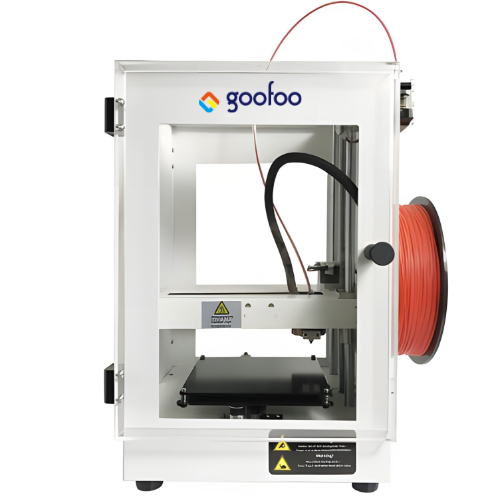
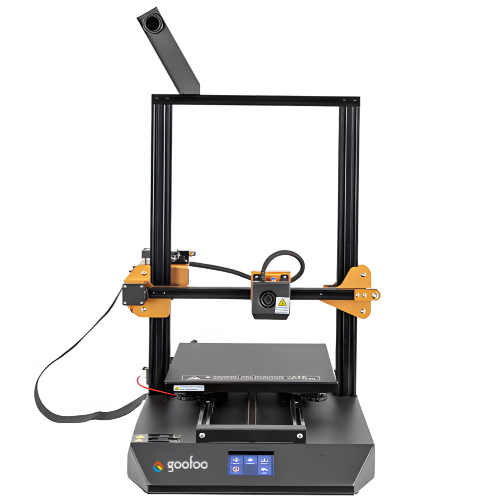
FDM, or Fused Deposition Modeling, is one of the most popular methods of 3D printing. The process involves melting a thermoplastic filament and extruding it through a heated nozzle, which then deposits the material layer by layer to create a finished object. This technology is widely used across various industries, from prototyping to manufacturing, thanks to its affordability and accessibility.
3. Benefits of FDM 3D Printing
FDM 3D printing offers numerous advantages, making it an ideal choice for both hobbyists and professionals. Some of the key benefits include:
Cost-Effectiveness
FDM printers are generally more affordable than other types of 3D printers, making them accessible for beginners and small businesses. Additionally, the cost of filaments is relatively low, allowing for extensive experimentation without breaking the bank.
Ease of Use
FDM printing is user-friendly, with a straightforward workflow that allows beginners to get started quickly. Many printers come pre-assembled, and software for slicing models is often free and easy to use.
Wide Range of Materials
FDM printers can work with various thermoplastic materials, enabling users to choose the best filament for their specific projects. This versatility allows for diverse applications, from creating functional prototypes to intricate art pieces.
Rapid Prototyping
The layer-by-layer construction method of FDM printing enables rapid prototyping, substantially reducing the time it takes to bring a concept to life. Designers can quickly test their ideas and make iterative improvements.
4. Getting Started with FDM 3D Printing
Embarking on your FDM 3D printing journey requires some preparation. Here’s how to get started effectively.
4.1 Choosing the Right FDM Printer
Selecting the right printer is crucial for a successful FDM printing experience. When choosing a printer, consider the following factors:
- **Build Volume:** Determine the maximum size of the objects you wish to print. A larger build volume allows for bigger prints but often comes at a higher cost.
- **Print Quality:** Research reviews and specifications to find a printer that offers high-resolution printing capabilities.
- **User Community:** A strong user community can provide valuable support and resources. Look for printers with active forums or social media groups.
- **Budget:** Set a budget and seek printers that offer the best features within your price range.
4.2 Essential Tools for Beginners
In addition to your FDM printer, a few essential tools will enhance your printing experience:
- **Calipers:** To measure your prints and ensure accuracy.
- **Scraper:** For safely removing prints from the build plate.
- **Tweezers:** Useful for handling small parts and cleaning up prints.
- **File or Sandpaper:** To smooth rough edges and improve print aesthetics.
5. Understanding Filament Types
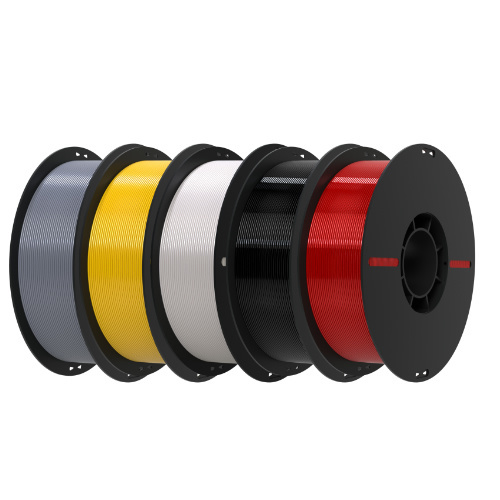
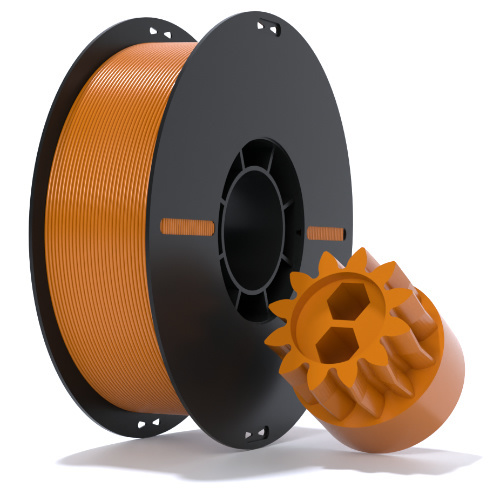
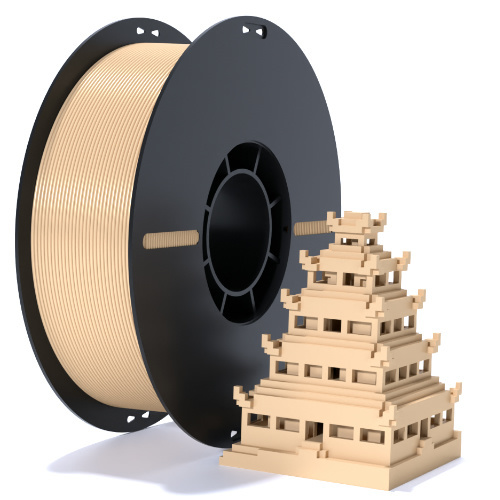
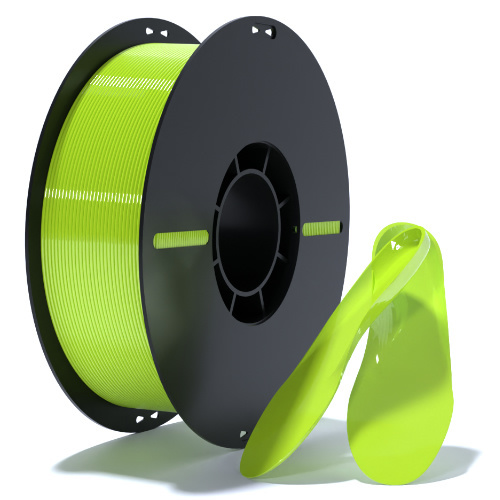
Choosing the right filament is vital for achieving the desired results in your prints. Here are some popular filament types to consider:
5.1 PLA vs. ABS: Which is Better?
PLA (Polylactic Acid) and ABS (Acrylonitrile Butadiene Styrene) are the two most commonly used filaments in FDM printing. Each has its unique characteristics:
- **PLA:** Known for its ease of use, PLA is biodegradable and prints with less warping. It’s ideal for beginners and projects requiring detailed prints. However, PLA is less heat-resistant than ABS.
- **ABS:** ABS is more durable and heat-resistant, making it suitable for functional parts. However, it can be more challenging to print due to warping and requires a heated bed.
Ultimately, the choice between PLA and ABS depends on your project requirements and personal preferences.
5.2 Other Filament Types to Consider
Aside from PLA and ABS, several other filament types can enhance your 3D printing experience:
- **PETG:** A versatile filament that combines the best qualities of PLA and ABS. It is easy to print, durable, and resistant to water and chemicals.
- **TPU:** A flexible filament that is perfect for creating objects that require elasticity, such as phone cases and toys.
- **Nylon:** Known for its strength and durability, nylon is great for functional parts but requires specific printing conditions.
6. The FDM Printing Process
Now that you have your printer and filament, let’s walk through the FDM printing process step by step.
6.1 Preparing Your Model for Printing
Before printing, ensure your 3D model is properly prepared:
- **File Format:** Ensure your model is in a compatible format, such as STL or OBJ.
- **Orientation:** Orient your model in a way that minimizes support structures and maximizes strength.
- **Scaling:** Scale your model to the desired size, keeping in mind the build volume of your printer.
6.2 Slicing Setup and Configuration
Slicing software converts your 3D model into a series of instructions that your printer can understand. Here are key settings to consider:
- **Layer Height:** A smaller layer height will result in finer details but will increase print time.
- **Infill Density:** Adjust the infill percentage based on the strength required for your part. A higher percentage increases strength but uses more filament.
- **Print Speed:** Set an appropriate print speed. Slower speeds typically yield better results, but faster speeds can save time.
7. Common Issues and Troubleshooting
As with any technology, FDM 3D printing can present challenges. Here are some common issues and their solutions:
- **Warping:** This occurs when the edges of the print lift. To minimize warping, ensure your printer has a heated bed and use adhesives like glue stick or hairspray.
- **Stringing:** Fine strings of melted filament can appear between parts. Adjust your retraction settings in the slicer to reduce stringing.
- **Layer Separation:** If layers are not adhering well, check your temperature settings and ensure your filament is dry.
8. Advanced Tips for Better Prints
Once you’ve mastered the basics of FDM printing, consider these advanced tips to elevate your results:
- **Experiment with Settings:** Don’t hesitate to tweak your slicer settings for different projects. Test prints will help you find the perfect balance for each material.
- **Post-Processing:** Consider sanding, painting, or applying a finish to enhance the appearance of your prints.
- **Stay Updated:** Keep up with the latest trends and advancements in 3D printing technology by joining forums, attending workshops, and reading industry publications.
9. Conclusion
FDM 3D printing is a thrilling and accessible technology that opens up a world of creative possibilities. By understanding the fundamentals, selecting the right equipment, and mastering essential techniques, beginners can confidently navigate the complexities of 3D printing. As you embark on this journey, remember that practice and patience are paramount. Celebrate your successes, learn from your failures, and enjoy the rewarding experience of bringing your ideas to life through FDM 3D printing.
10. Frequently Asked Questions
1. What is the best filament for beginners?
PLA is often recommended for beginners due to its ease of use, low warping, and availability in a variety of colors.
2. How long does it take to 3D print an object?
The printing time varies based on the object's size, complexity, and printer settings but can range from a few minutes to several hours.
3. Can I use my FDM printer for all types of objects?
While FDM printers can create a wide range of objects, certain materials and designs may require specialized printers or techniques.
4. What maintenance does an FDM printer require?
Regular maintenance includes cleaning the print bed, lubricating moving parts, and updating firmware when necessary.
5. Where can I find 3D models to print?
There are many online repositories, such as Thingiverse and MyMiniFactory, where users can find and download free 3D models.
3d printer fdm
Recommended News
 Esperanto
 Shqiptare
 Euskara
 Zulu
Zulu
 Latinus
 Cymraeg
 தமிழ்
தமிழ்
 Slovak
 Slovak
 Afrikaans
Join us
Subscribe to get the latest news


Skype / WhatsApp: +86 592-5713513 / +86-13860126490
No.88-3, North Tongji Road, Xike County, Tong'an District, Xiamen, Fujian China
Xiamen Goofoo Technology Co., Ltd. All Rights Reserved 闽ICP备2022008070号-1 SEO 300.cn
Phone:+0086 592-5713513
Address: No.88-3, North Tongji Road, Xike County, Tong’an District, Xiamen, Fujian China
Email: sales@goofoo3d.com
We will give you feedback in time