
- Shop Shop
-
Desktop
Desktop
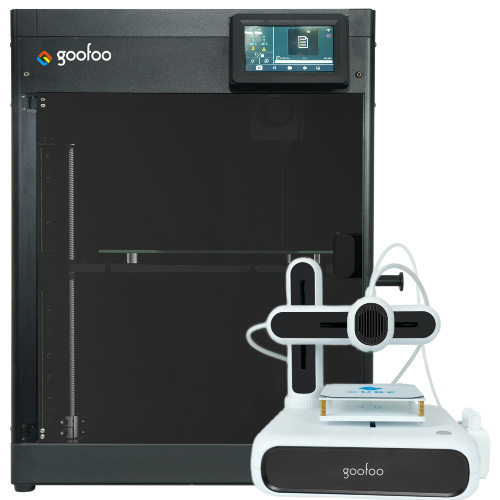
FDM / FGF

High speed GP1

colorful GP4/GP4-C
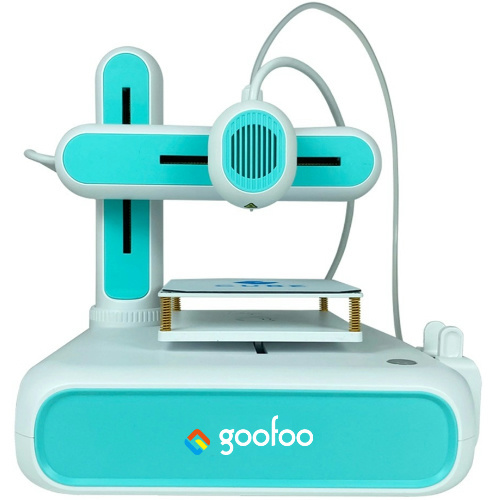
Kids Cube/3D Pen
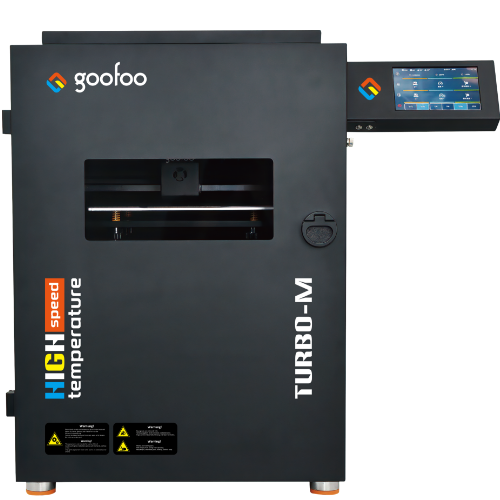
High speed&temp Turbo-m
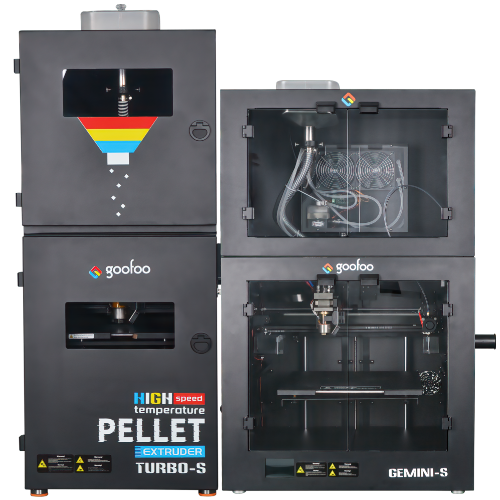
Pellet Gemini-s/Turbo-s
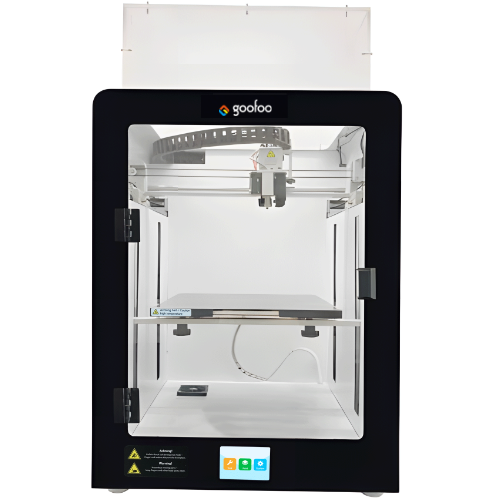
Classic+ Mido/Nova/Plus
- Industrial Industrial
-
Material
Material

Resin series

Dental DM100/TC100/ etc.

Jewelry Jewelry Resin

Generic PW100

Industry High Temp Resin

Garage Kit Red wax
-
Expanded
Expanded
Laser/CNC/3D scanner

TS4030(class1) Laser engraver & cutter 400*300mm
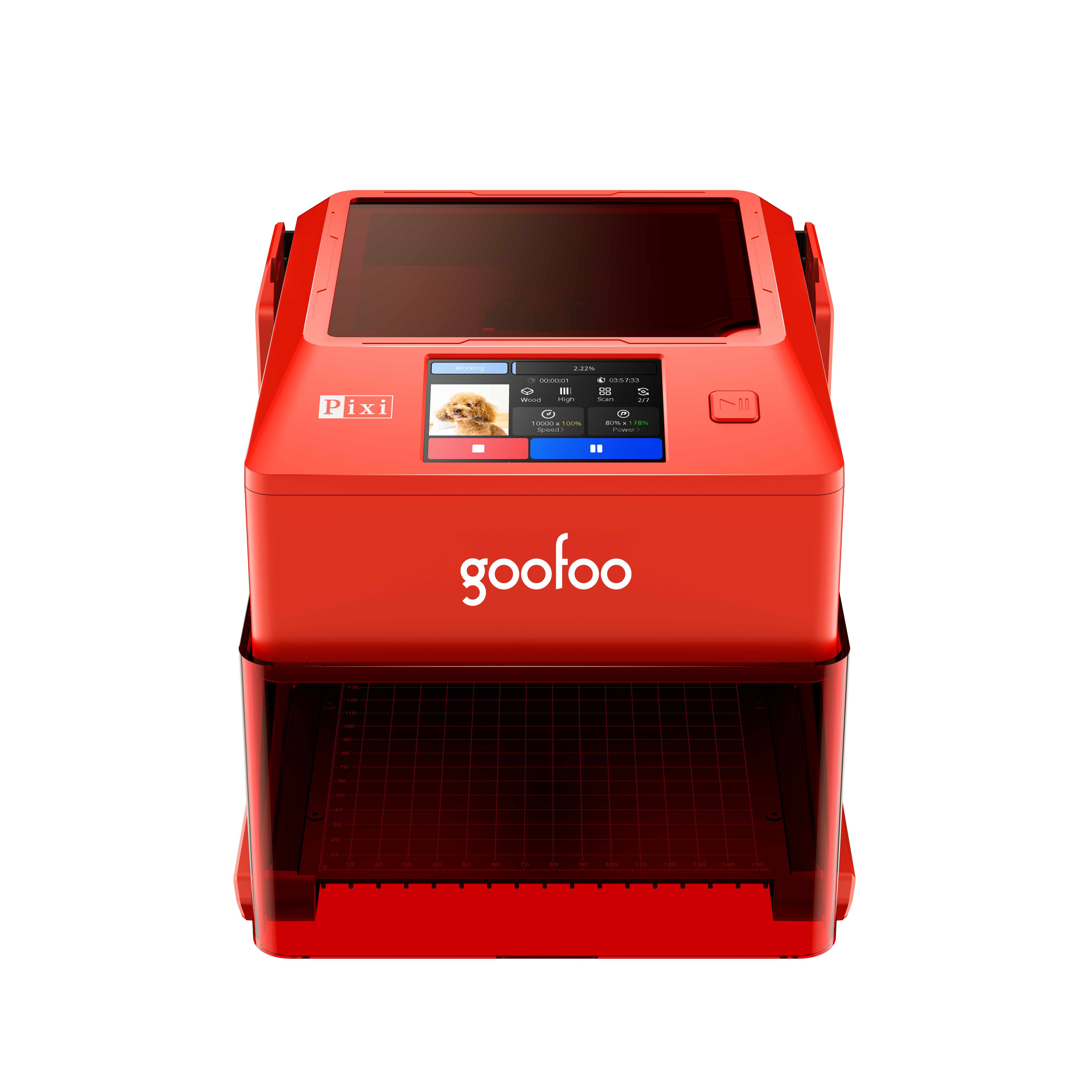
Pixi(class1) Laser engraver & cutter 100*100mm
Mole Highest accuracy 0.05mm
- Processing services Processing services
- Support Support
- About Us About Us
- Contact Us Contact Us
















3D Printer Models in 2026: Complete Guide to Files, Types, Sources & Printing Tips
2026-11-08 07:58
📋 Article Overview
This guide explains how 3D printer models work, where to find reliable files, how to prepare them for printing, and how to avoid common failures in 2026. It is written for beginners, hobbyists, and small workshops using desktop FDM or resin printers.
What Are 3D Printer Models and How Do They Work?
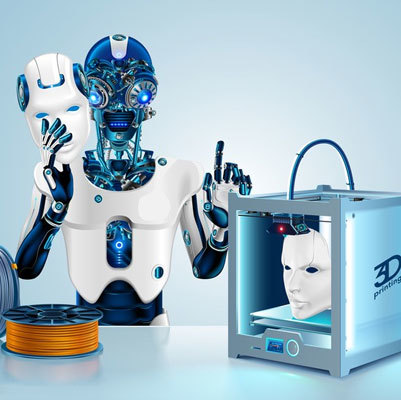
3d printer models are digital 3D files used to generate physical objects on a 3D printer. In practice, most users download an STL or OBJ file, import it into slicing software, and export G-code or printer-specific instructions. The printer then builds the object layer by layer.
Definition and Core File Types
From real testing, the most common file types are STL, OBJ, 3MF, and STEP. STL remains dominant because it is widely supported, while 3MF is growing because it can store color, material, and metadata. Industry consensus is that STL is still the safest format for general model sharing.
From Digital Model to Printed Object
- Download or design a 3D model file.
- Import it into slicing software such as Cura, PrusaSlicer, or Bambu Studio.
- Scale, orient, add supports, and choose material settings.
- Export G-code and send it to the printer.
- Remove supports, clean the print, and post-process if needed.
Research shows that about 60% of beginner print failures come from poor model orientation, missing supports, or incorrect bed leveling rather than from the printer itself.

Image Source: unsplash
Popular Types of 3D Printer Models in 2026
Not all models print well on all machines. In practice, model popularity depends on usefulness, print difficulty, material cost, and visual appeal.
Functional Mechanical Parts
These include gears, brackets, hinges, couplings, and tool holders. They usually require dimensional accuracy, wall thickness, and infill planning. From case experience, functional parts perform best when designed with at least 2–3 mm wall thickness and 15–30% infill for basic load-bearing uses.
Miniatures, Cosplay, and Art Models
Resin printers dominate this category because they reproduce fine details such as armor, facial features, and texture. FDM printers can also print miniatures, but layer height usually needs to be 0.12–0.16 mm for acceptable detail.
Replacement Parts and Household Items
Brokentoys, appliance knobs, cable clips, drawer pulls, and organizers remain popular because they solve immediate problems. 2026 data suggests that practical replacement parts are among the most repeated prints in home workshops.
Where to Download Reliable 3D Printer Models
The safest source is a platform that allows ratings, previews, print settings, and user feedback. In practice, this helps avoid corrupted files, dangerous orientation issues, or models designed for industrial printers only.
Free Repositories vs Paid Marketplaces
Free repositories are excellent for beginners, but paid marketplaces often provide cleaner supports, pre-supported resin files, and commercial licenses. Choose free models for learning; choose paid models when you need reliability, detailed miniatures, or commercial rights.
Goofoo-Tested Model Library Recommendations
For Goofoo FDM printers such as desktop models using PLA, PETG, or TPU, start with models labeled as “print-ready,” “supports easy,” or “beginner-friendly.” Avoid extremely large unsupported overhangs above 45 degrees unless you have experience tuning supports.
| Source Type | Best For | Advantages | Watch Out For |
|---|---|---|---|
| Free community repositories | Beginners, hobby prints, spare parts | Large selection, free access, user ratings | File quality varies; check comments before printing |
| Paid model marketplaces | Miniatures, cosplay, commercial products | Pre-supported files, cleaner geometry, licenses | Cost adds up; confirm license for selling prints |
| Open-source hardware sites | Functional brackets, adapters, tool parts | Parametric designs, reproducible results | May require CAD editing for custom sizes |
Research suggests that choosing a well-rated print-ready model reduces failed prints by roughly 35% compared with downloading unvetted files.
How to Choose the Right 3D Printer Model for Your Machine
A model that looks great online may still fail on your printer if it is not compatible with your build volume, material, or nozzle size.
Check Printer Compatibility and Build Volume
Before downloading, confirm the model dimensions. In practice, leave at least 5–10 mm of margin around the object for bed adhesion. If the model is too large, scale it down uniformly rather than stretching it, because stretching changes wall strength and fit.
Estimate Material Cost and Print Time
Use slicer estimates to compare infill options. A solid 100% infill print may be too expensive for a display model, while 10–15% infill is often enough for decorative parts. From case experience, PETG models usually take 10–25% longer than PLA due to cooling requirements.
Evaluate Overhangs and Support Needs
Models with steep overhangs, bridges, or floating details need supports. Resin prints usually need supports by design, while FDM prints should minimize supports to reduce post-processing time.
How to Prepare 3D Printer Models for Best Results
Preparation is where good prints are made or ruined. A clean model can still fail if scaling, orientation, or cooling settings are wrong.
Repair, Scale, and Check Units
Import the model in millimeters. If it appears tiny or enormous, the file may have been exported in inches or meters. Use mesh repair tools to fix non-manifold edges, holes, or inverted normals before slicing.
Slicer Settings for FDM and Resin
For FDM, start with PLA at 200°C, bed at 60°C, layer height 0.2 mm, and wall count 2–3. For resin, follow the resin manufacturer’s exposure settings, because overexposure can make details blurry and underexposure can cause broken prints.
Common Problems With 3D Printer Models and Fixes
Even popular models can fail if the setup is mismatched. The following issues are common in 2026 desktop printing workflows.
Warping and Poor Bed Adhesion
Warping usually happens with large flat parts, ABS, PETG, or drafts. Fixes include using a brim, enclosing the printer, lowering bed temperature slightly, or increasing first-layer squish. In practice, a clean bed is more important than exotic glue.
Supports Breaking or Leaving Marks
If supports fail, increase support density slightly and adjust support Z-distance. If supports leave heavy marks, choose tree supports for FDM or lighter support density for resin. From testing, minor support tuning often improves surface finish more than changing layer height alone.
File Errors and Non-Manifold Geometry
If slicing fails, check whether the model has overlapping shells, zero-thickness walls, or missing faces. Repair the mesh, re-export it as 3MF or STL, and slice again. Trustworthy model platforms usually show whether a file has been tested by other users.
常见问题
Q:What file format should I use for 3D printer models?
A:STL is the most universal format, while 3MF is better for storing color, material, and metadata. Use STL for maximum compatibility and 3MF when available.
Q:Are free 3D printer models safe to print?
A:Free models can be safe if they come from rated repositories with user feedback. Check comments, preview images, and print settings before slicing.
Q:Can I sell prints from downloaded 3D printer models?
A:Only if the license allows commercial use. Many free models are for personal printing, while paid marketplaces often include commercial licenses.
Q:What layer height is best for detailed models?
A:For FDM, 0.12–0.16 mm gives finer detail; for resin, 0.03–0.05 mm is common. Balance detail with print time and resin usage.
This article was generated by AI and is for reference only.
Recommended News
 Esperanto
 Shqiptare
 Euskara
 Zulu
 Latinus
 Cymraeg
 தமிழ்
 Slovak
 Slovak
 Afrikaans
Join us
Subscribe to get the latest news


Skype / WhatsApp: +86 592-5713513 / +86-13860126490
No.88-3, North Tongji Road, Xike County, Tong'an District, Xiamen, Fujian China
Xiamen Goofoo Technology Co., Ltd. All Rights Reserved 闽ICP备2022008070号-1 SEO 300.cn
Phone:+0086 592-5713513
Address: No.88-3, North Tongji Road, Xike County, Tong’an District, Xiamen, Fujian China
Email: sales@goofoo3d.com
We will give you feedback in time