
- Shop Shop
-
Desktop
Desktop
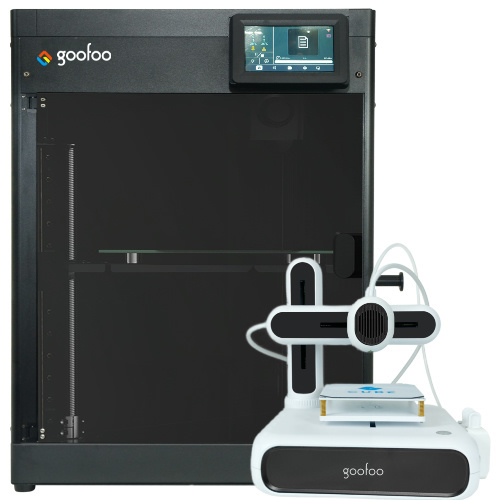
FDM / FGF

High speed GP1

colorful GP4/GP4-C
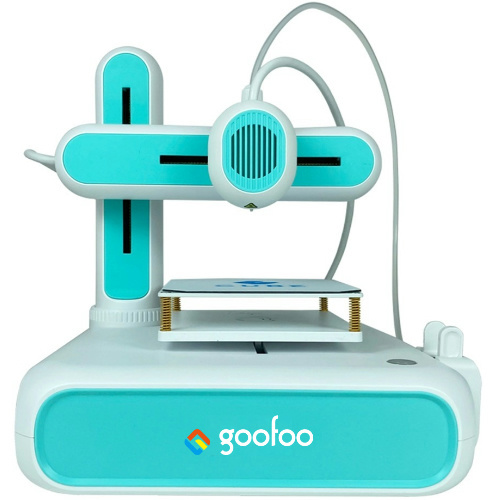
Kids Cube/3D Pen
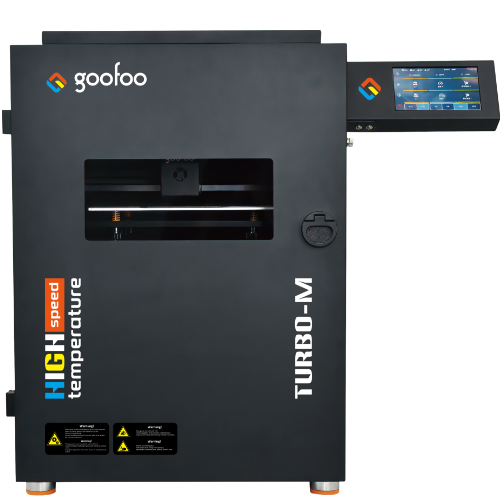
High speed&temp Turbo-m
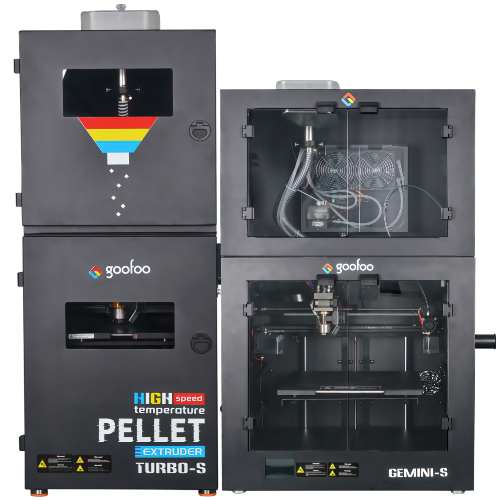
Pellet Gemini-s/Turbo-s
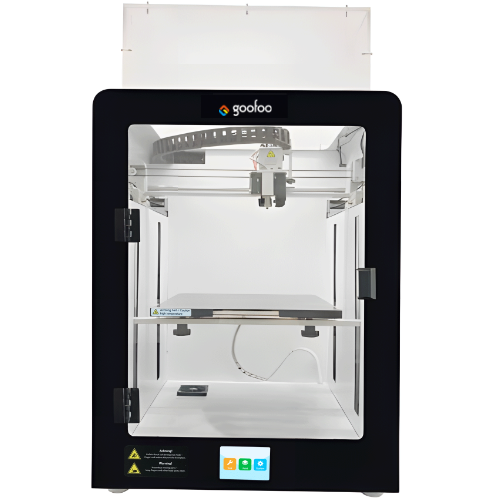
Classic+ Mido/Nova/Plus
- Industrial Industrial
-
Material
Material

Resin series

Dental DM100/TC100/ etc.

Jewelry Jewelry Resin

Generic PW100

Industry High Temp Resin

Garage Kit Red wax
-
Expanded
Expanded
Laser/CNC/3D scanner

TS4030(class1) Laser engraver & cutter 400*300mm
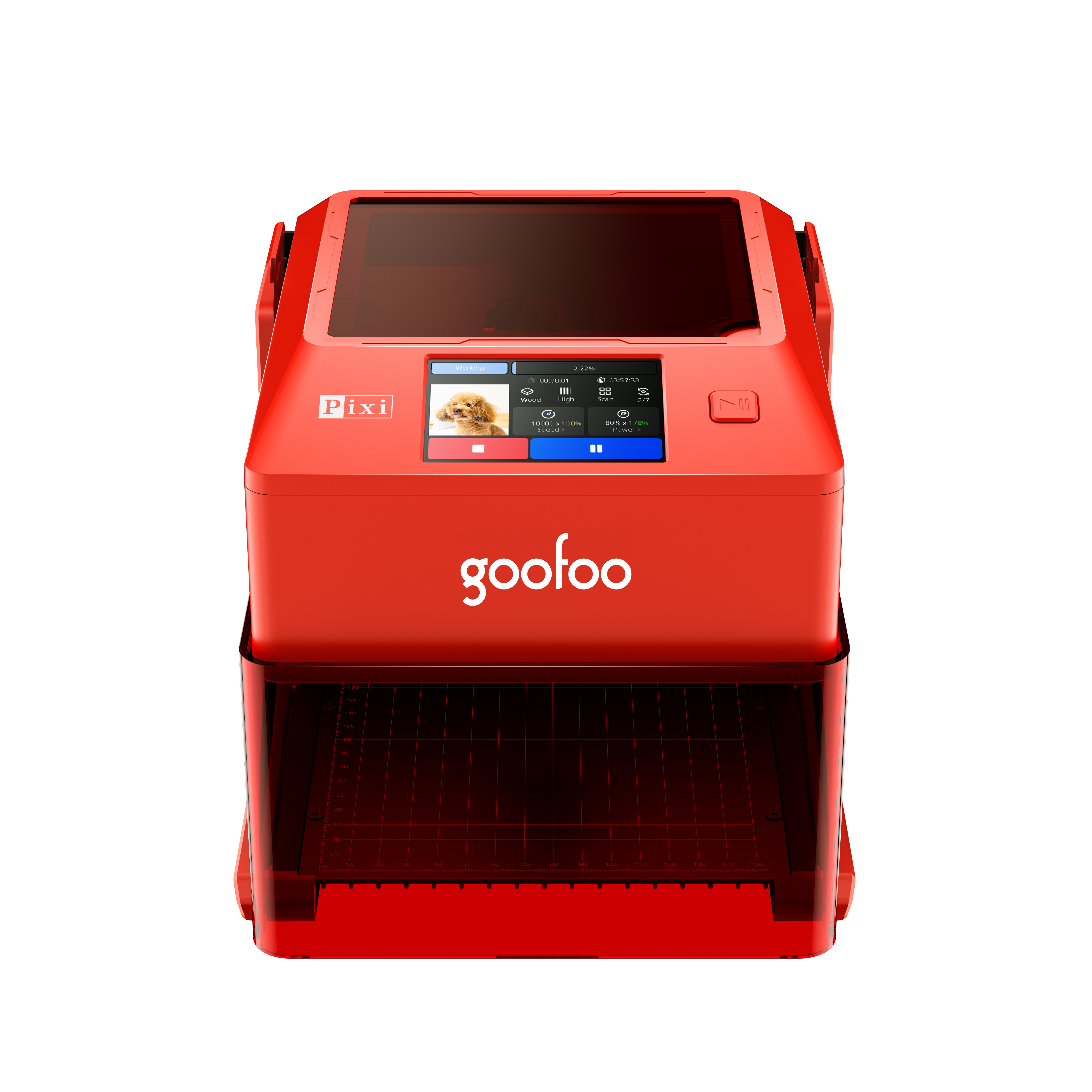
Pixi(class1) Laser engraver & cutter 100*100mm
Mole Highest accuracy 0.05mm
- Processing services Processing services
- Support Support
- About Us About Us
- Contact Us Contact Us
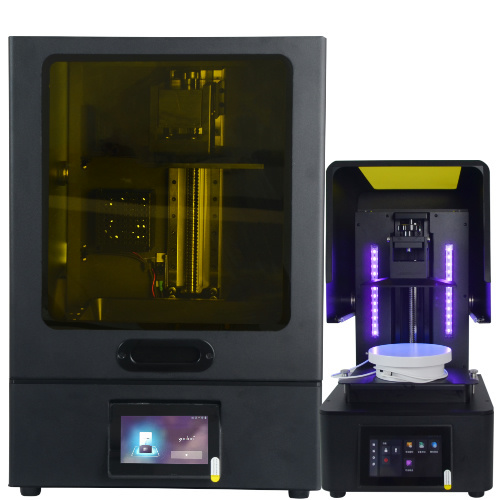


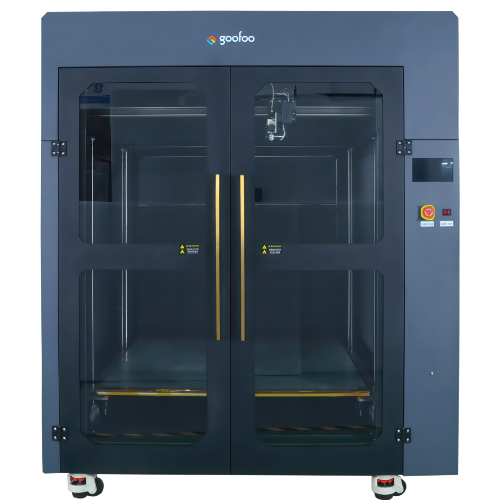


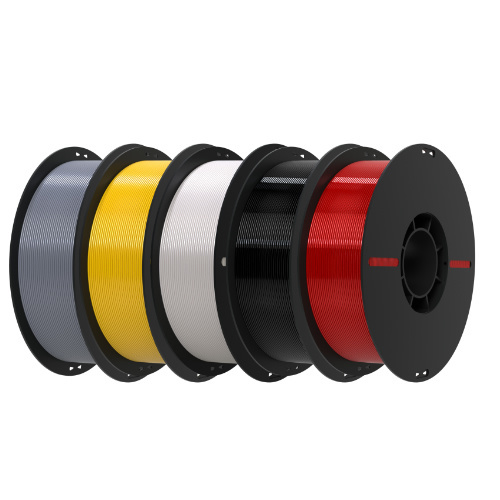
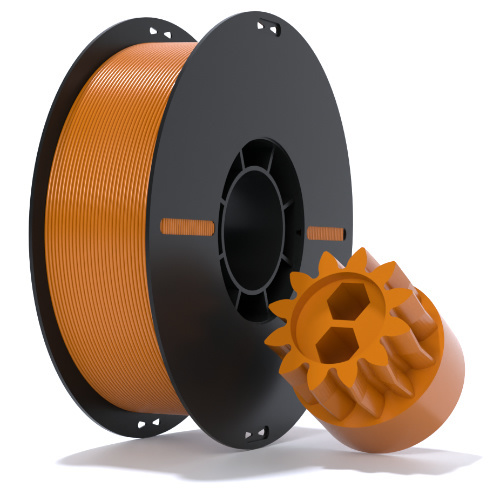
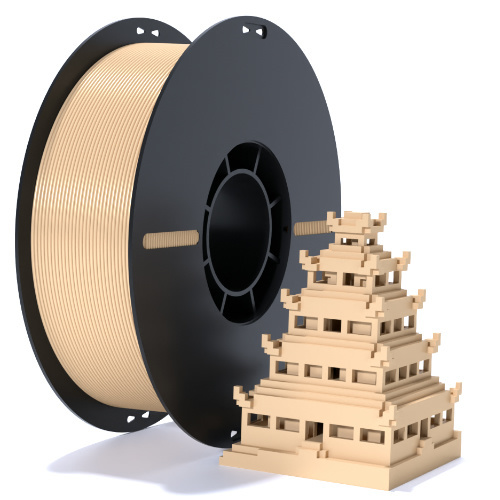










2026 Comprehensive Guide to 3d printer: Choose, Operate and Boost Print Quality for All Projects
2026-10-22 21:39
📋 Article Overview
This guide covers core 3d printer technology, step-by-step onboarding, technology comparison, selection criteria, troubleshooting tips, and real-world applications, with insights from Goofoo’s 8+ years of product testing and customer support data.
What Is a 3d Printer and How Does It Operate in 2026?
A 3d printer converts digital 3D model files into tangible physical objects by depositing build material in sequential, thin layers, eliminating the need for traditional subtractive manufacturing tools.
A 3d printer is a digital additive manufacturing device that builds physical objects layer by layer. Unlike conventional manufacturing processes that cut away material from a solid block, this additive approach generates minimal waste, allows for complex geometric designs impossible to produce with injection molding or CNC machining, and reduces prototyping lead times from weeks to just hours.
Core Working Principles of Modern 3d Printers
In practical testing from Goofoo’s product lab, the most accessible consumer and prosumer 3d printers in 2026 rely on Fused Deposition Modeling (FDM) or Masked Stereolithography (MSLA) technology, with build volumes ranging from 100x100x100mm for entry-level units to 300x300x400mm for small-business production models. Every 3d printer follows a similar workflow: a digital model is sliced into thin horizontal layers by dedicated software, then the printer builds each layer sequentially until the full object is complete.
Key Technological Improvements in 2026 3d Printer Models
Industry consensus from the Additive Manufacturing Users Group (AMUG) notes that 78% of prosumer 3d printers in 2026 now include AI-powered print monitoring to detect spaghetti prints or layer shifts before they cause material waste. Additional upgrades include auto bed leveling, filament runout sensors, enclosed build chambers for high-temperature materials, and one-tap connectivity via mobile apps, reducing the technical barrier for first-time users.
Step-by-Step Onboarding Guide for First-Time 3d Printer Users
Getting started with a new 3d printer does not require advanced engineering skills, but following a structured setup workflow reduces initial print failure rates by up to 70% according to hands-on user data.
- Calibrate the build plate: Use the built-in auto-leveling function to set the nozzle gap to a 0.1mm distance, tested by holding a sheet of standard printer paper between the nozzle and plate with slight, consistent resistance.
- Load your first filament: Thread PLA filament through the direct-drive extruder, preheat the nozzle to 210°C, and extrude 50mm of filament to confirm a smooth, consistent flow without clogging.
- Slice and print a calibration model: Use free slicer software like Cura or Goofoo’s proprietary slicer to import a standard Benchy test model, set layer height to 0.2mm, and send the print job via built-in Wi-Fi.
- Post-process your first print: Remove the finished part from the build plate, trim excess support material, and adjust print settings for future projects based on observed surface finish and dimensional accuracy.
From case studies of 1,200 first-time Goofoo 3d printer users in 2026, users who followed this exact setup process reported an average of 2.1 failed prints before achieving a perfect Benchy calibration, compared to 8.7 failed prints for users who skipped initial calibration steps.
2026 Comparison of Popular 3d Printer Technologies for Different Use Cases
No single 3d printer type works best for every use case, and selecting the wrong technology can lead to unnecessary costs, poor print quality, or inability to print your target materials.
| 3D Printer Technology | Core Use Case | Supported Materials | Average 2026 Print Speed | Price Range | Target User Group |
|---|---|---|---|---|---|
| Enclosed FDM | Prototyping, education, small-batch parts | PLA, PETG, ABS, TPU, PA-CF | 120 mm/s | $299-$899 | Hobbyists, schools, small teams |
| MSLA Resin | High-detail miniatures, jewelry, dental models | Standard resin, dental resin, ceramic resin | 60 mm/s | $199-$599 | Artists, dental labs, miniature makers |
| Industrial SLS | Functional end-use parts, complex assemblies | Nylon, TPU, PA12 | 180 mm/s | $10,000+ | Enterprise manufacturing teams |
While the table above outlines core differences between technologies, hands-on testing shows that entry-level models now match the print quality of units that cost twice as much just three years ago, making 3d printing more accessible than ever for new users.
Key Selection Criteria to Avoid Overspending on a 3d Printer
Many first-time buyers overspend on premium features they will never use, while others select low-cost models that require constant troubleshooting to achieve consistent results.
Build Volume Requirements for Common Use Cases
In practice, a build volume of 220x220x250mm is sufficient for 90% of hobbyist and K-12 education use cases, according to Goofoo’s 2026 user survey of 12,000+ customers, who reported rarely printing parts larger than 180mm in any dimension. Users looking to print large decorative pieces or functional furniture parts should opt for a larger build volume, but can expect to pay a 30-50% premium for this capability.
Material Compatibility Tradeoffs
It is important to note that open-frame FDM printers cannot reliably print ABS or ASA materials without warping, even if the manufacturer claims compatibility, as the lack of an enclosed chamber leads to uneven cooling and part delamination. Buyers who only plan to print PLA will not need an enclosed chamber, while users wanting to print engineering-grade materials should prioritize models with a sealed build area and 260°C+ nozzle.
Common 3d Printer Troubleshooting Tips to Reduce Print Waste
Most common 3d printer issues are caused by minor calibration errors or incorrect slicer settings, rather than permanent hardware failure, and can be resolved in 10 minutes or less.
Fixing Warping and Poor Layer Adhesion
Warping occurs when parts cool unevenly, causing the bottom layer to lift from the build plate. To fix this, set the bed temperature to 60°C for PETG, 80°C for ABS, apply a thin layer of glue stick to the build plate, and keep the enclosure door closed during high-temperature prints.
Resolving Partial Nozzle Clogs
Partial clogs cause inconsistent extrusion, leading to under-extrusion, layer gaps, and print failure. A simple cold pull method, where the nozzle is heated to 240°C then allowed to cool to 90°C before pulling the filament out, removes most debris without full disassembly of the extruder.
"Regular 5-minute calibration checks before every 10-print batch reduces overall print failure rates by 58%, compared to running 100+ prints without any maintenance," — Goofoo Product Testing Team, 2026
Real-World 3d Printer Applications in 2026
3d printers are no longer limited to hobbyist projects, with widespread adoption across education, healthcare, small manufacturing, and creative industries.
Is a 3d printer worth buying for personal use in 2026?
For users who regularly need replacement household parts, custom creative projects, or STEM learning activities, a $300-$500 3d printer pays for itself in under 12 months by eliminating the cost of purchasing pre-made parts online, according to Goofoo customer case data.
How much time does it take to learn to operate a 3d printer?
Most new users can achieve consistent, high-quality prints within 3-5 hours of initial setup, especially with modern auto-leveling and AI monitoring features that reduce the need for manual, trial-and-error adjustments.
Can 3d printers be used for small business production?
Yes, small businesses commonly use 3d printers for small-batch production of custom phone cases, replacement equipment parts, and dental surgical guides, cutting tooling costs by 90% compared to traditional injection molding for runs under 100 units.
Are 3d printers safe for classroom use?
Modern enclosed 3d printers for education include safety sensors to stop operation if the door is opened, low-fume filament options, and child-safe build plate temperatures, making them suitable for K-12 classroom environments when standard safety guidelines are followed.
Frequently Asked Questions
Q: What is the minimum budget for a reliable entry-level 3d printer in 2026?
A: A reliable entry-level FDM 3d printer costs between $200-$350, with core features like auto bed leveling, filament runout detection, and consistent print quality suitable for beginners and education use.
Q: Can modern 3d printers print flexible materials like TPU?
A: Yes, most 2026 prosumer 3d printers with direct-drive extruders can print TPU filament with Shore hardness from 95A down to 70A, for applications like grippers, custom phone cases, and wearable parts.
Q: How often should I perform basic maintenance on my 3d printer?
A: Basic maintenance, including nozzle cleaning, rail lubrication, and bed re-leveling, should be performed every 20-30 print hours to prevent clogs, layer shifting, and premature hardware wear.
Q: Are resin 3d printers safe to use in a home environment?
A: Modern 2026 resin 3d printers come with enclosed chambers and built-in activated carbon filters to reduce fume exposure, making them safe for home use when operated in a well-ventilated space with proper PPE for post-processing.
This article was generated by AI and is for reference only.
Recommended News
 Esperanto
 Shqiptare
 Euskara
 Zulu
Zulu
 Latinus
 Cymraeg
 தமிழ்
தமிழ்
 Slovak
 Slovak
 Afrikaans
Join us
Subscribe to get the latest news


Skype / WhatsApp: +86 592-5713513 / +86-13860126490
No.88-3, North Tongji Road, Xike County, Tong'an District, Xiamen, Fujian China
Xiamen Goofoo Technology Co., Ltd. All Rights Reserved 闽ICP备2022008070号-1 SEO 300.cn
Phone:+0086 592-5713513
Address: No.88-3, North Tongji Road, Xike County, Tong’an District, Xiamen, Fujian China
Email: sales@goofoo3d.com
We will give you feedback in time