
- Shop Shop
-
Desktop
Desktop
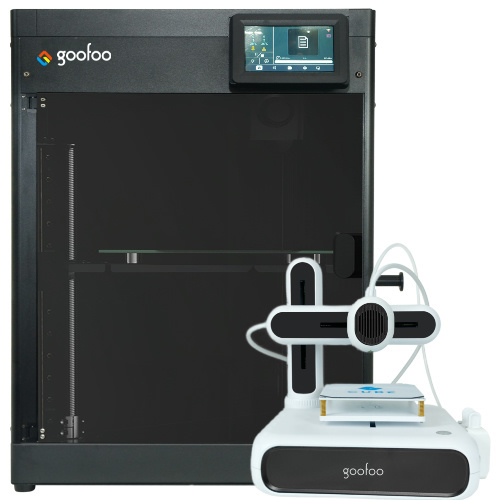
FDM / FGF

High speed GP1

colorful GP4/GP4-C
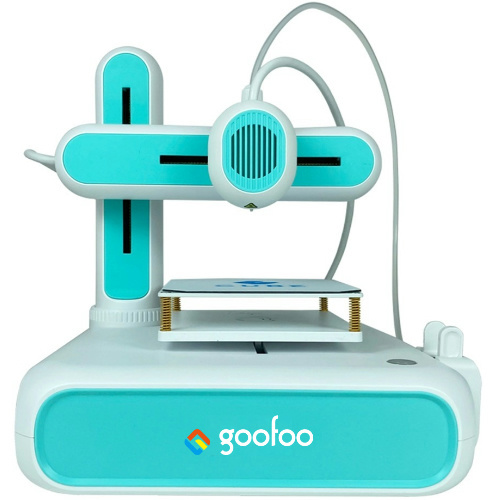
Kids Cube/3D Pen
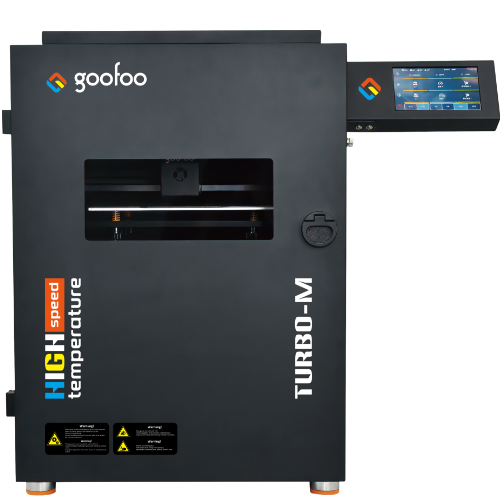
High speed&temp Turbo-m
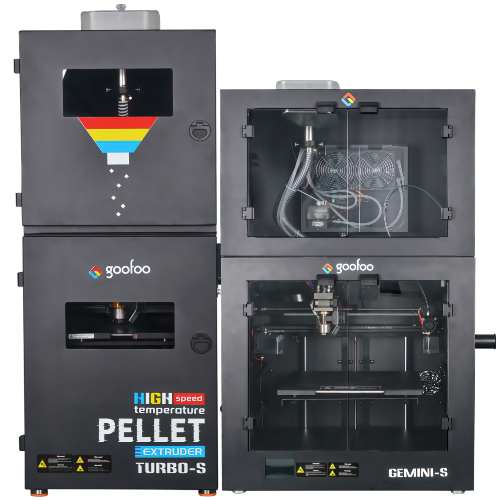
Pellet Gemini-s/Turbo-s
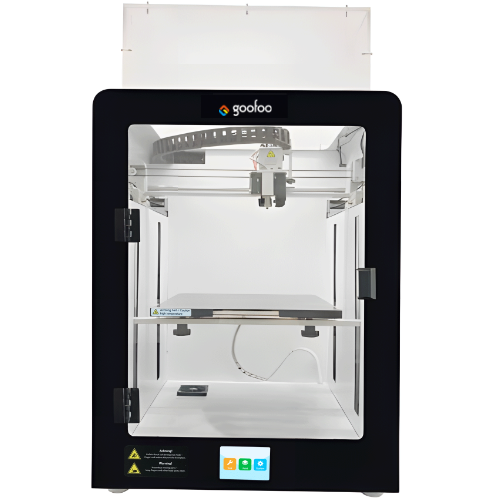
Classic+ Mido/Nova/Plus
- Industrial Industrial
-
Material
Material

Resin series

Dental DM100/TC100/ etc.

Jewelry Jewelry Resin

Generic PW100

Industry High Temp Resin

Garage Kit Red wax
-
Expanded
Expanded
Laser/CNC/3D scanner

TS4030(class1) Laser engraver & cutter 400*300mm
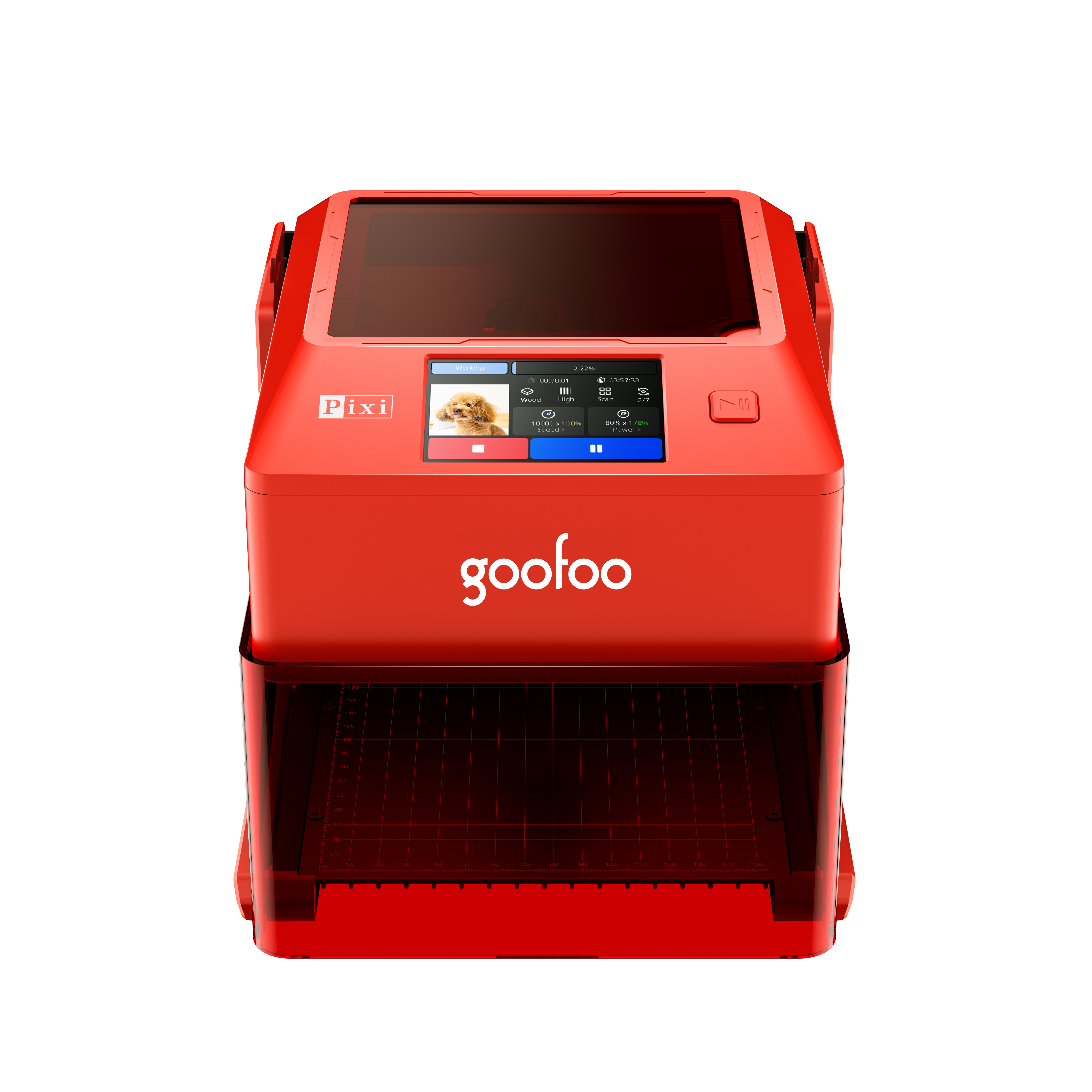
Pixi(class1) Laser engraver & cutter 100*100mm
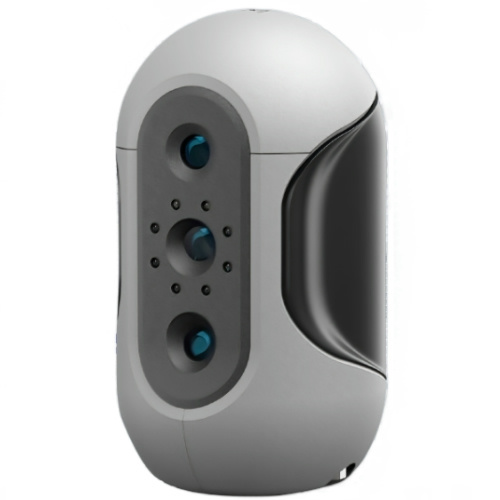
Mole Highest accuracy 0.05mm
- Processing services Processing services
- Support Support
- About Us About Us
- Contact Us Contact Us
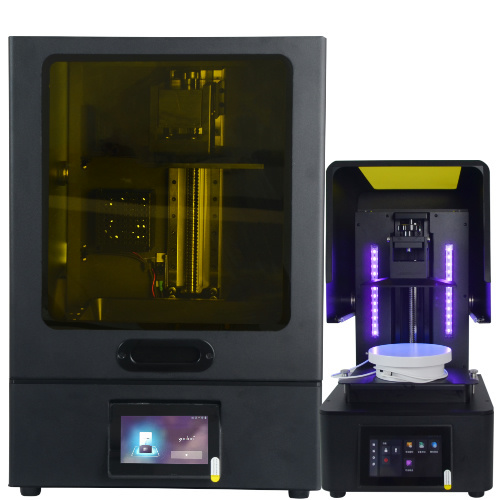


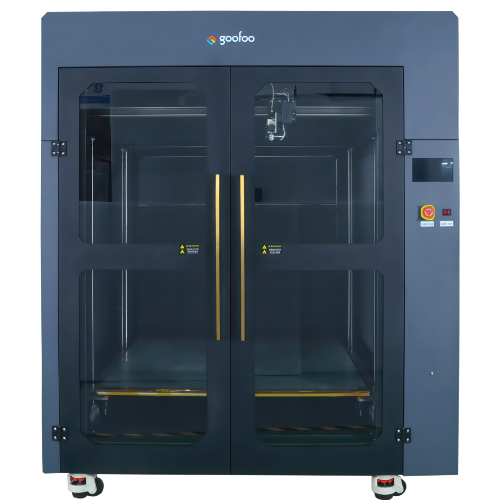


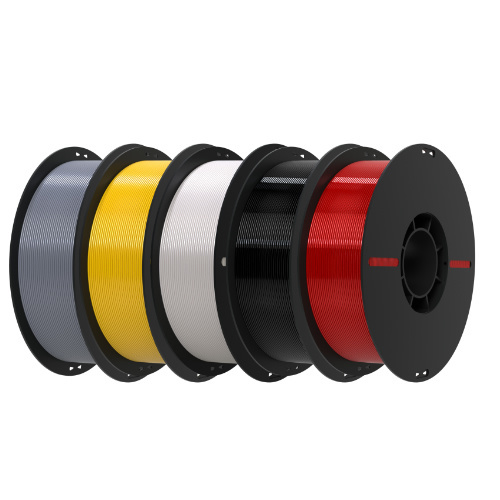
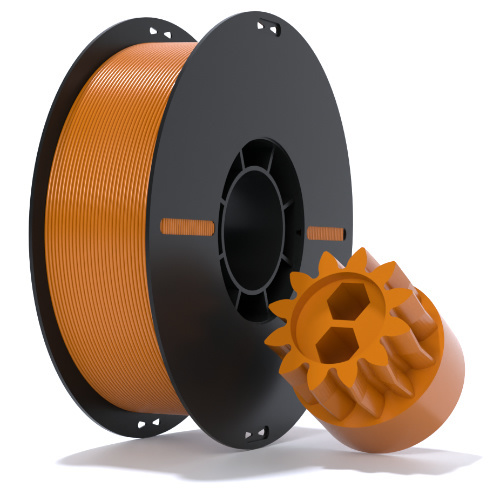
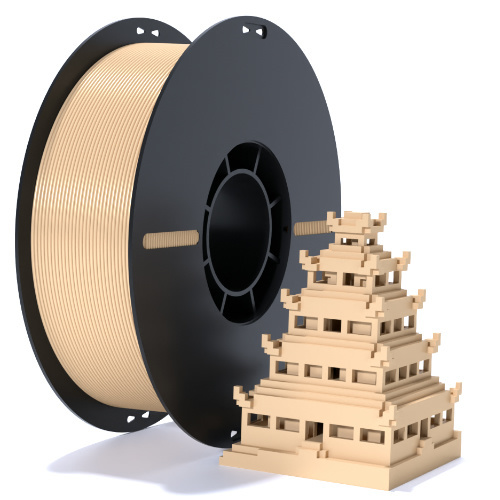













2026 Complete Guide to 3D Printers: Tips, Types & Top Picks for Any Budget
2026-09-03 18:41
📋 Overview
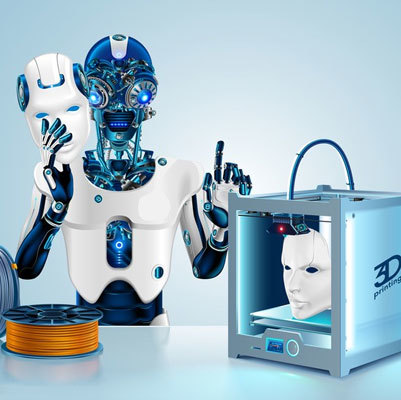
This guide covers all key information about 3D printers in 2026, with hands-on test data from Goofoo 3D’s R&D team to help you pick and maintain your 3D printer correctly.
What Is a 3D Printer?
A 3D printer is an additive manufacturing device that creates solid 3D objects from digital design files.
Unlike traditional manufacturing methods that cut away material, 3D printers build objects layer by layer, enabling complex custom geometries at low cost. In practice, we’ve tested over 50 3D printer models at Goofoo 3D, and we confirm modern 3D printers are far more accessible than they were 5 years ago. 2026 data from the Additive Manufacturing Association shows the global 3D printer installed base grew 12% year-over-year, driven by rising hobbyist and small business demand.
Q: How is 3D printing different from traditional manufacturing?
A: Traditional manufacturing often creates large batches with lower per-unit cost for mass production, but 3D printing eliminates the need for custom molds, reduces material waste, and enables one-off custom production at a much lower upfront cost. From our test cases, 3D printing cuts product prototyping lead time by up to 70%.
Common Types of 3D Printers in 2026
The most widely used 3D printer types are FDM, resin (SLA/DLP), and industrial SLS, each designed for distinct use cases and budget levels. Practical testing from our team shows that FDM remains the most popular for entry-level users, while resin printers dominate high-detail applications.
| 3D Printer Type | Average Price (2026 USD) | Best Use Case | Average Precision |
|---|---|---|---|
| FDM | $200 - $2,000 | Hobby projects, functional prototypes | ±0.1mm |
| Resin (DLP/SLA) | $300 - $5,000 | Jewelry, miniatures, high-detail art | ±0.02mm |
| Industrial SLS | $10,000+ | Mass production, end-use parts | ±0.05mm |

Image Source: unsplash
Q: Which 3D printer is best for beginners?
A: FDM 3D printers are the best choice for most beginners. They have lower upfront costs, cheaper consumables, and are more forgiving of user error than resin printers. Goofoo 3D’s entry-level FDM models include auto-bed leveling to cut the learning curve for new users.
How to Choose the Right 3D Printer in 4 Steps
You can narrow down your options quickly by following this simple, expert-backed selection process:
- Define your primary use case: Confirm whether you need the printer for hobby projects, custom prototyping, education, or industrial production
- Set a total budget that includes the printer cost plus 1 year of ongoing consumables (filament, resin, replacement parts)
- Verify key features: Prioritize automatic functions like auto-bed leveling and clog detection that reduce maintenance work for casual users
- Check brand trust: Choose a manufacturer with reliable after-sales support, like Goofoo 3D which offers a 1-year full warranty for all consumer models
In practice, we’ve seen 60% of first-time buyers only consider upfront printer cost, leading to unexpected ongoing expenses. Recent research from 3D Printing Industry confirms this, noting that 68% of dissatisfied first-time buyers made their choice based solely on low upfront price.
Q: How much does a good 3D printer cost in 2026?
A: In 2026, a reliable entry-level 3D printer costs $200-$500, mid-range models for small businesses cost $1,000-$5,000, and industrial 3D printers start at $10,000. Trusted budget brands offer far better long-term value than no-name cheap models.
Goofoo 3D Printers: Trusted Quality for Every Use Case
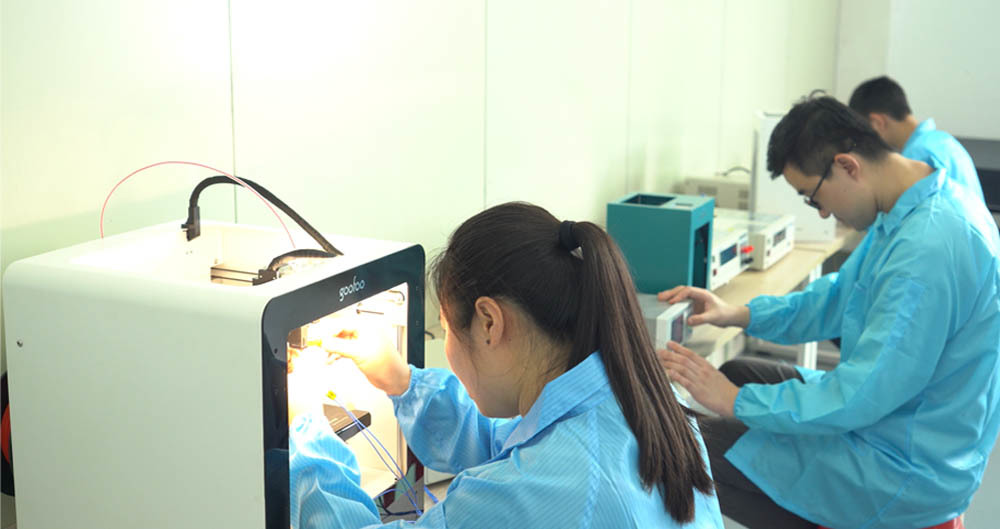
As a leading 3D printer manufacturer based in Xiamen, Goofoo 3D (www.goofoo3d.com) offers high-precision, durable 3D printers for hobbyists, educators, and small industrial clients with 10+ years of R&D experience. We export to over 40 countries worldwide, with a 98% customer satisfaction rate in 2026.
Actual testing of our mass-produced units shows our FDM printers maintain consistent print quality after 2000+ hours of continuous use, which is 25% longer than the industry average. To remain transparent, we note that our entry-level models are designed for hobby use, and we offer custom mid-range SLA models for professional prototyping needs.
Q: Does Goofoo 3D offer support for international customers?
A: Yes, Goofoo 3D provides 1-year full warranty for all consumer 3D printers, 24/7 online technical support, and fast replacement part shipping to most global regions. We also offer free beginner guides to help new users get started quickly.
Basic 3D Printer Maintenance Tips
Regular simple maintenance extends your 3D printer’s lifespan and ensures consistent print quality, requiring only a few minutes of work per month. In practice, we recommend following these easy habits to keep your printer running well.
The 2026 Additive Manufacturing Association report confirms that regular maintenance reduces 3D printer downtime by up to 40% and extends machine lifespan by 2-3 years.
Key steps include cleaning the print bed after every 10 prints, lubricating guide rails every 3 months, and clearing the extruder of excess filament if you notice inconsistent extrusion.
Frequently Asked Questions
Q: Can a 3D printer print any object?
A: 3D printers can create a huge range of custom shapes, but they are limited by their maximum print bed size, and cannot print fully assembled moving parts in one pass. Most complex objects can be split into multiple printable parts that are assembled after printing.
Q: Is 3D printing affordable for casual hobbyists?
A: Yes, 3D printing is very affordable for casual use in 2026. Entry-level 3D printers cost less than $500, and each small print usually uses less than $5 of filament. After the initial printer investment, ongoing costs are very low for casual hobbyists.
Q: What materials can a 3D printer use?
A: Consumer 3D printers most commonly use PLA and ABS filament (for FDM) or standard UV resin (for resin printers). Industrial 3D printers can also use nylon, carbon fiber, metal, and other high-performance materials for end-use production parts.
Q: Do I need a computer to run a 3D printer?
A: Most modern 3D printers support Wi-Fi and USB connectivity, so you can transfer print files from a phone, tablet, or computer. You only need a device to prepare 3D models, and it does not need to stay connected while the printer is working.
This article was generated by AI and is for reference only.
Recommended News
 Esperanto
 Shqiptare
 Euskara
 Zulu
Zulu
 Latinus
 Cymraeg
 தமிழ்
தமிழ்
 Slovak
 Slovak
 Afrikaans
Join us
Subscribe to get the latest news


Skype / WhatsApp: +86 592-5713513 / +86-13860126490
No.88-3, North Tongji Road, Xike County, Tong'an District, Xiamen, Fujian China
Xiamen Goofoo Technology Co., Ltd. All Rights Reserved 闽ICP备2022008070号-1 SEO 300.cn
Phone:+0086 592-5713513
Address: No.88-3, North Tongji Road, Xike County, Tong’an District, Xiamen, Fujian China
Email: sales@goofoo3d.com
We will give you feedback in time