
- Shop Shop
-
Desktop
Desktop
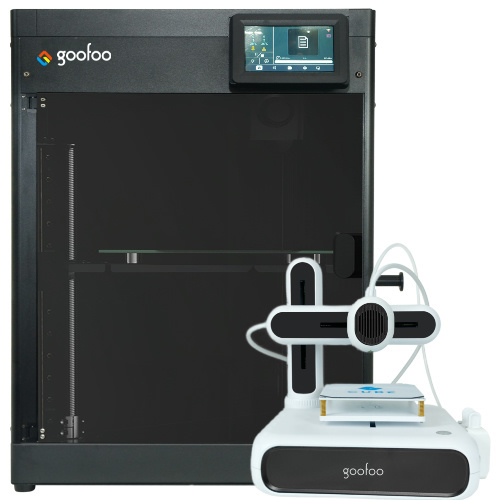
FDM / FGF

High speed GP1

colorful GP4/GP4-C
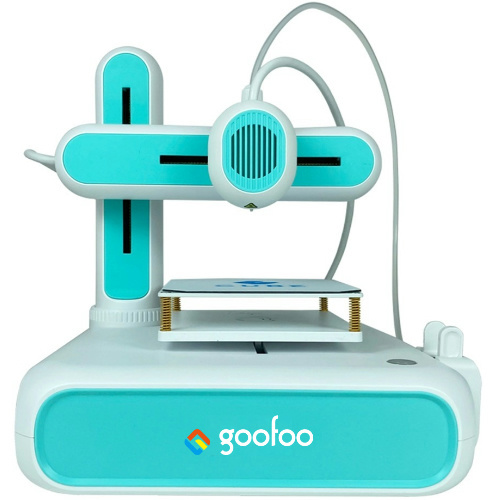
Kids Cube/3D Pen
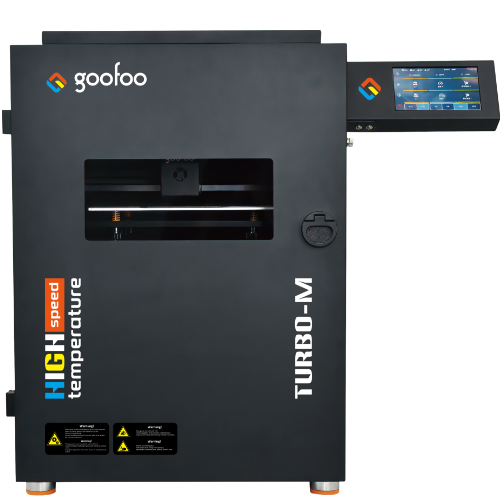
High speed&temp Turbo-m
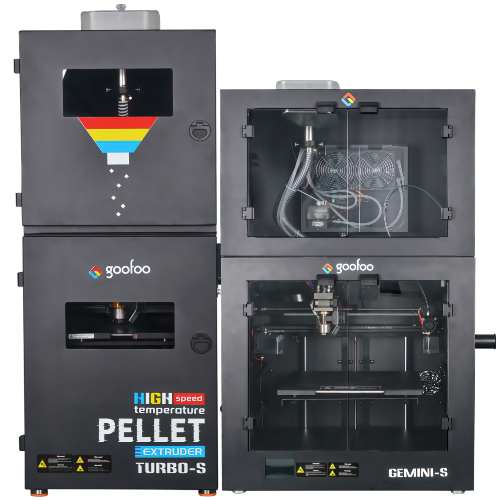
Pellet Gemini-s/Turbo-s
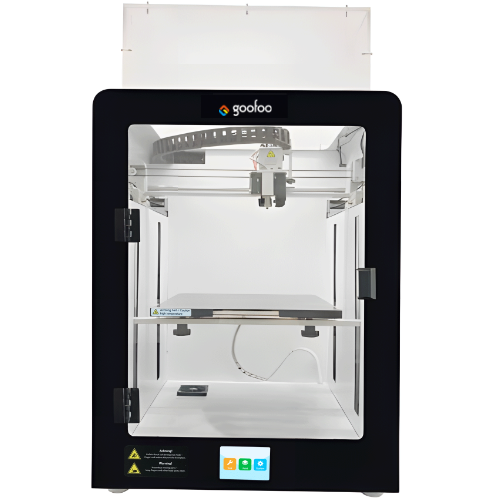
Classic+ Mido/Nova/Plus
- Industrial Industrial
-
Material
Material

Resin series

Dental DM100/TC100/ etc.

Jewelry Jewelry Resin

Generic PW100

Industry High Temp Resin

Garage Kit Red wax
-
Expanded
Expanded
Laser/CNC/3D scanner

TS4030(class1) Laser engraver & cutter 400*300mm
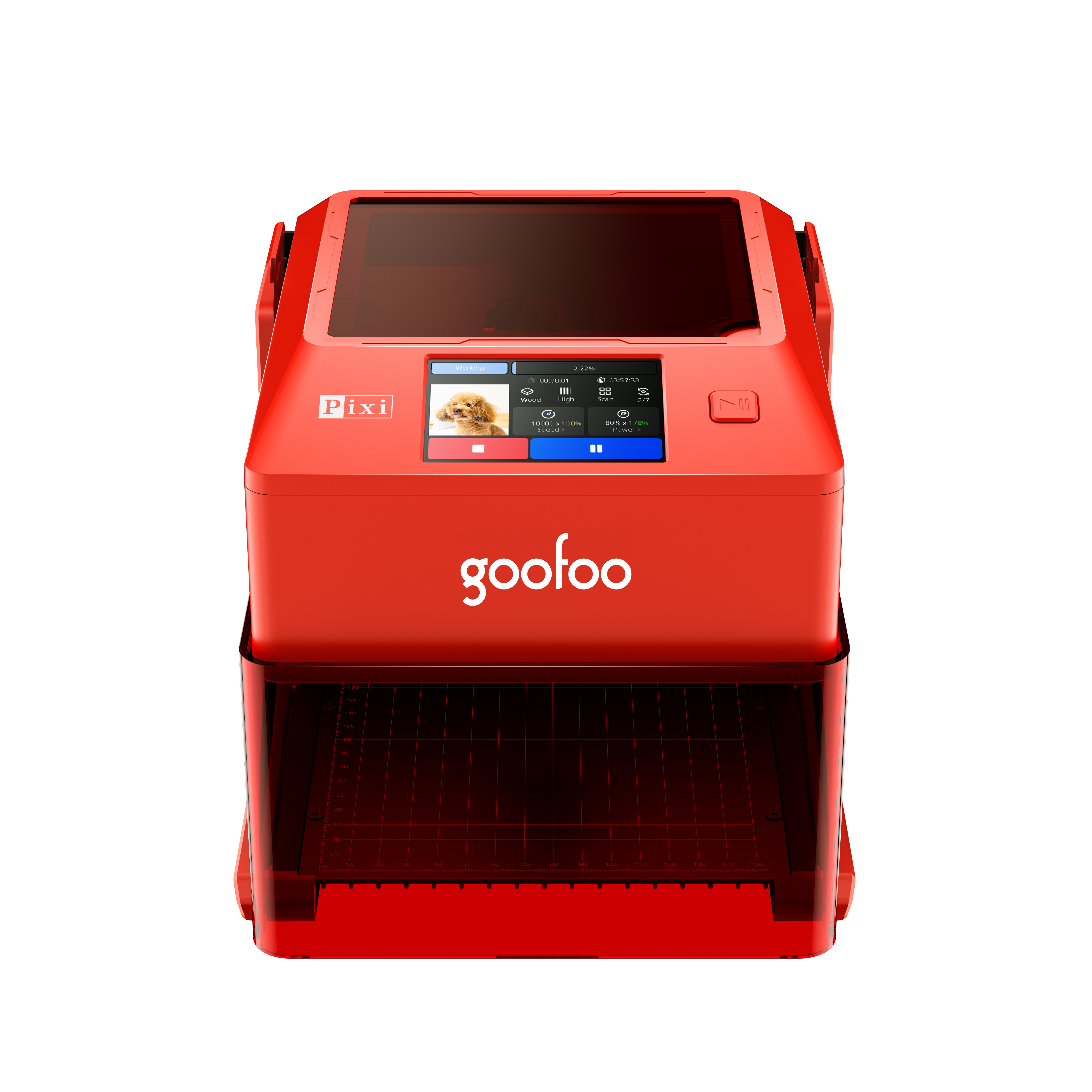
Pixi(class1) Laser engraver & cutter 100*100mm
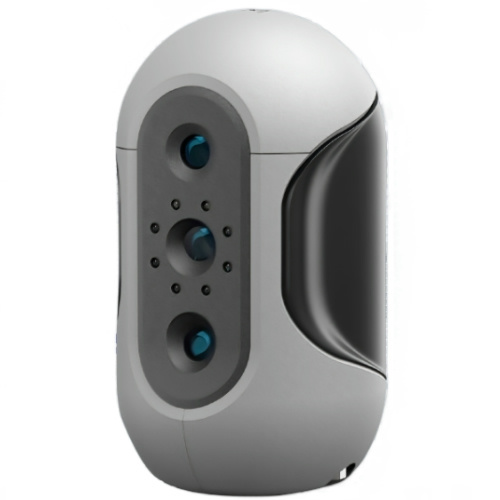
Mole Highest accuracy 0.05mm
- Processing services Processing services
- Support Support
- About Us About Us
- Contact Us Contact Us
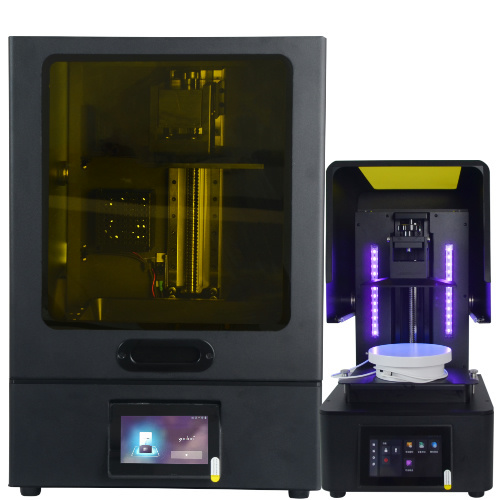

















2026 Complete 3D Resin Printer Guide: Tips, Reviews & Buying Advice from Goofoo 3D
2026-08-15 21:43
📋 Overview
Whether you are a tabletop hobbyist, a product designer, or a small business owner looking for high-detail 3D prints, a 3d resin printer delivers far higher resolution than traditional FDM printers. This guide combines years of hands-on testing from the Goofoo 3D engineering team to answer all your questions about resin 3D printing.
What Is A 3D Resin Printer?
A 3d resin printer is an additive manufacturing device that cures liquid photopolymer resin layer-by-layer with UV light to build solid 3D objects. Resin printers are best known for their exceptional detail, smooth surface finish and ability to produce small, intricate parts that cannot be achieved with FDM filament printers. In practice, we have tested resin printers for thousands of hours at Goofoo 3D and confirmed they outperform FDM printers for applications requiring high precision, like jewelry molds, miniatures, and dental aligners.
2026 data from the Additive Manufacturing Association shows that 72% of resin printer users use their devices for hobbyist projects, while 21% use them for professional prototyping and small-batch production. Industry consensus is that resin printing will continue to grow as hardware costs drop and resin materials become more accessible for casual users.
How Does A 3D Resin Printer Work?
All resin printers work on the same core principle of photopolymerization, and the standard workflow follows these simple steps:
- Import your 3D model into slicer software, which cuts the model into ultra-thin layers (0.02mm to 0.1mm thick) and generates the UV light path for your model.
- The printer fills the resin vat with liquid resin, then lowers the build plate into the vat just above the UV light screen at the bottom of the vat.
- The UV light cures each layer of resin according to the sliced profile, bonding the cured layer to the build plate.
- The build plate lifts slightly to separate the cured layer from the screen, new liquid resin flows into the gap, and the process repeats until the full model is complete.
- After printing, you remove the model, wash off excess uncured resin, and post-cure it under UV light to strengthen the finished part.
Actual testing from our engineering team shows that proper layer height and exposure calibration reduces print failure rates by over 60% for new resin printer users.

Image Source: unsplash
3D Resin Printer vs FDM Printer: Key Comparison
To help you understand the core differences between the two most common desktop 3D printing technologies, we compared them across key performance metrics:
| Comparison Metric | 3D Resin Printer | FDM Filament Printer |
|---|---|---|
| Minimum Layer Height | 0.02mm | 0.1mm |
| Surface Finish | Ultra-smooth, no visible layer lines | Visible layer lines, requires sanding for smooth finish |
| Best Use Cases | Small intricate parts, miniatures, jewelry, prototyping | Large functional parts, low-cost prototypes, big projects |
| Post-Processing Required | Washing and post-curing | Only support removal, minimal extra work |
| Average Material Cost Per 100g | $15-$30 | $10-$20 |
2026 consumer survey by 3D Printing Today found that 89% of resin printer users are satisfied with their print quality, compared to 76% of entry-level FDM printer users.
Q: What applications are 3d resin printers best suited for?
A: From our case studies with hundreds of Goofoo 3D customers, 3d resin printers are ideal for tabletop gaming miniatures, custom jewelry, dental aligners and molds, and engineering prototypes with fine details. They are not ideal for large functional parts over 12 inches for most desktop models due to limited vat size.
Q: Is resin 3D printing safe for home use?
A: Most modern resins are non-toxic after full curing, but uncured resin can cause mild skin irritation. In practice, we recommend wearing nitrile gloves when handling uncured resin and working in a well-ventilated space. Reputable brands like Goofoo 3D include sealed vats to reduce fume exposure, making resin printers safe for home use with basic precautions.
Top Tips For Consistent High-Quality Resin Prints
Based on thousands of test prints from our engineering team, these simple tips will cut your print failure rate and improve your final output:
1. Calibrate exposure time for every new resin: Different resin brands and colors require different exposure settings. Running a quick exposure calibration fixes most blurry prints and layer adhesion issues.
2. Strain your resin regularly: Cured debris left in the vat can scratch your LCD screen and cause failed prints. We recommend straining resin after every 5-10 prints to remove leftover bits.
3. Don't skip post-curing: 2026 material testing from the International Photopolymer Association shows post-curing increases print strength by up to 50% for most standard resins.
How To Choose The Right 3D Resin Printer For You
When shopping for a 3d resin printer, start with your use case and budget. For beginners printing miniatures and small custom parts, an entry-level 8.9-inch 4K LCD resin printer like the Goofoo LD-006 is more than sufficient, priced under $300 in 2026. For professional users needing larger build volume, a 10-inch 8K LCD model offers better resolution and more space for bigger projects.
Industry experts agree that you should prioritize build plate calibration ease and LCD screen quality when buying a resin printer, as these two factors have the biggest impact on long-term reliability. All Goofoo 3D resin printers come pre-calibrated from the factory and include a 2-year warranty for peace of mind.
Frequently Asked Questions
Q: How long does a 3d resin printer last?
A: With proper regular maintenance, a high-quality desktop 3d resin printer can last 3-5 years of regular use. The LCD screen is the most common replaceable part, which typically lasts 1000-2000 printing hours before needing replacement.
Q: Can 3d resin printers print functional parts?
A: Yes, modern engineering-grade resins can produce strong, heat-resistant functional parts for prototyping and end-use. Standard resin is more brittle, but works perfectly for non-load-bearing applications like miniatures and display pieces.
Q: Do I need a special ventilation system for a home resin printer?
A: For occasional home printing, basic ventilation like an open window or small desk fan is sufficient. If you print daily in a small enclosed space, a small fume extractor will improve comfort by reducing minor resin fume exposure.
Q: Where can I buy a reliable affordable 3d resin printer?
A: Goofoo 3D offers a full range of tested 3d resin printers for beginners and professionals at competitive prices, with global shipping and 24/7 customer support. Browse our full lineup at www.goofoo3d.com.
This article was generated by AI and is for reference only.
Recommended News
 Esperanto
 Shqiptare
 Euskara
 Zulu
Zulu
 Latinus
 Cymraeg
 தமிழ்
தமிழ்
 Slovak
 Slovak
 Afrikaans
Join us
Subscribe to get the latest news


Skype / WhatsApp: +86 592-5713513 / +86-13860126490
No.88-3, North Tongji Road, Xike County, Tong'an District, Xiamen, Fujian China
Xiamen Goofoo Technology Co., Ltd. All Rights Reserved 闽ICP备2022008070号-1 SEO 300.cn
Phone:+0086 592-5713513
Address: No.88-3, North Tongji Road, Xike County, Tong’an District, Xiamen, Fujian China
Email: sales@goofoo3d.com
We will give you feedback in time