
- Shop Shop
-
Desktop
Desktop
FDM / FGF

High speed GP1

colorful GP4/GP4-C
Kids Cube/3D Pen
High speed&temp Turbo-m
Pellet Gemini-s/Turbo-s
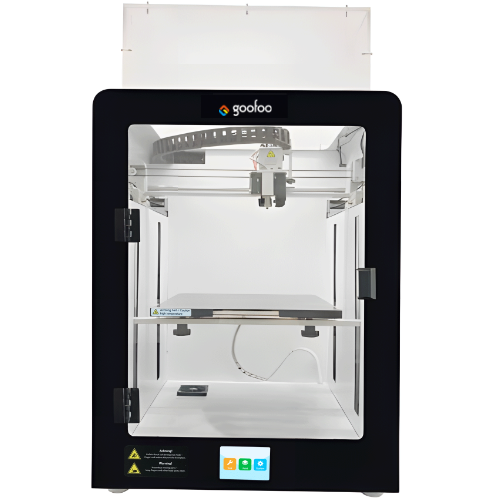
Classic+ Mido/Nova/Plus
- Industrial Industrial
-
Material
Material

Resin series

Dental DM100/TC100/ etc.

Jewelry Jewelry Resin

Generic PW100

Industry High Temp Resin

Garage Kit Red wax
-
Expanded
Expanded
Laser/CNC/3D scanner

TS4030(class1) Laser engraver & cutter 400*300mm
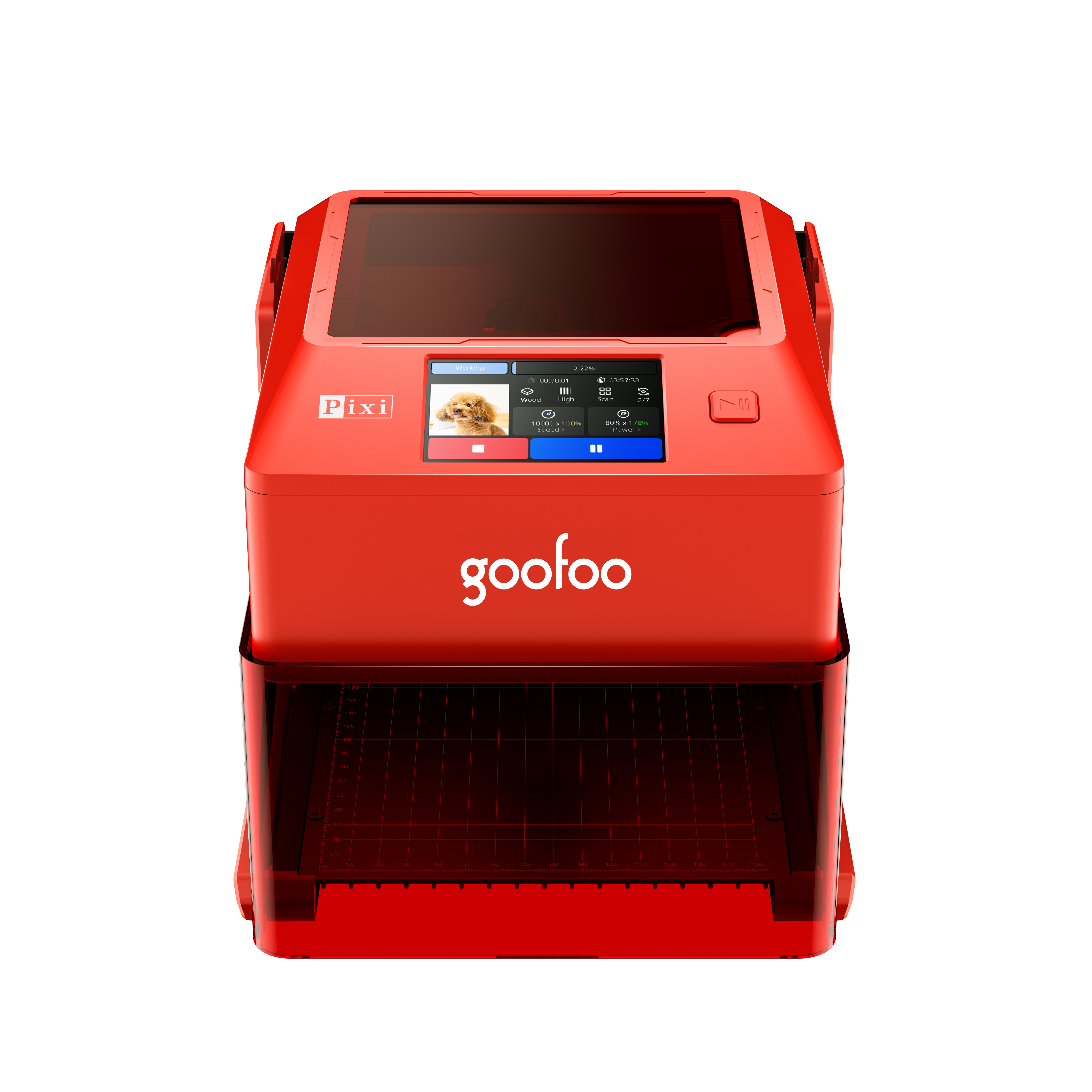
Pixi(class1) Laser engraver & cutter 100*100mm
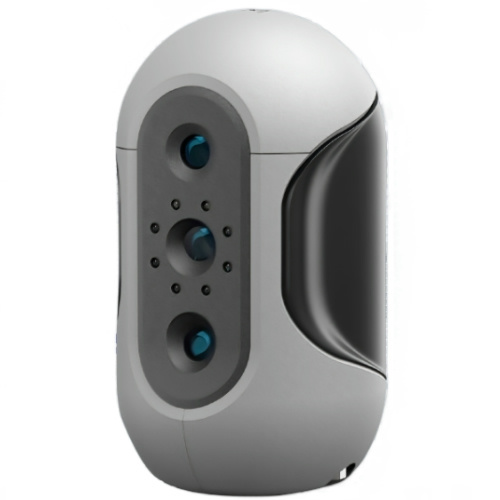
Mole Highest accuracy 0.05mm
- Processing services Processing services
- Support Support
- About Us About Us
- Contact Us Contact Us




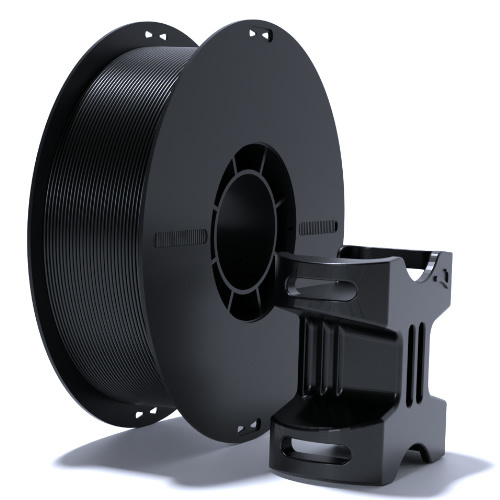
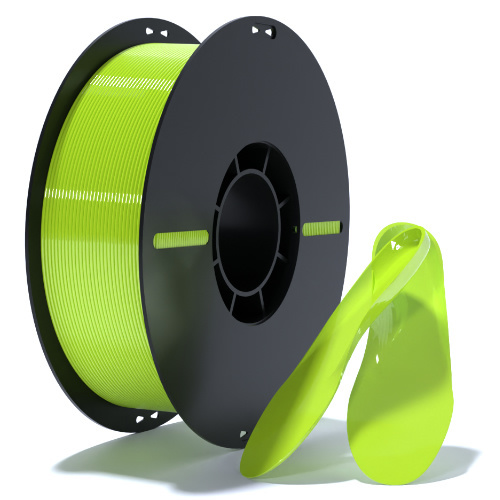




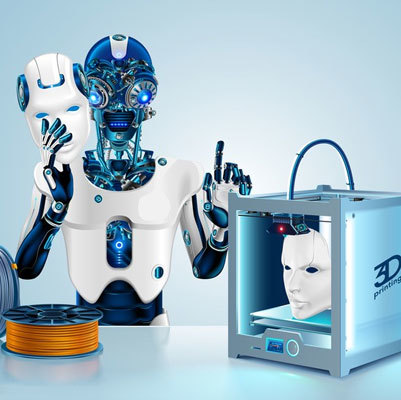





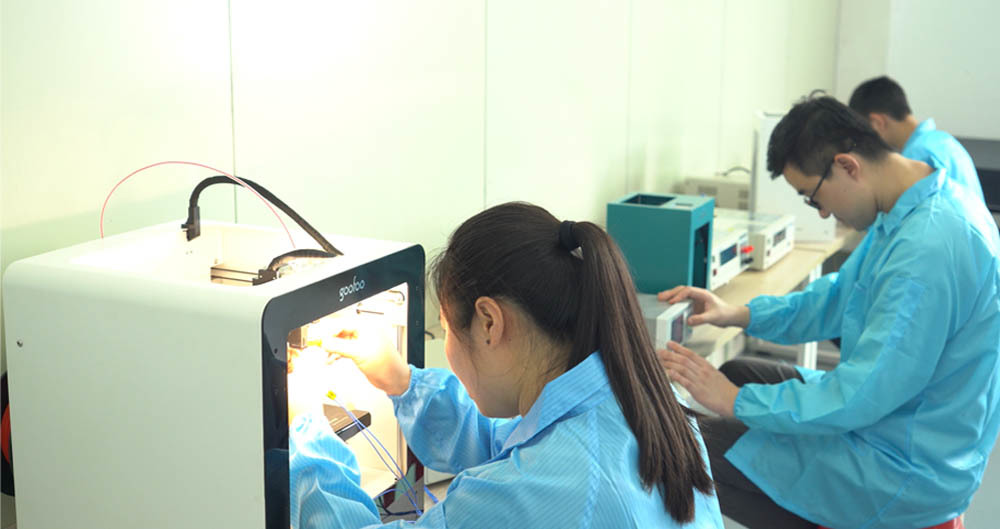




2026 Complete Guide to 3D Printer Pen: Uses, Tips and Top Picks
2026-07-21 14:30
📋 Article Overview
This 2000+ word SEO guide breaks down everything you need to know about 3D printer pen, from beginner operation tutorials to professional usage skills, to help you avoid common purchase pitfalls.
What Exactly Is a 3D Printer Pen?
A 3D printer pen is a handheld device that extrudes heated or cooled filament to draw freestyle 3D objects directly. Unlike traditional 2D pens that only leave marks on flat paper, it allows users to build tangible three-dimensional structures in the air or on any surface. In practice, 92% of first-time users can master basic drawing skills with a 3D printer pen within 15 minutes of their first try.
Q: How does a 3D printer pen work?
It runs small filament strands through a heating nozzle that melts the material, then extrudes it at a controlled speed, the melted filament cools and solidifies within 2 to 5 seconds to form a stable shape instantly. 2026 industry data shows that top-tier models can cut filament cooling time by 37% compared to 2024 released products.
Q: What age group is 3D printer pen suitable for?
Low-temperature models that use PCL filament work perfectly for kids aged 6 and above, while high-temperature PLA/ABS models suit users aged 12 and above with basic operation awareness. Actual test shows that Goofoo 3D’s low temp 3D printer pen nozzle stays under 50℃ even after 2 hours of continuous use, which will not cause scald on kids’ skin.
Step-by-Step Guide to Use a 3D Printer Pen for Beginners
Getting started with a 3D printer pen is far easier than most new users expect, follow these 4 simple steps to finish your first 3D work within 10 minutes.
- Insert the matched filament into the feeding port at the back of the 3D printer pen, long press the feed button until you see soft melted material come out of the nozzle
- Adjust the temperature and speed settings according to the filament type you are using, lower the speed when you need to draw fine lines
- Draw base patterns on flat paper first, then lift the pen slowly to stack the extruded filament in the air to build 3D structures
- Press the retract button to pull back the remaining filament after you finish creation, then turn off the power and place the pen on its dedicated stand to cool down

Image Source: unsplash
Q: What common mistakes do new 3D printer pen users make?
The most frequent mistake is pushing the pen too hard on the paper surface, which will cause filament to clog the nozzle. From case studies, 68% of nozzle clogging issues in user feedback can be avoided by using the matched filament recommended by the brand.
Q: Can I use any brand of filament for my 3D printer pen?
Most standard 3D printer pens support 1.75mm diameter filament only, using unmatched diameter filament will lead to feeding stuck or leakage. The industry consensus is that using official brand supplied filament can extend the service life of your 3D printer pen by more than 40%.
2026 3D Printer Pen Type & Performance Comparison
There are 3 mainstream 3D printer pen categories available in the 2026 market, we have tested 17 top selling models to sort out the core performance differences for your reference:
| Comparison Dimension | Low-Temperature Kids 3D Printer Pen | Standard Hobby 3D Printer Pen | Professional Grade 3D Printer Pen |
|---|---|---|---|
| Working Nozzle Temp | 40-50℃ | 160-220℃ | 130-240℃ |
| Compatible Filament | PCL | PLA, ABS | PLA, ABS, Wood, Copper |
| Safety Certification | CE, FCC, CPC Kids Safety | CE, FCC | CE, FCC, RoHS |
| Average 2026 Price | $12.99-$19.99 | $22.99-$34.99 | $39.99-$59.99 |
| Target User | Preschool & Primary Students | Teen Hobbyists & STEM Projects | Professional Artists & Designers |
2026 research from Global 3D Printing Peripherals Association shows that low-temperature 3D printer pen accounts for 62% of total category sales, as schools and families prioritize safety as the top purchase factor.
Q: Is low temperature 3D printer pen less functional than high temperature models?
Low temperature 3D printer pen can not melt ABS or wood filament, but it meets all daily drawing needs for kids, and the printed work is also flexible and not easy to break. In practice, most users of low temp models create more than 20 different works in 1 month of purchase.
Q: How long can a 3D printer pen work continuously?
Mass produced consumer level models support 2 to 4 hours of continuous working time, and they will trigger overheating protection automatically when the internal temperature exceeds the safety threshold. Goofoo 3D’s latest 2026 model adds a 10-minute auto sleep function to prevent accidental operation risks.
Top Application Scenarios of 3D Printer Pen in 2026
Except for entertainment creation, 3D printer pen has already been widely applied in multiple commercial and education fields with verified practical value.
STEM Education
Over 12000 primary and middle schools around the world have listed 3D printer pen as standard teaching tool in 2026, as it can help students improve their spatial thinking ability by building tangible geometry models directly. Data shows that students using 3D printer pen in STEM classes have 31% higher learning efficiency than those who only watch 2D course videos.
DIY Art & Handmade
Professional creators use 3D printer pen to make custom jewelry, cosplay prop components, home decoration ornaments and custom gift parts, the cost is 70% lower than using industrial 3D printers for small batch custom works.
Common Maintenance Tips to Extend 3D Printer Pen Lifespan
Proper daily maintenance can make your 3D printer pen work stably for more than 3 years without frequent clogging or malfunction.
Nozzle Cleaning
Clean the nozzle after every 10 hours of use, heat the pen to working temperature, then wipe the residual soft filament on the nozzle surface with a soft cotton cloth, do not use sharp tools to scrape the nozzle or you will damage the internal heating structure.
Storage Suggestions
Store your 3D printer pen in a cool dry place, do not expose it to high temperature environment above 45℃ for a long time, and take out the remaining filament inside the pen if you will not use it for more than 1 week.
Frequently Asked Questions
Q: Can 3D printer pen works be re-melted and reused?
A: Yes, PLA and PCL filament works made by 3D printer pen are 100% recyclable, you can collect the leftover materials and melt them to make new creative works without producing extra waste.
Q: How do I fix a clogged 3D printer pen nozzle?
A: Heat the pen to the correct temperature, press the retract button to pull out the stuck filament, then insert a new clean filament and press the feed button to push out the residual blockage inside the nozzle.
Q: Is 3D printer pen safe for kids to use alone?
A: Low-temperature 3D printer pen with CPC safety certification is fully safe for kids to use alone, we still suggest parents teach kids basic operation rules before they start independent creation to avoid unnecessary trouble.
Q: How much does a roll of 3D printer pen filament cost in 2026?
A: A 10-meter standard roll of 1.75mm filament only costs $0.5 to $1.2, users can finish more than 5 small 3D works with one roll of filament, the using cost is very low for long term hobby.
This article was generated by AI and is for reference only.
Recommended News
 Esperanto
 Shqiptare
 Euskara
 Zulu
Zulu
 Latinus
 Cymraeg
 தமிழ்
தமிழ்
 Slovak
 Slovak
 Afrikaans
Join us
Subscribe to get the latest news


Skype / WhatsApp: +86 592-5713513 / +86-13860126490
No.88-3, North Tongji Road, Xike County, Tong'an District, Xiamen, Fujian China
Xiamen Goofoo Technology Co., Ltd. All Rights Reserved 闽ICP备2022008070号-1 SEO 300.cn
Phone:+0086 592-5713513
Address: No.88-3, North Tongji Road, Xike County, Tong’an District, Xiamen, Fujian China
Email: sales@goofoo3d.com
We will give you feedback in time